Wallpaper iPhone Black Texture
Black with something to feel — carbon weave, leather grain, brushed metal and fabric, cut for iPhone screens. Shared by community members; sign in to upload yours.





















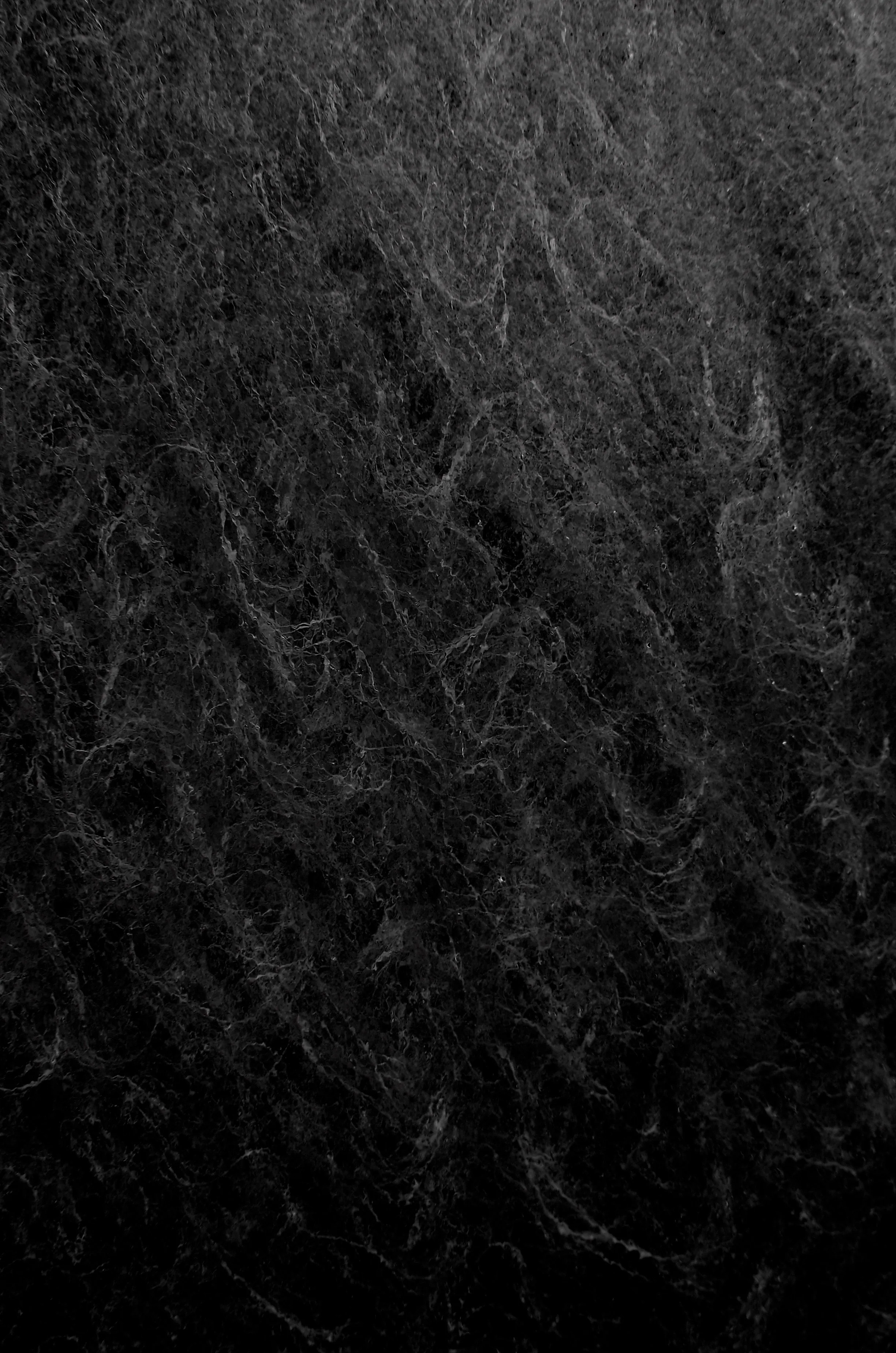
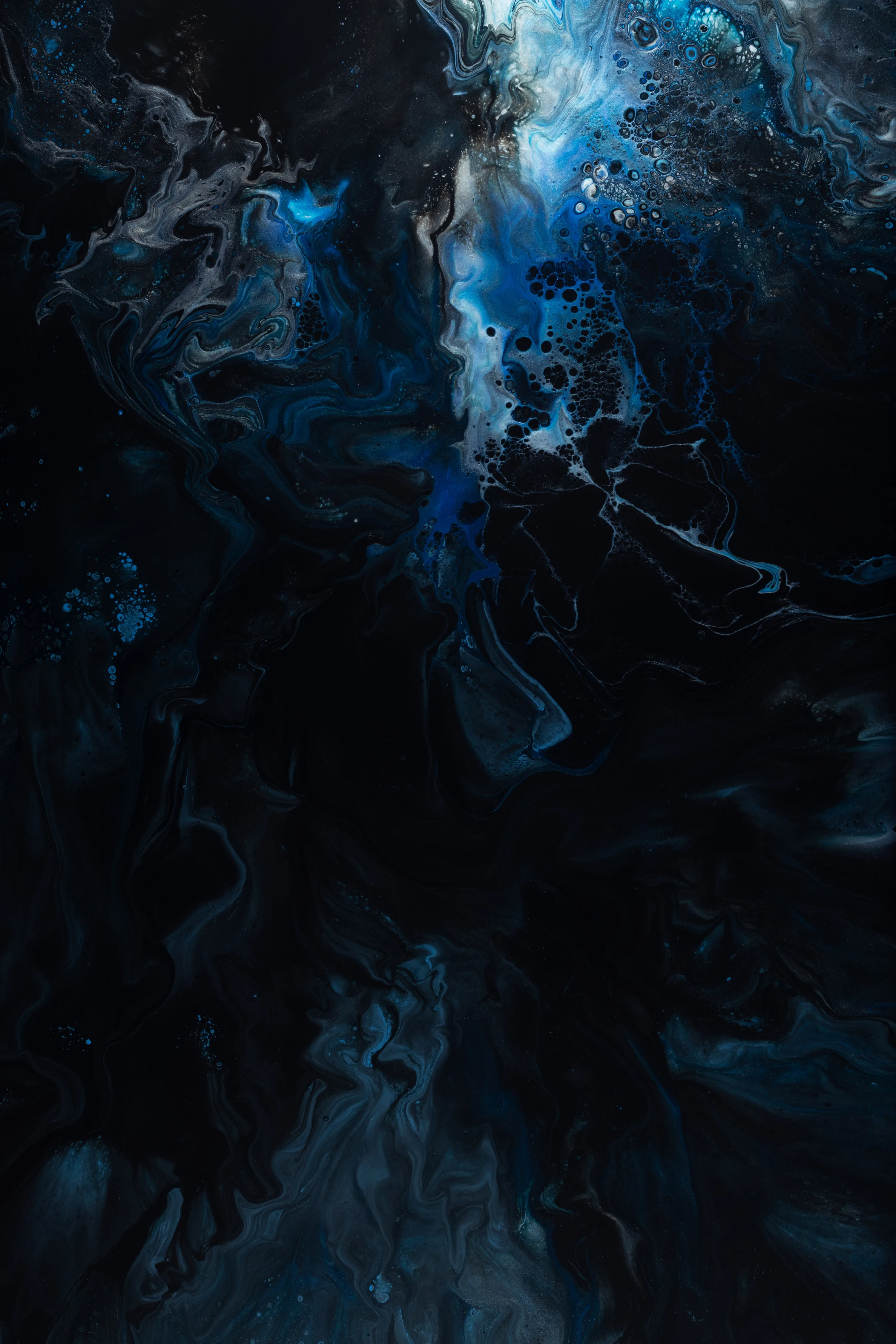
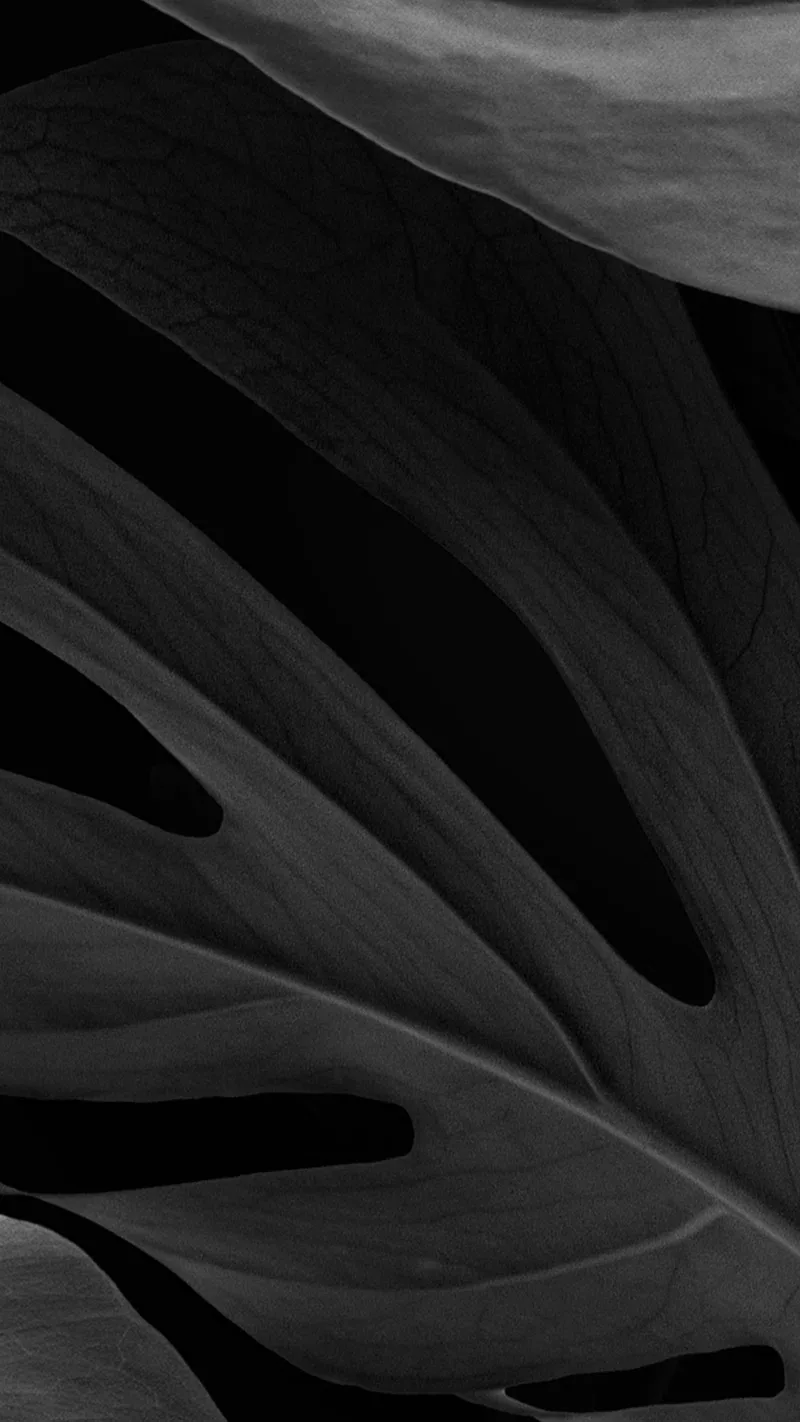

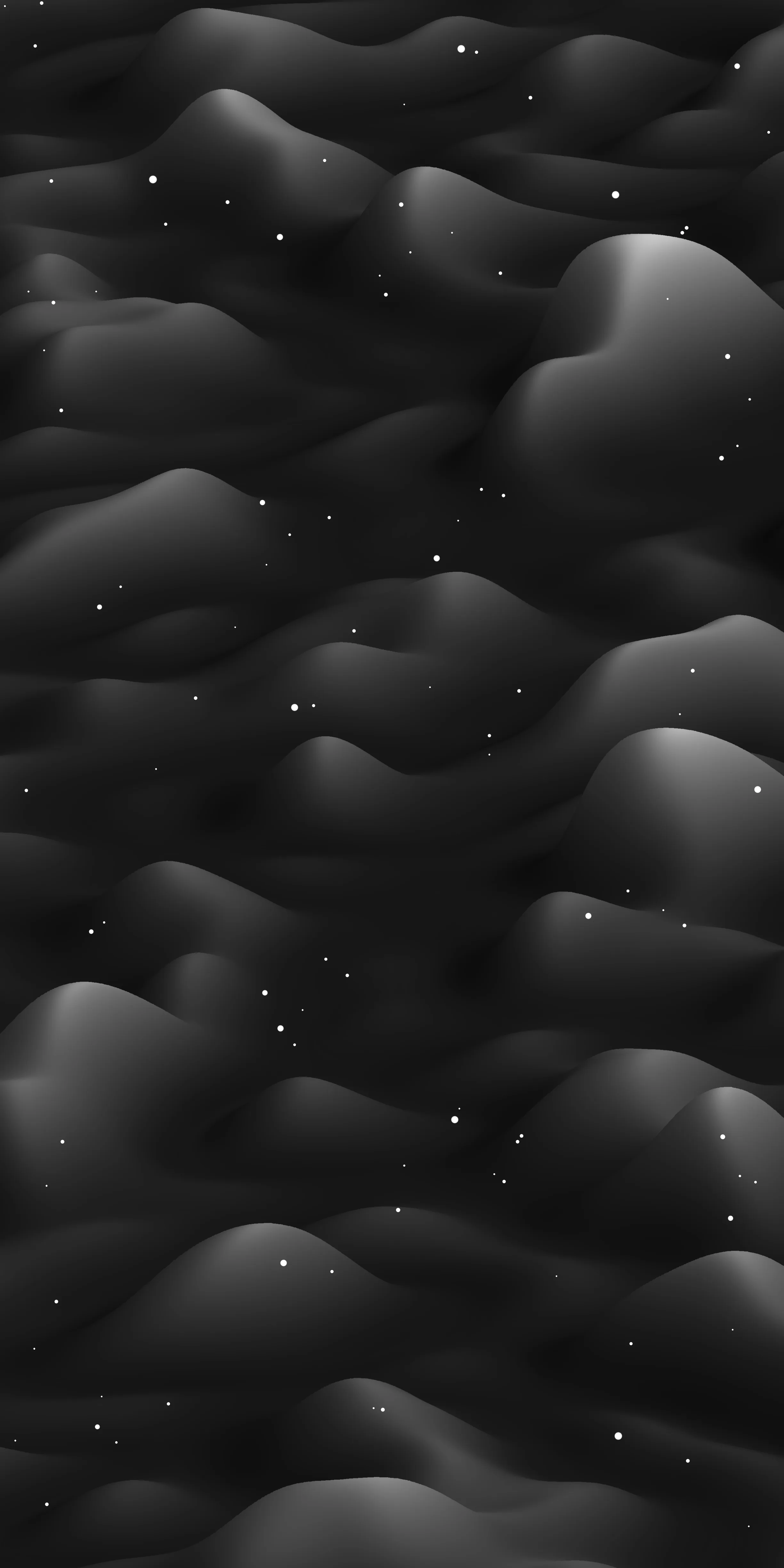

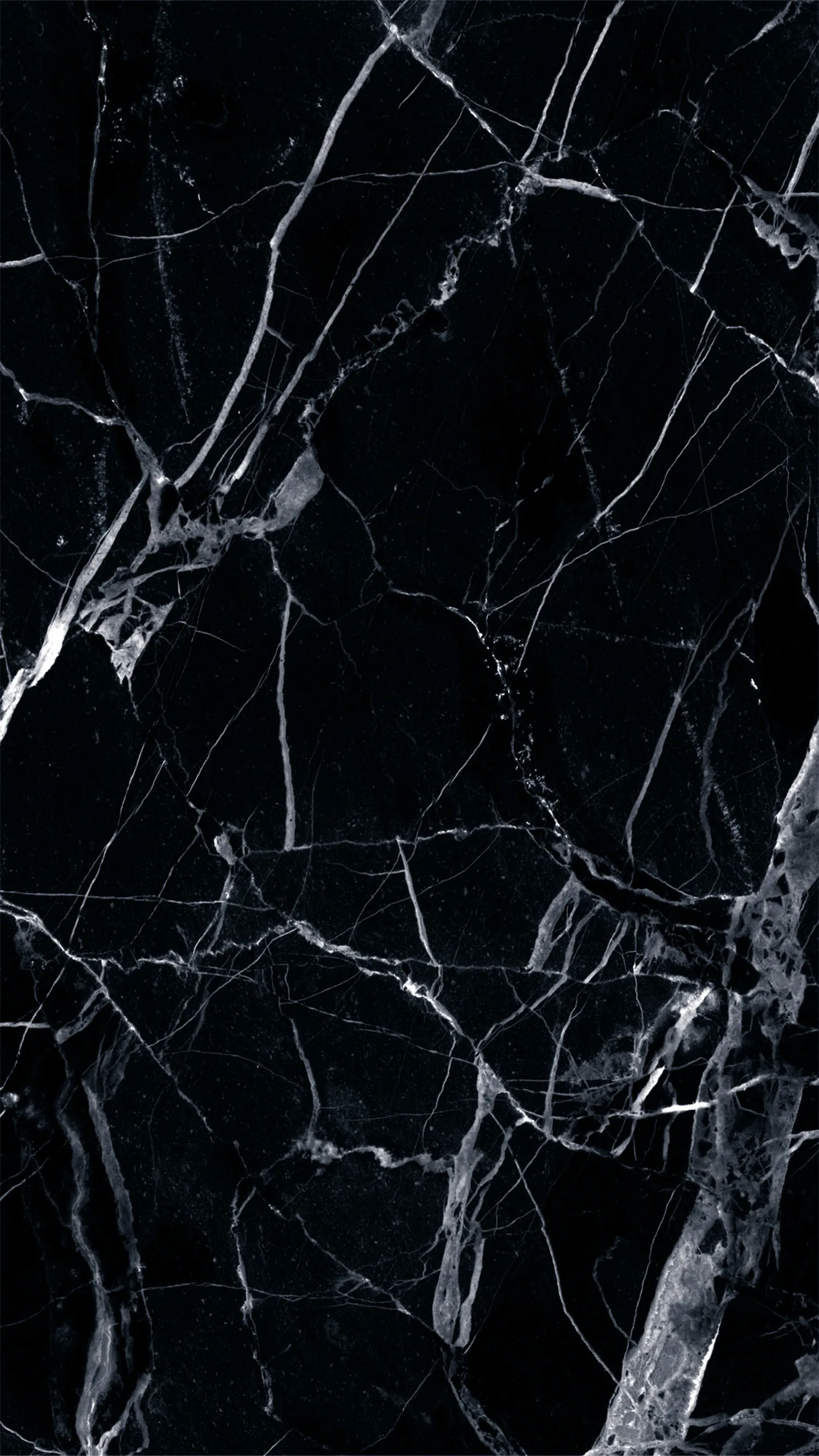

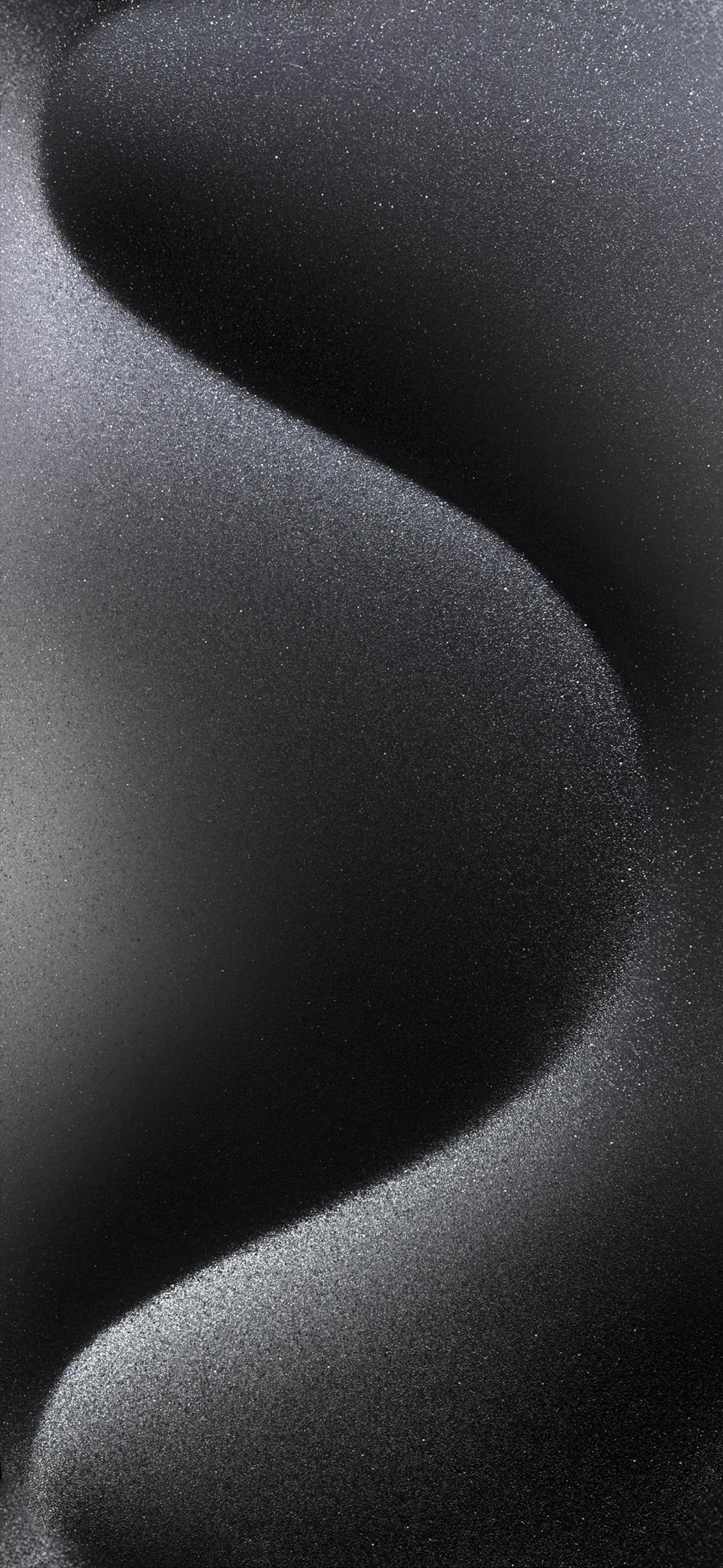

Fine texture is the first thing lost when an image is re-saved small, and it shows badly on an iPhone: the Retina panel packs roughly 460 pixels per inch, so a soft file looks soft immediately. These are kept at 1170x2532 and up. One practical note — busy texture can make lock-screen text harder to read, so the calmer weaves work better on the lock screen and the bold ones on the home screen. Long-press to save; free for personal use.
Common questions
Do black wallpapers actually save battery?
On OLED and AMOLED screens, yes. A true-black (#000000) pixel is switched off rather than dimmed, so it draws no power — and with an always-on display that runs all day the difference is measurable. On an LCD screen it saves nothing, because the backlight stays on either way. Not sure which you have? Our OLED test tool fills the screen with pure black: on an OLED it goes completely dark, on an LCD you can still see the backlight glowing grey.
How do I set one as my wallpaper?
Long-press the image and choose Save to Photos, then open Settings → Wallpaper → Add New Wallpaper and pick it from your library.
Last updated: