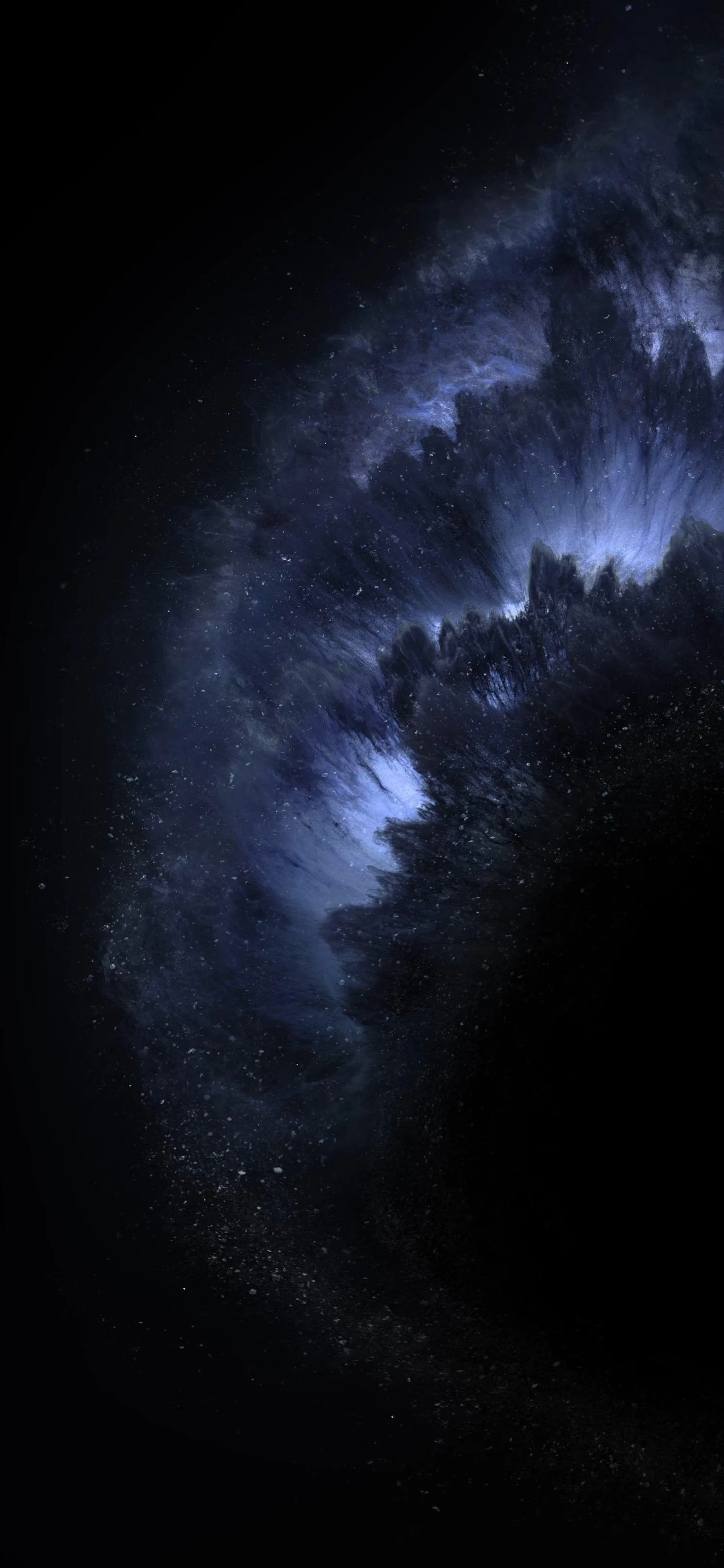
1440×2560
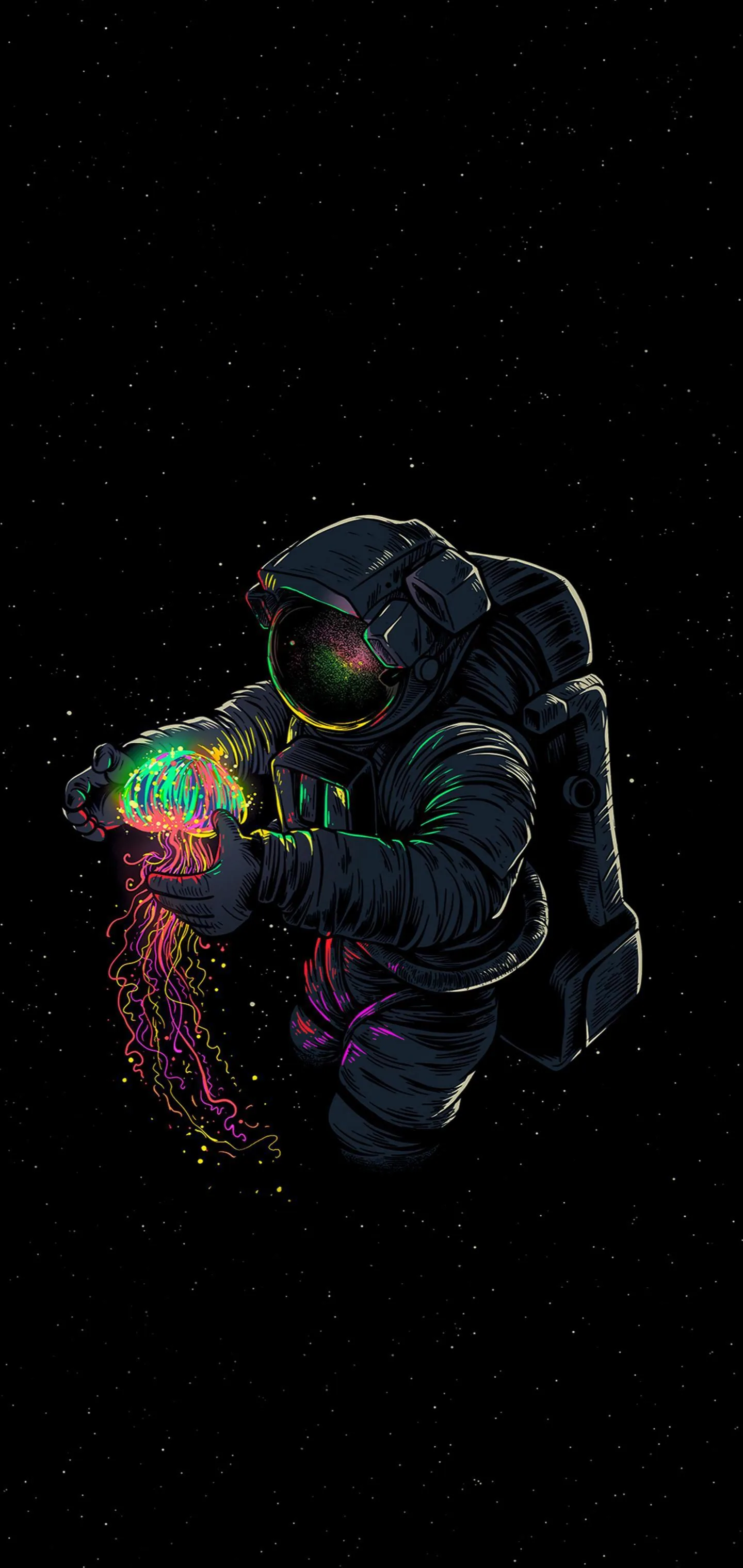
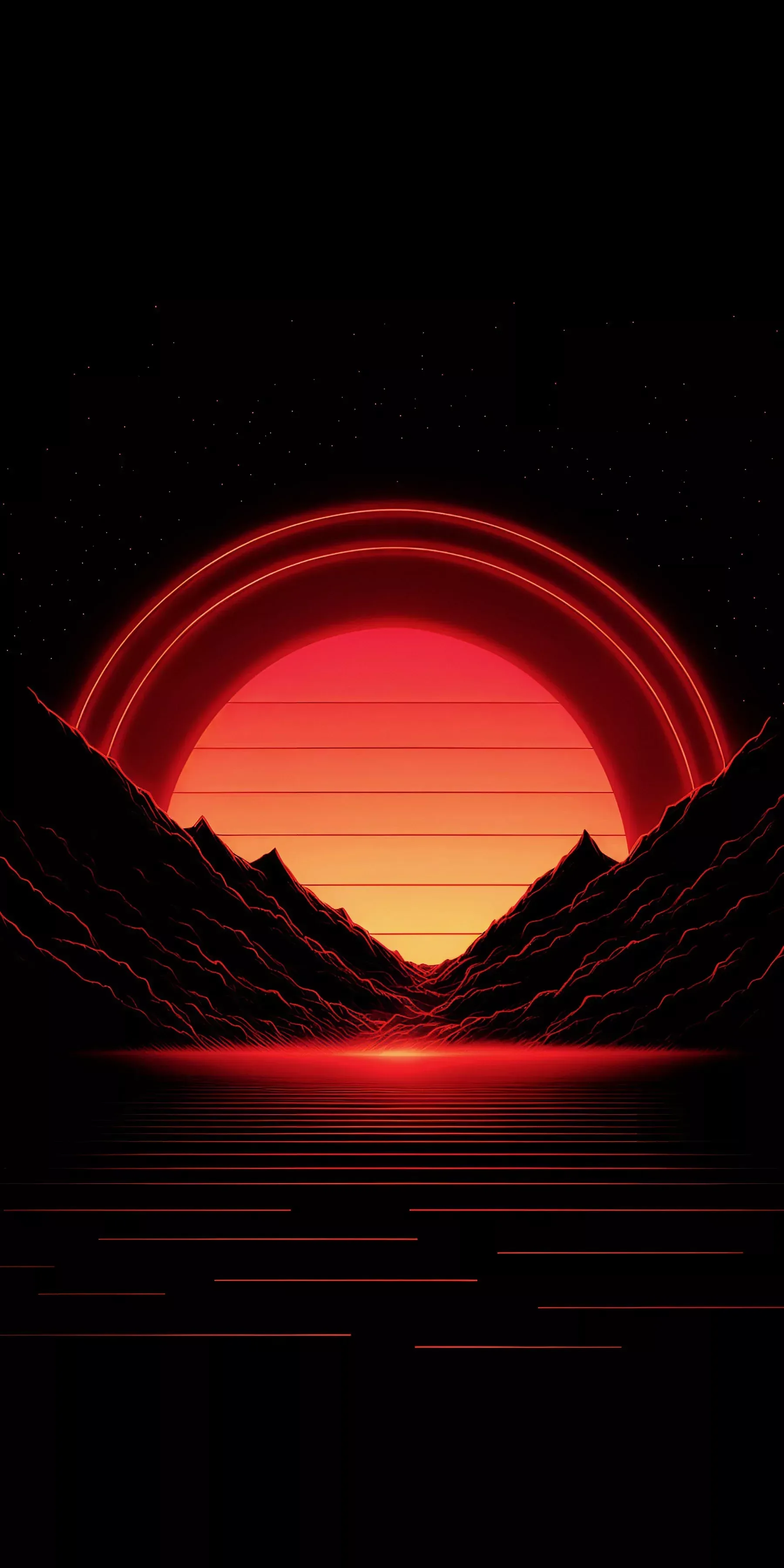
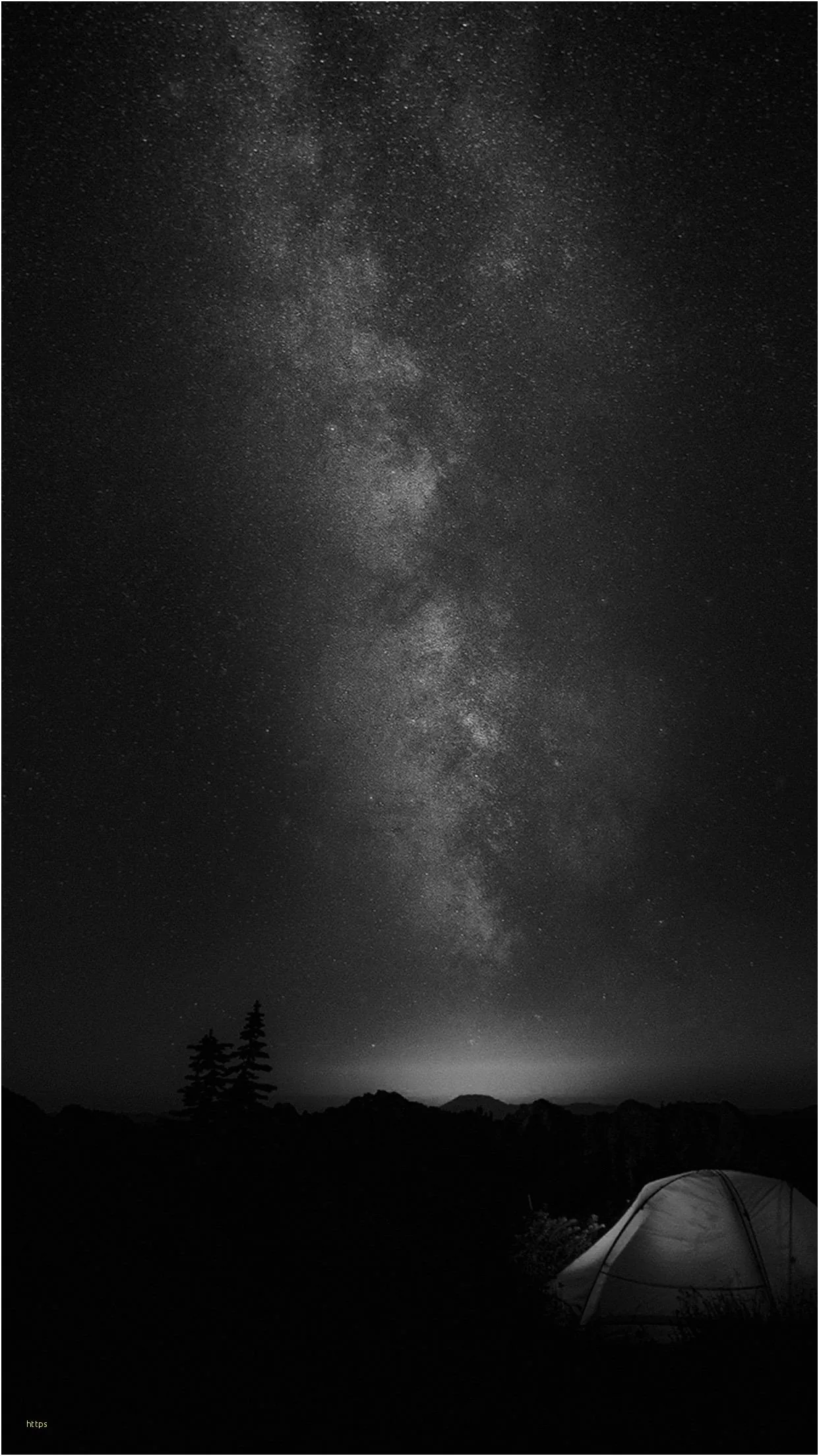
True black means #000000 exactly — not near-black, not charcoal. These are the ones that make the screen edge disappear. Community uploads; register to share yours.
The distinction is worth being precise about. #000000 on an OLED iPhone means the pixel is off: no light, no power, and in a dark room you genuinely cannot tell where the screen ends. #0A0A0A looks identical in daylight but every pixel is still lit and still drawing current. Files here are checked for the real thing and sized 1170x2532 and up. Run any of them through our OLED test tool if you want to see the difference yourself. Long-press to save, free for personal use.
On OLED and AMOLED screens, yes. A true-black (#000000) pixel is switched off rather than dimmed, so it draws no power — and with an always-on display that runs all day the difference is measurable. On an LCD screen it saves nothing, because the backlight stays on either way. Not sure which you have? Our OLED test tool fills the screen with pure black: on an OLED it goes completely dark, on an LCD you can still see the backlight glowing grey.
Long-press the image and choose Save to Photos, then open Settings → Wallpaper → Add New Wallpaper and pick it from your library.
Last updated: