Samsung Wallpaper
Made for Galaxy screens. This set covers Samsung's tall AMOLED displays — the S-series, Note, A-series and the folding Z line — with everything from official-style stock art to deep blacks that suit One UI's dark mode. Preview any one and download it free; signed-in members can post their own Samsung wallpaper here too.




























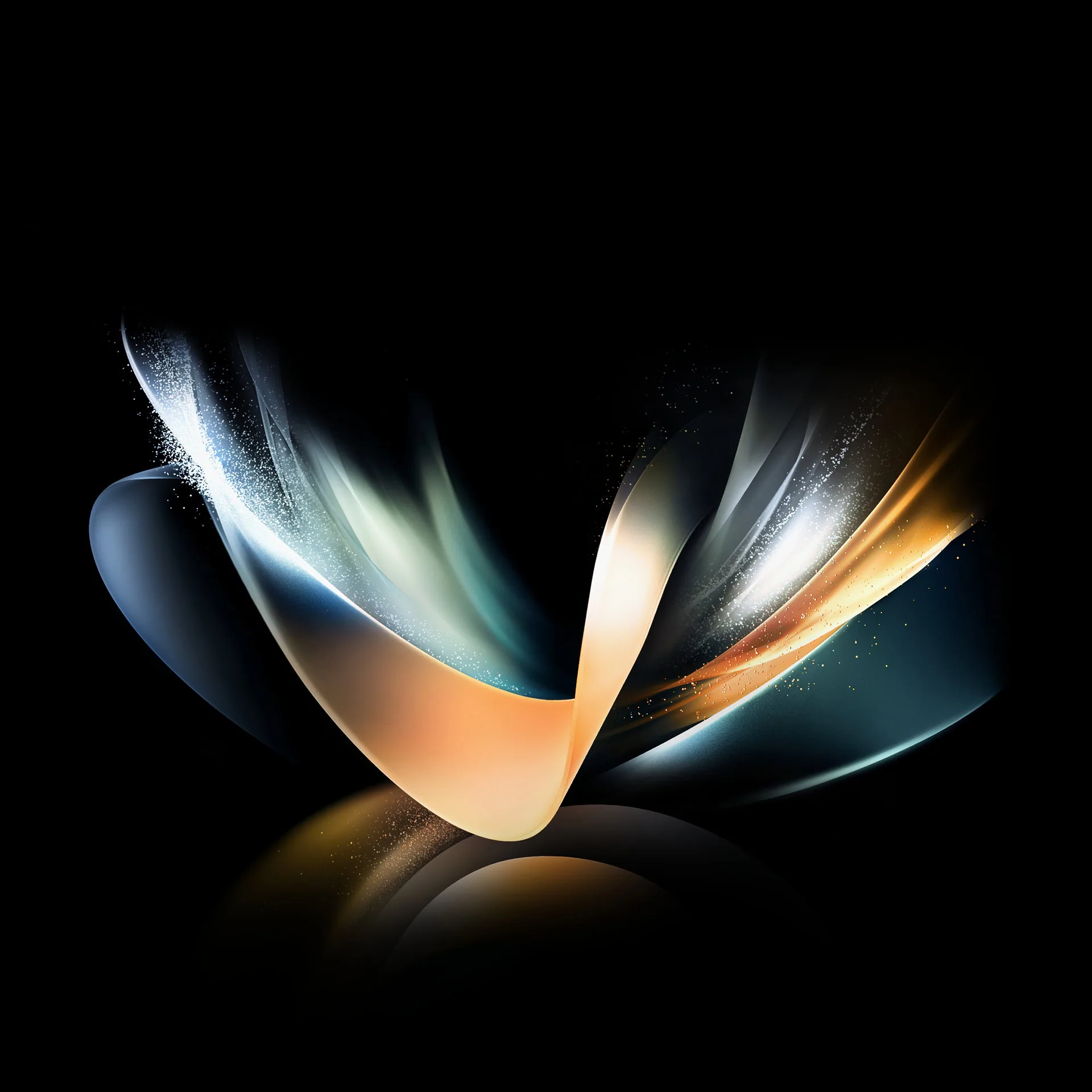

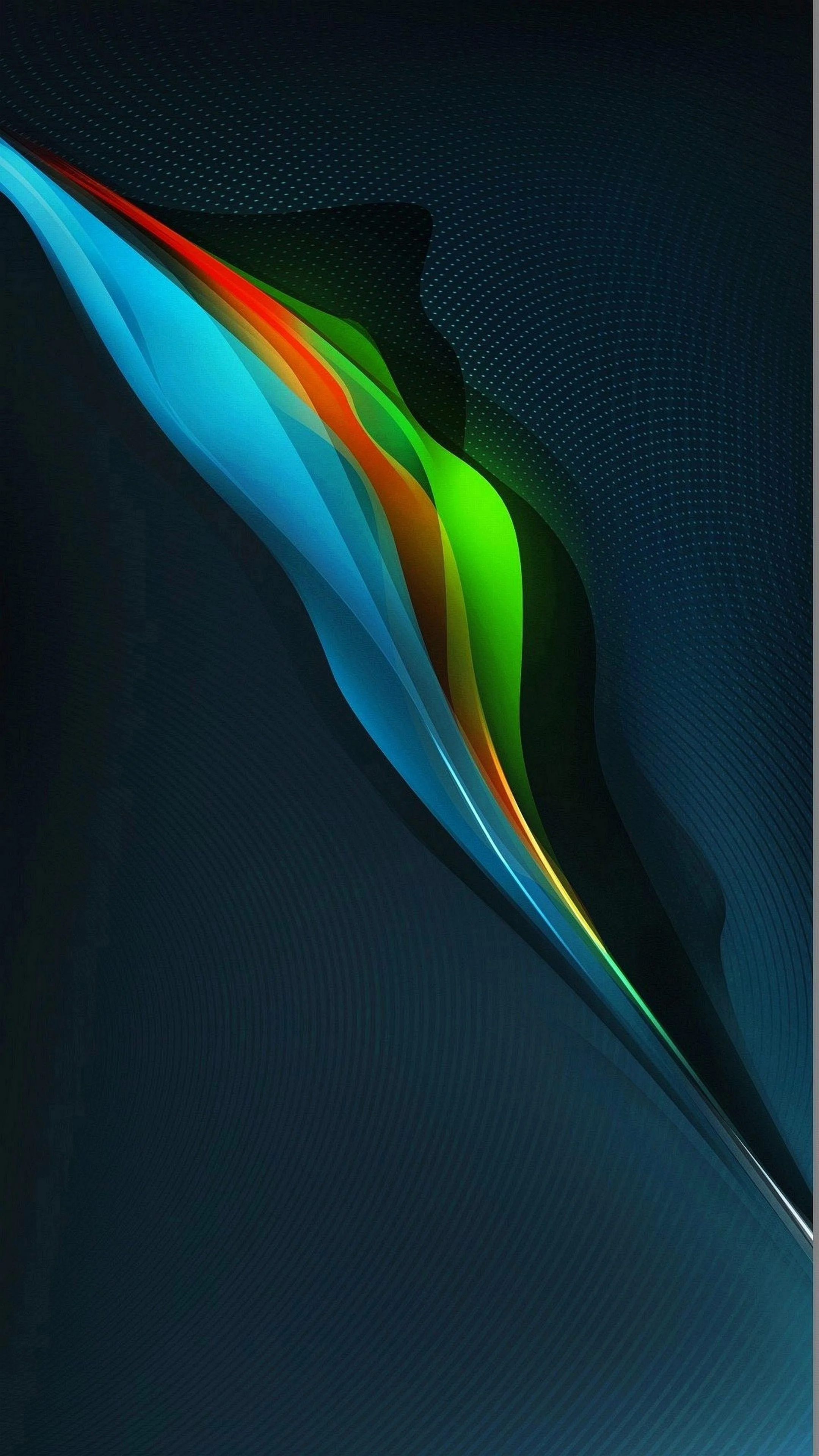

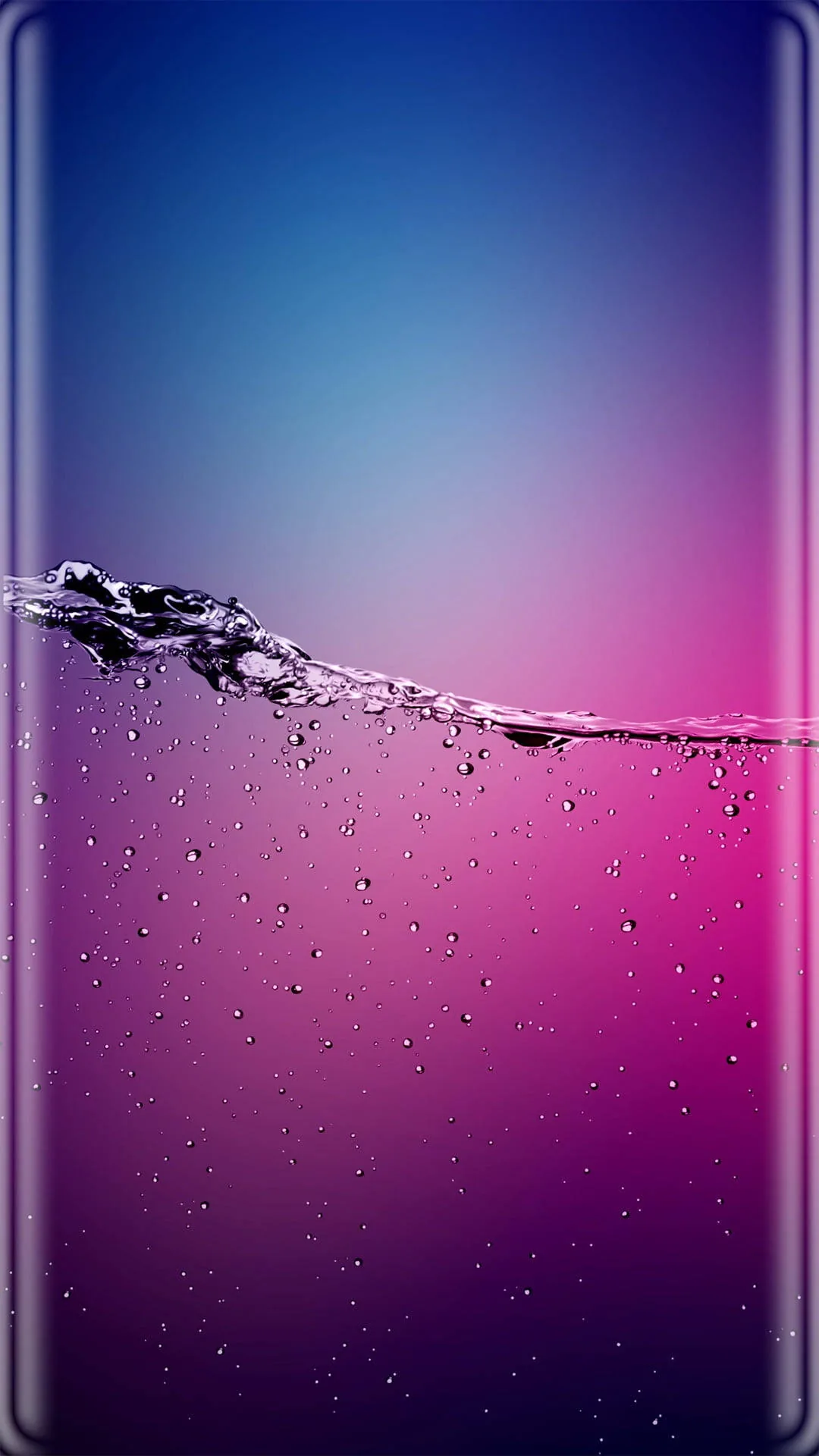
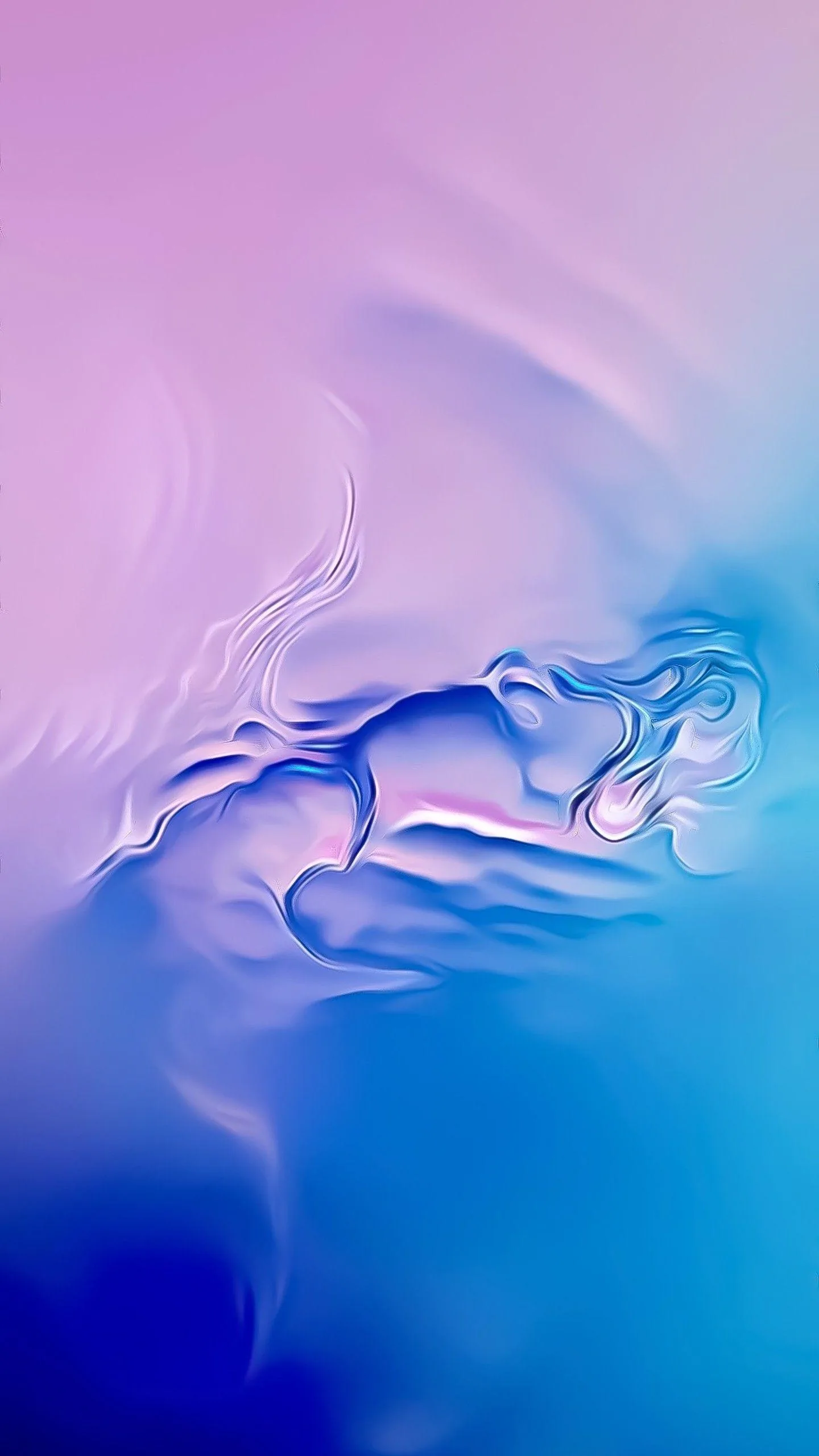




Samsung's Super AMOLED panels show true black by switching pixels off, so the darker picks double as a battery saver — while the punchy, saturated shots make the most of that contrast. Resolutions run from 1080×2340 up to Quad-HD+ (1440×3088) for the S-Ultra models, so nothing looks soft after cropping. To set one: save the image, open Wallpaper in Settings (or Galaxy Themes), and choose your lock or home screen. All free, personal use, no watermark.
Common questions
How do I set one as my wallpaper?
Long-press the image and save it, then open your Gallery or Photos app, tap the menu and choose Set as wallpaper. On Samsung you can also long-press the home screen and tap Wallpaper.
Free for personal use. Licensing terms.
Last updated: