Pure Black Desktop Wallpaper
True black for a monitor — solid fills, matte near-blacks, and a few pieces that break the void with a gold triangle or a spray of stars. Built for people who want the desktop to disappear behind their icons. Free downloads; sign in to contribute.


































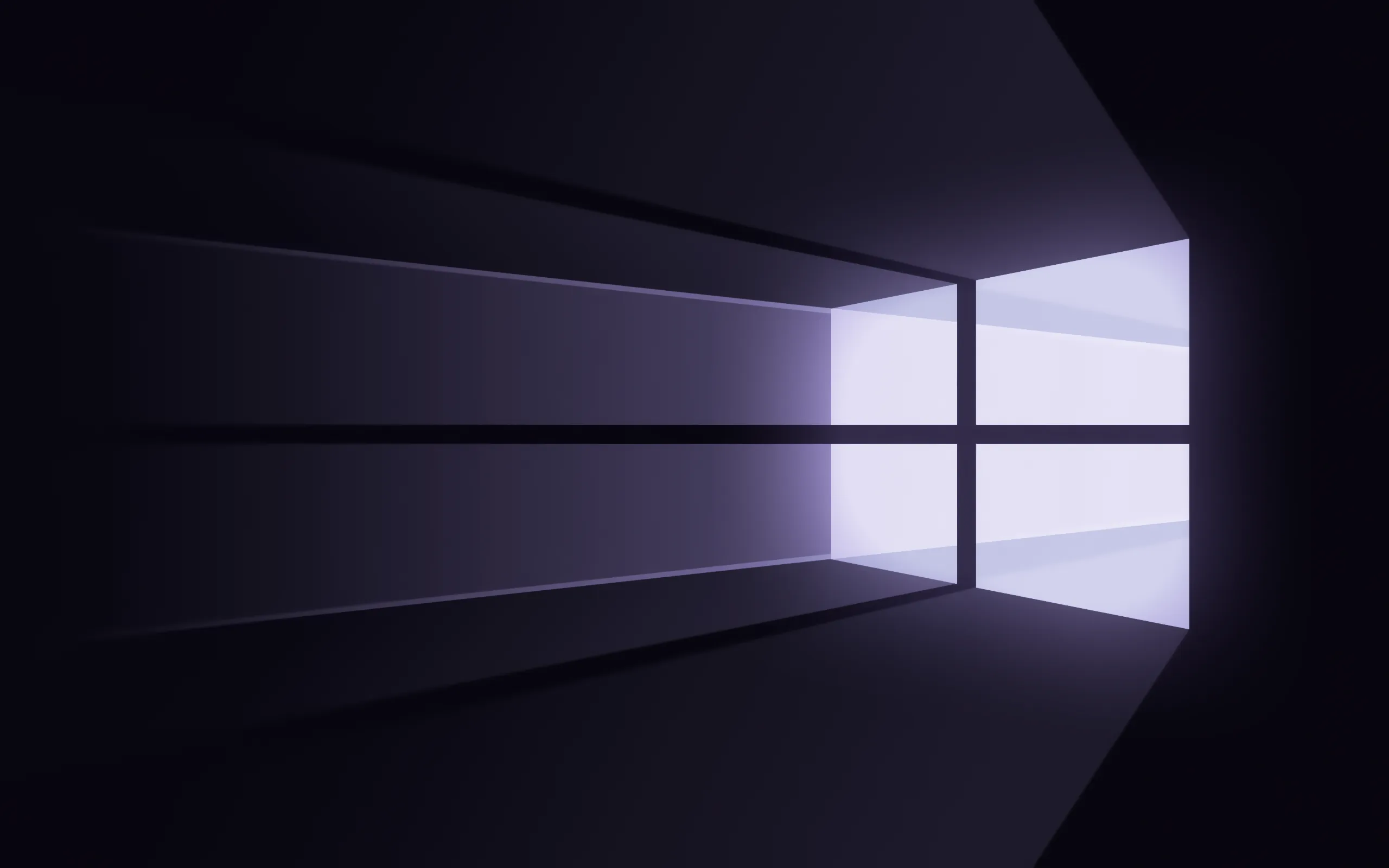

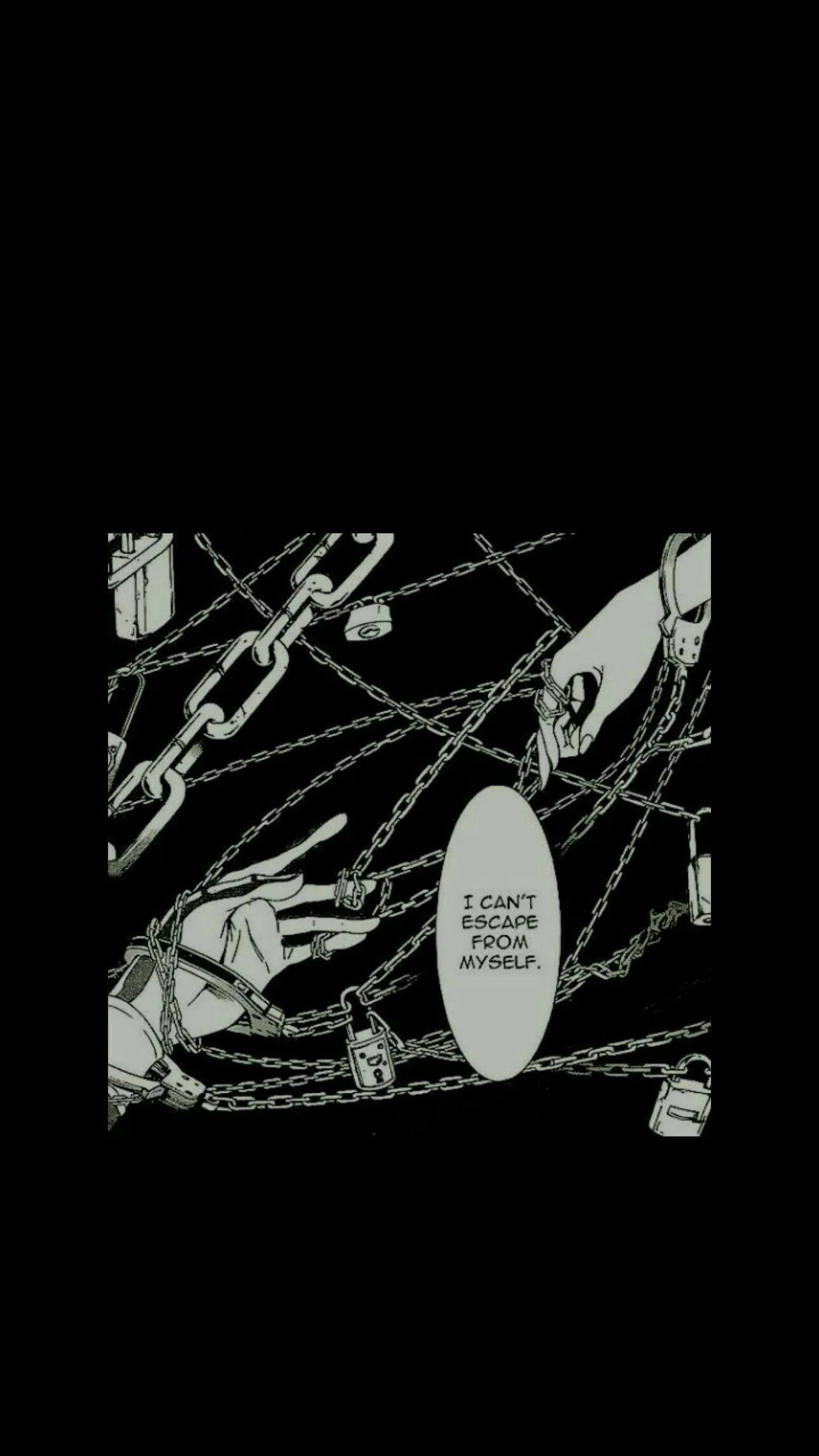
A pure black desktop does one practical thing brilliantly: it makes everything on top of it easier to read. Icon labels, widgets, terminal windows — they all sit sharper on a void than on a photo. This set keeps the strict solids up front and lets a little texture in at the edges — abstract chaos strokes, a celestial scatter, one triangle of gold when total emptiness feels too empty. Right-click the one you want, Save image as, then set it as your desktop background. Free for personal use, no watermark.
Common questions
How do I set one as my wallpaper?
Right-click the image and choose Save image as. On Windows, right-click the saved file and pick Set as desktop background; on macOS, open System Settings → Wallpaper and add it.
Last updated: