1024×1820
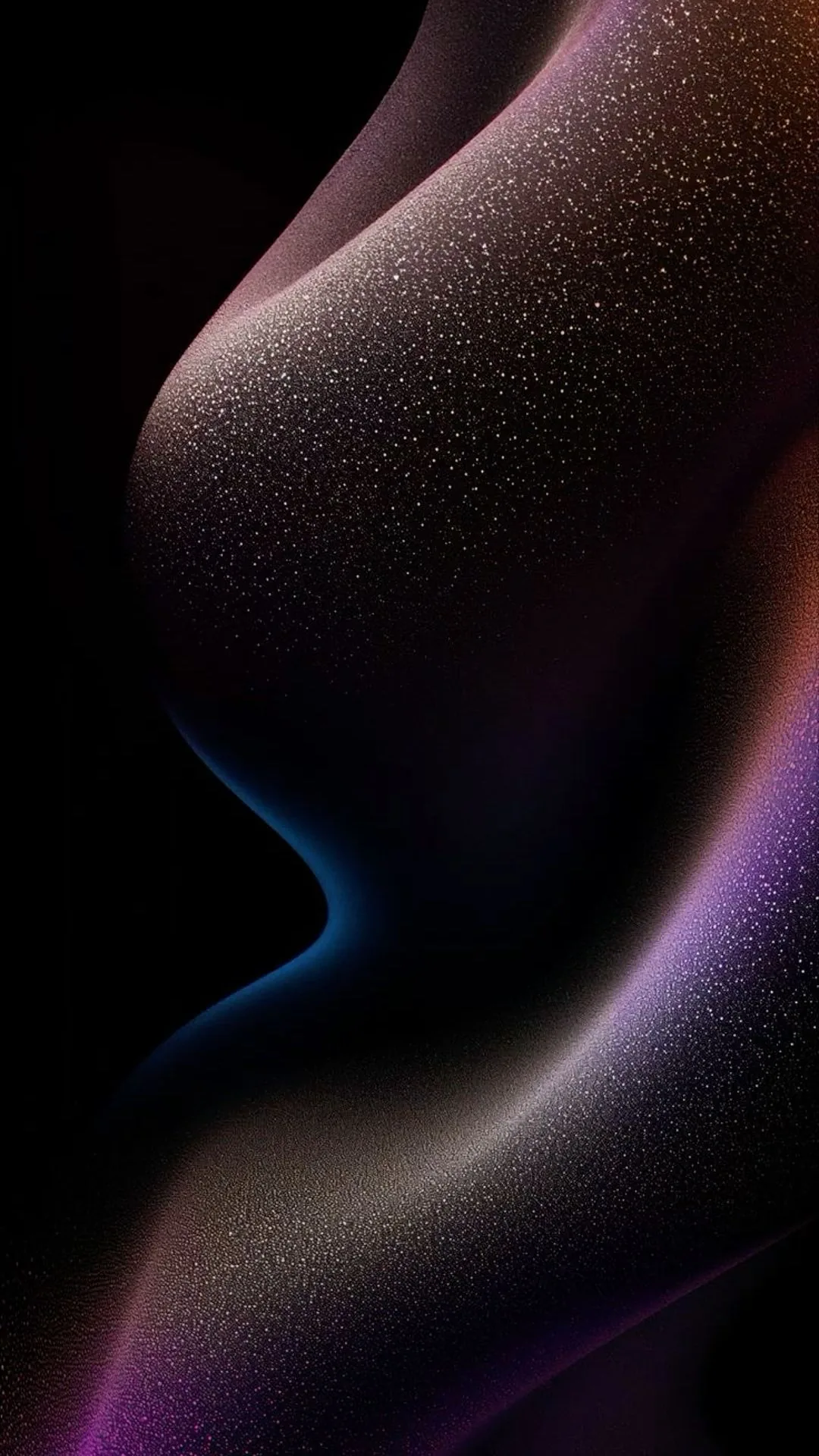
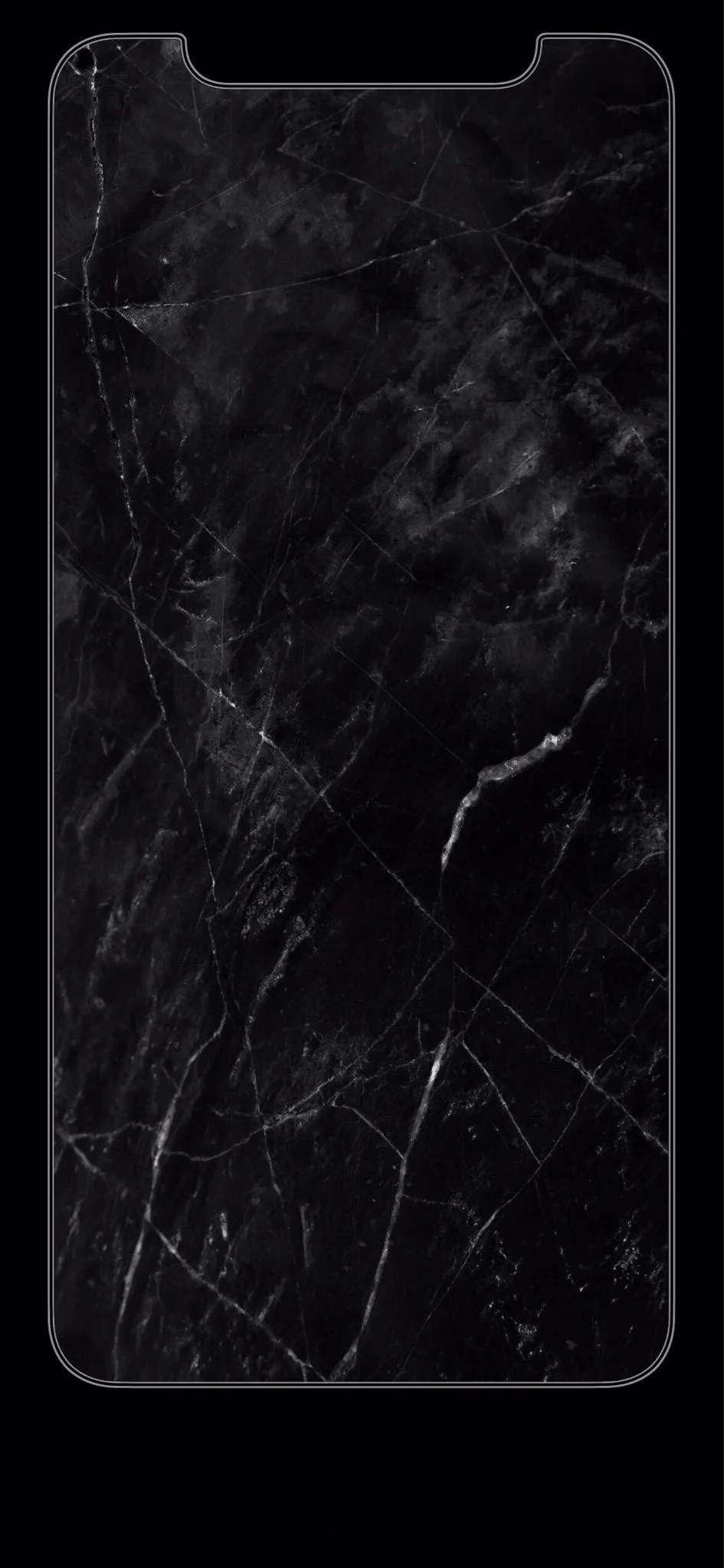
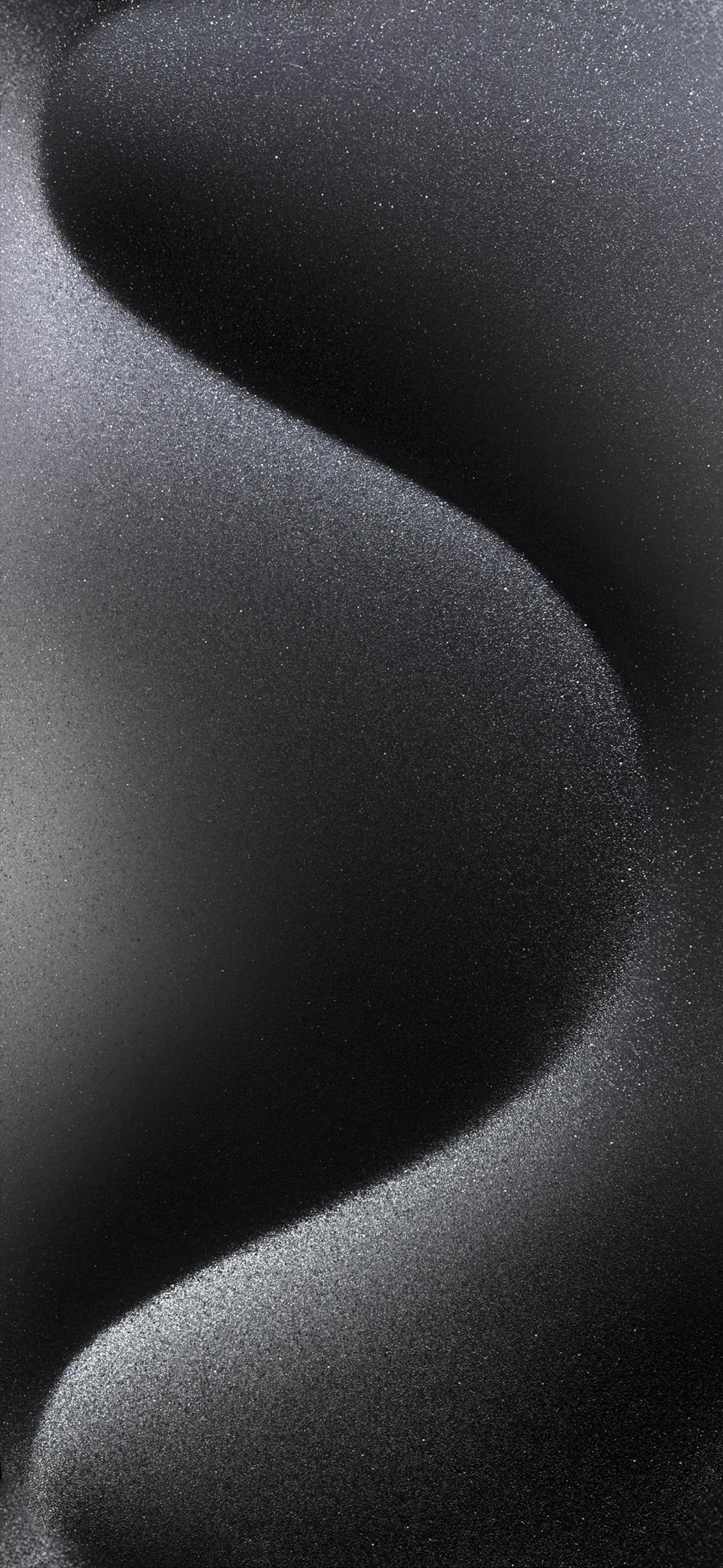
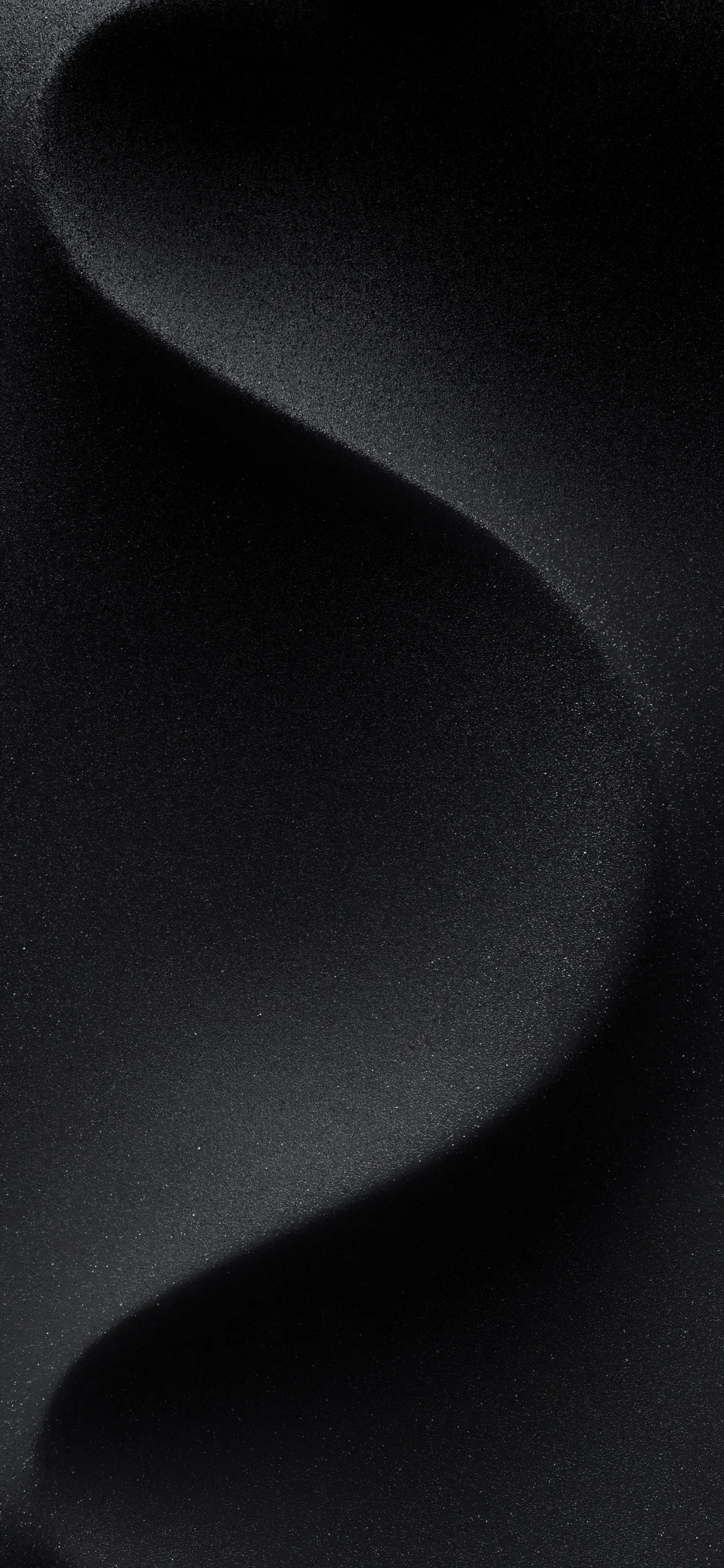
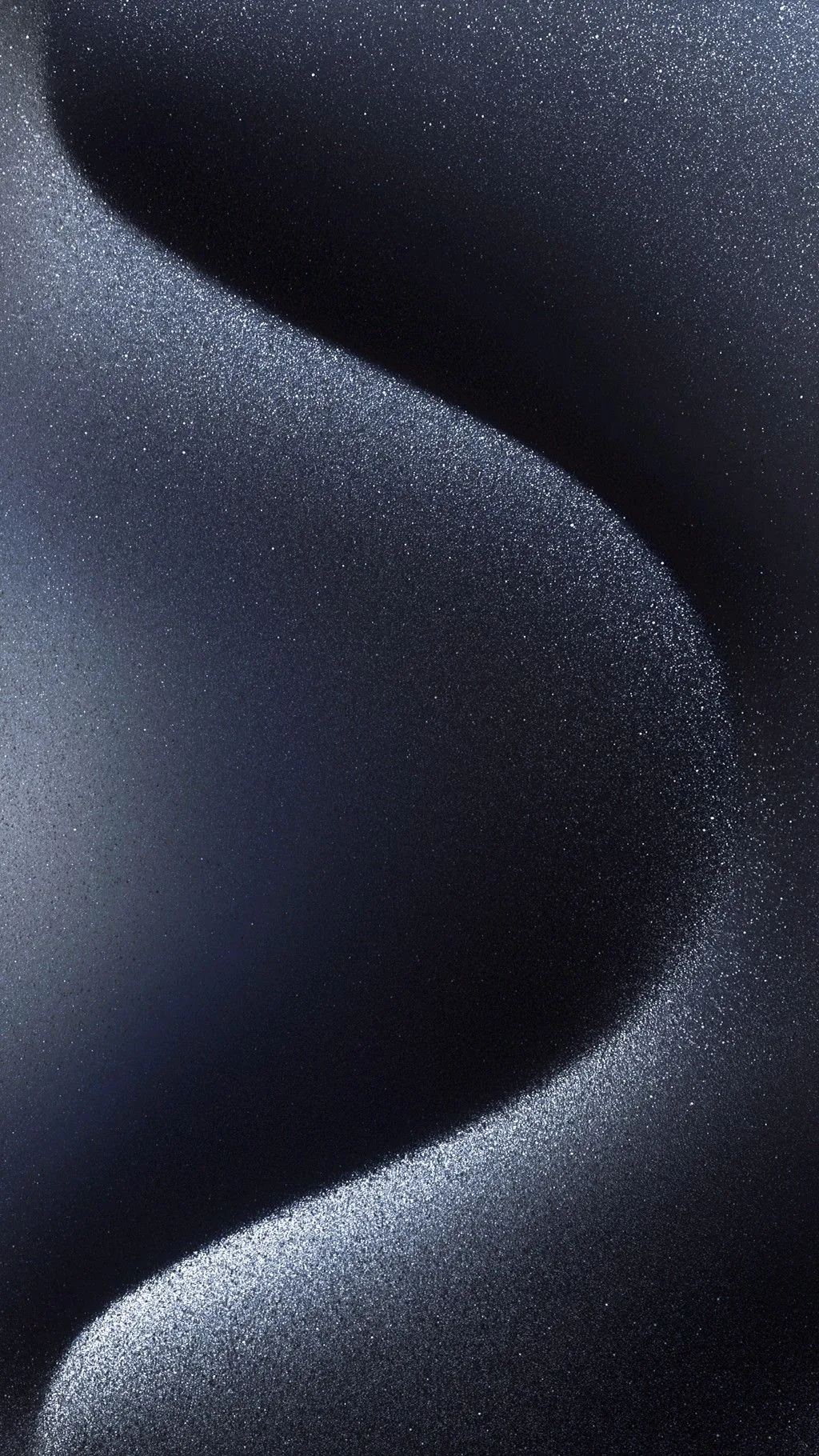
The stock look — dark backgrounds in the style Apple ships, plus the original black wallpapers themselves at full size. Community-shared; register to upload yours.
Apple's own dark wallpapers are built around true black with a single soft gradient, which is why they look calm behind the lock-screen clock rather than fighting it. Files here follow that same restraint and are kept at 1170x2532 and above, so they cover an iPhone 13 through 17 without upscaling. Save to Photos, then Settings > Wallpaper > Add New Wallpaper > Photos. Free for personal use, no watermark.
On OLED and AMOLED screens, yes. A true-black (#000000) pixel is switched off rather than dimmed, so it draws no power — and with an always-on display that runs all day the difference is measurable. On an LCD screen it saves nothing, because the backlight stays on either way. Not sure which you have? Our OLED test tool fills the screen with pure black: on an OLED it goes completely dark, on an LCD you can still see the backlight glowing grey.
Long-press the image and choose Save to Photos, then open Settings → Wallpaper → Add New Wallpaper and pick it from your library.
Last updated: