Black Windows 11 Wallpaper
Windows 11 gone dark — Bloom in midnight blue-black, official dark-mode stock, ultrawide blacks, ribbon abstracts. The current OS at its calmest. Free downloads.
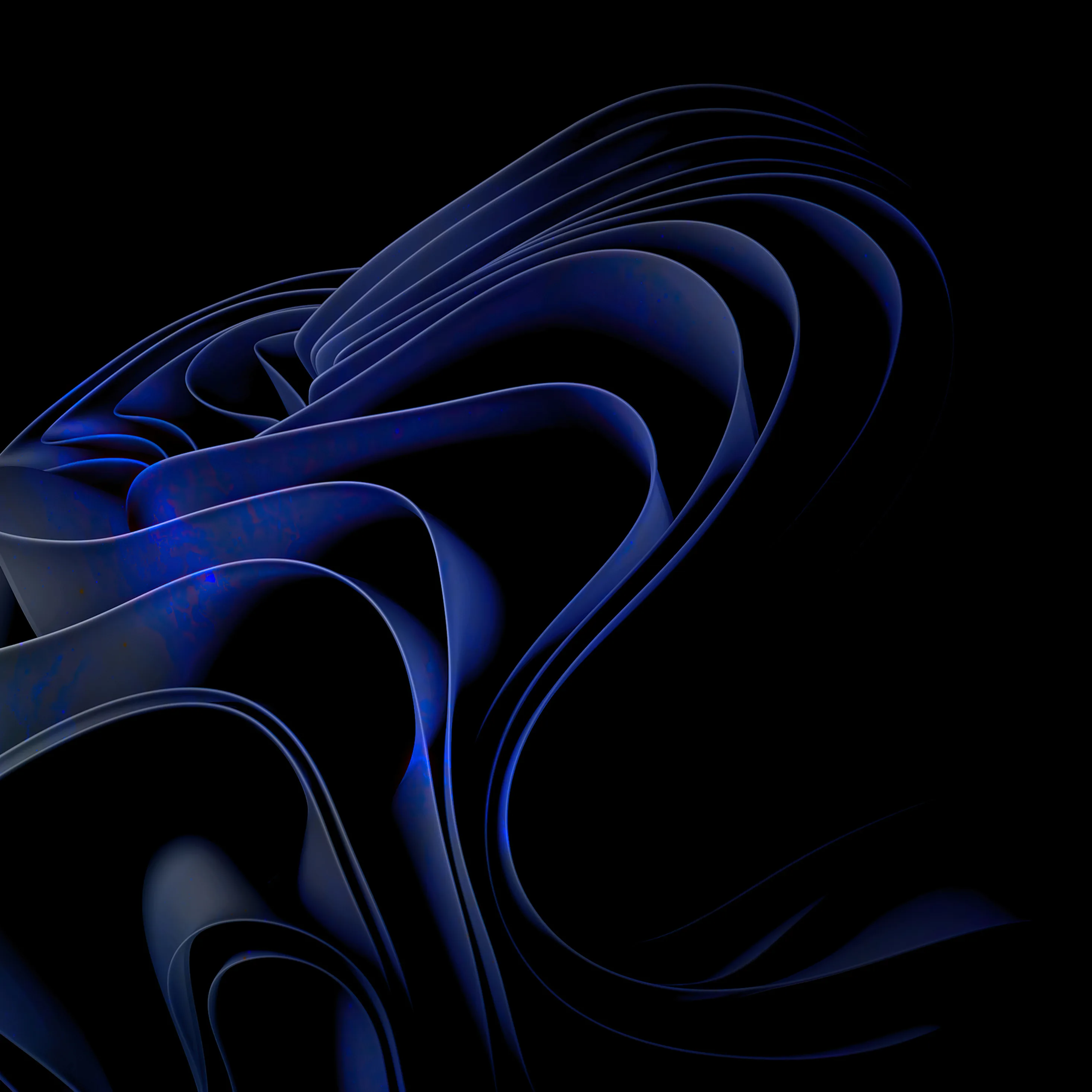




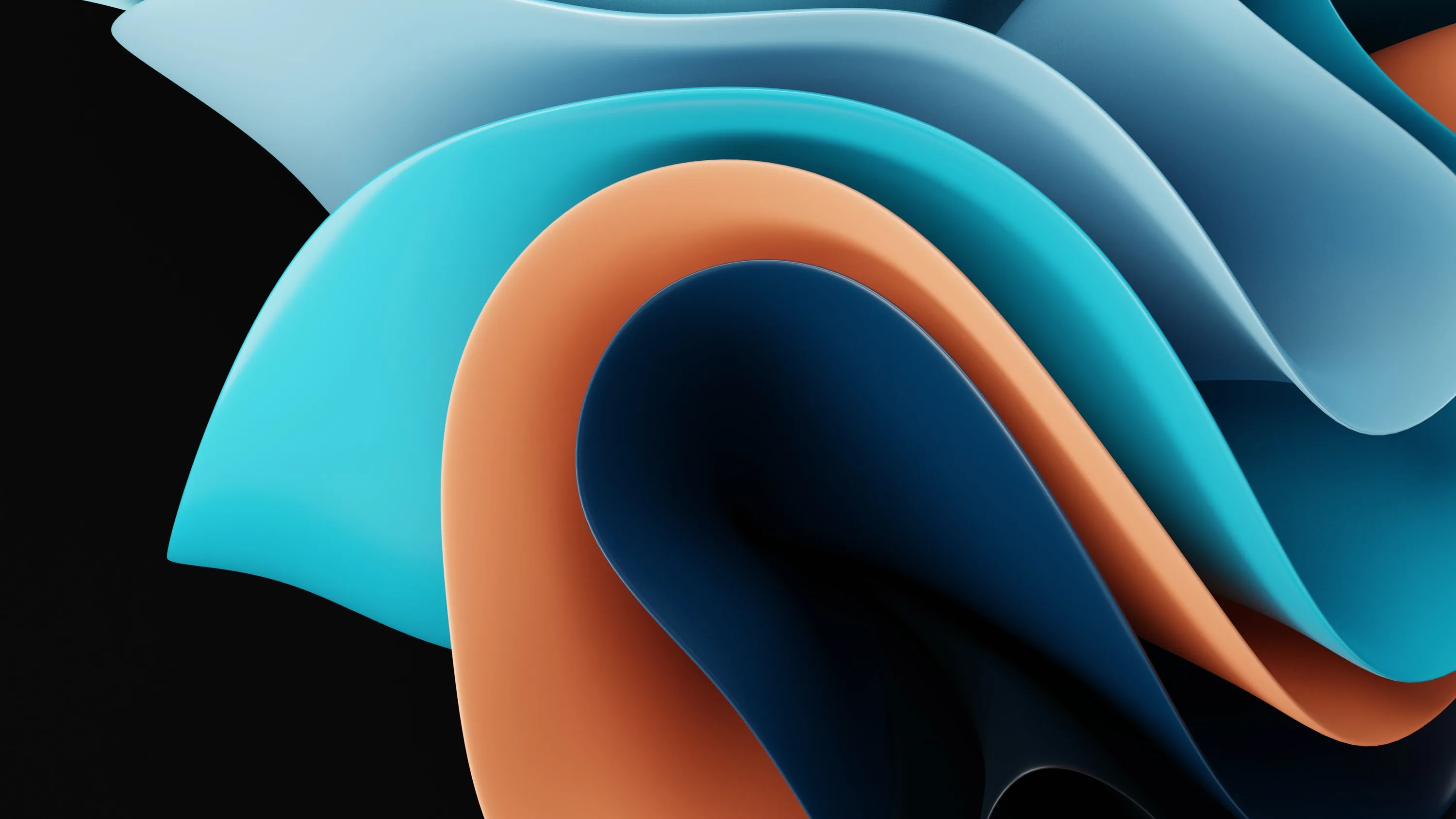


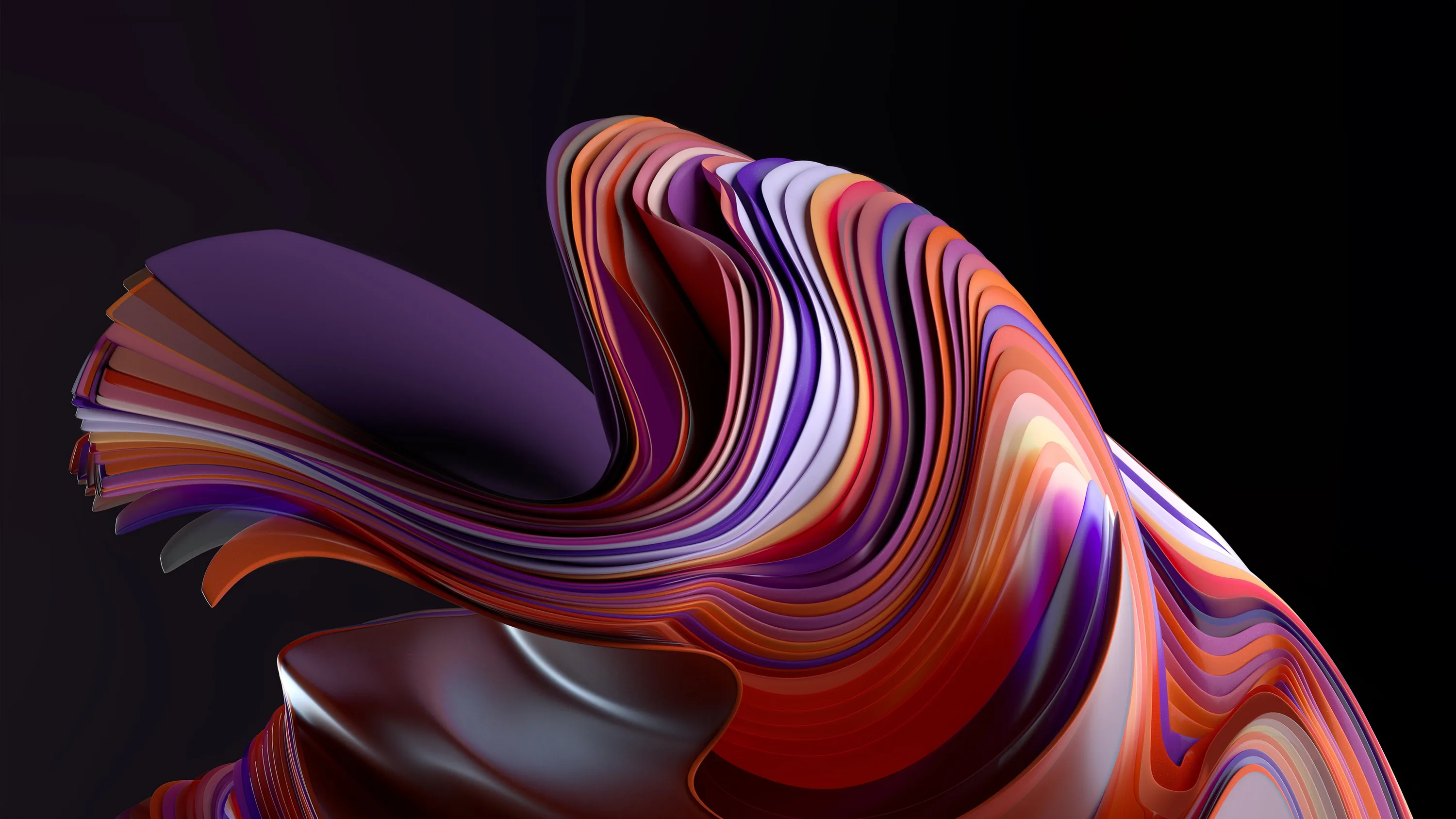



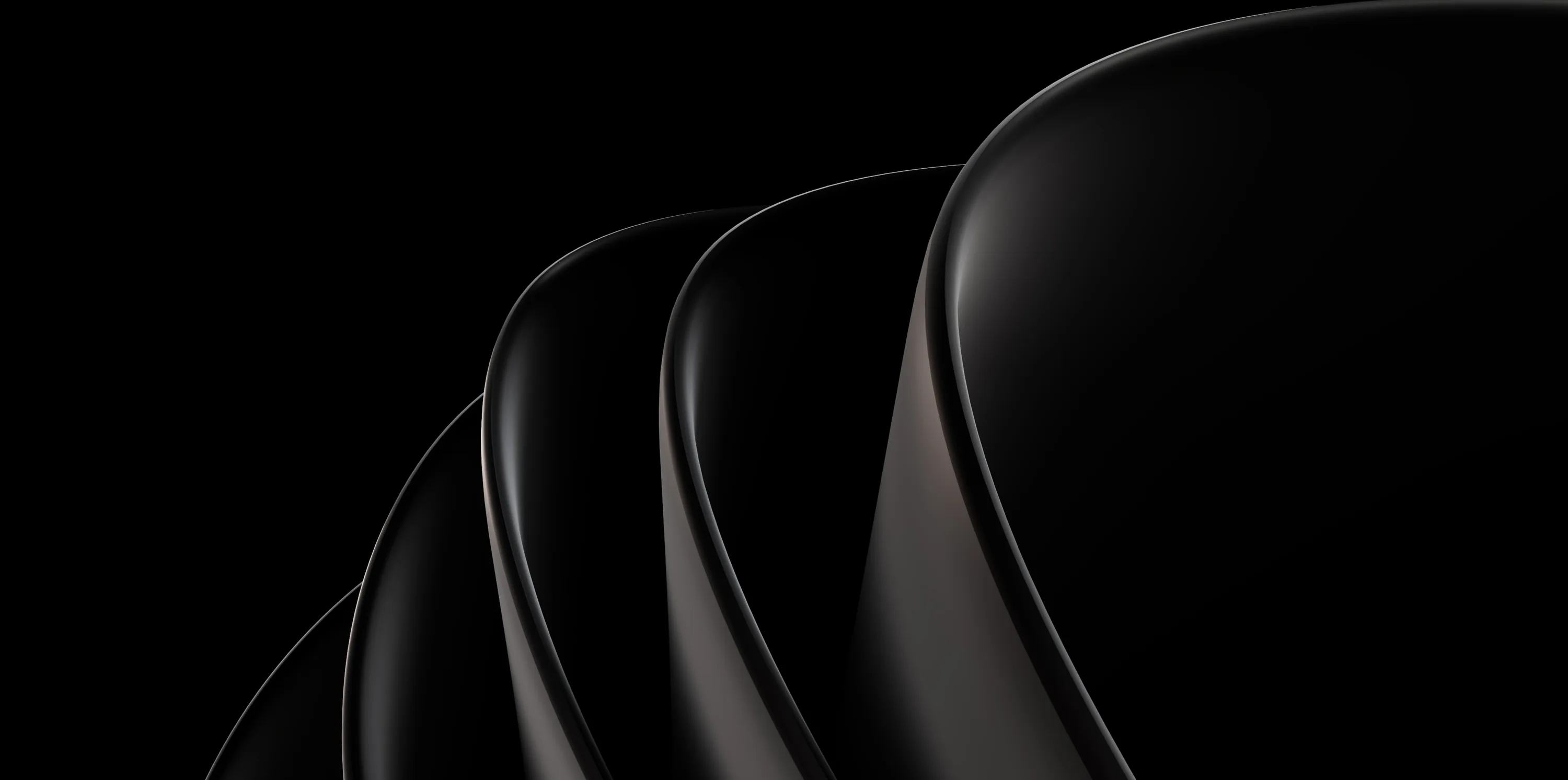
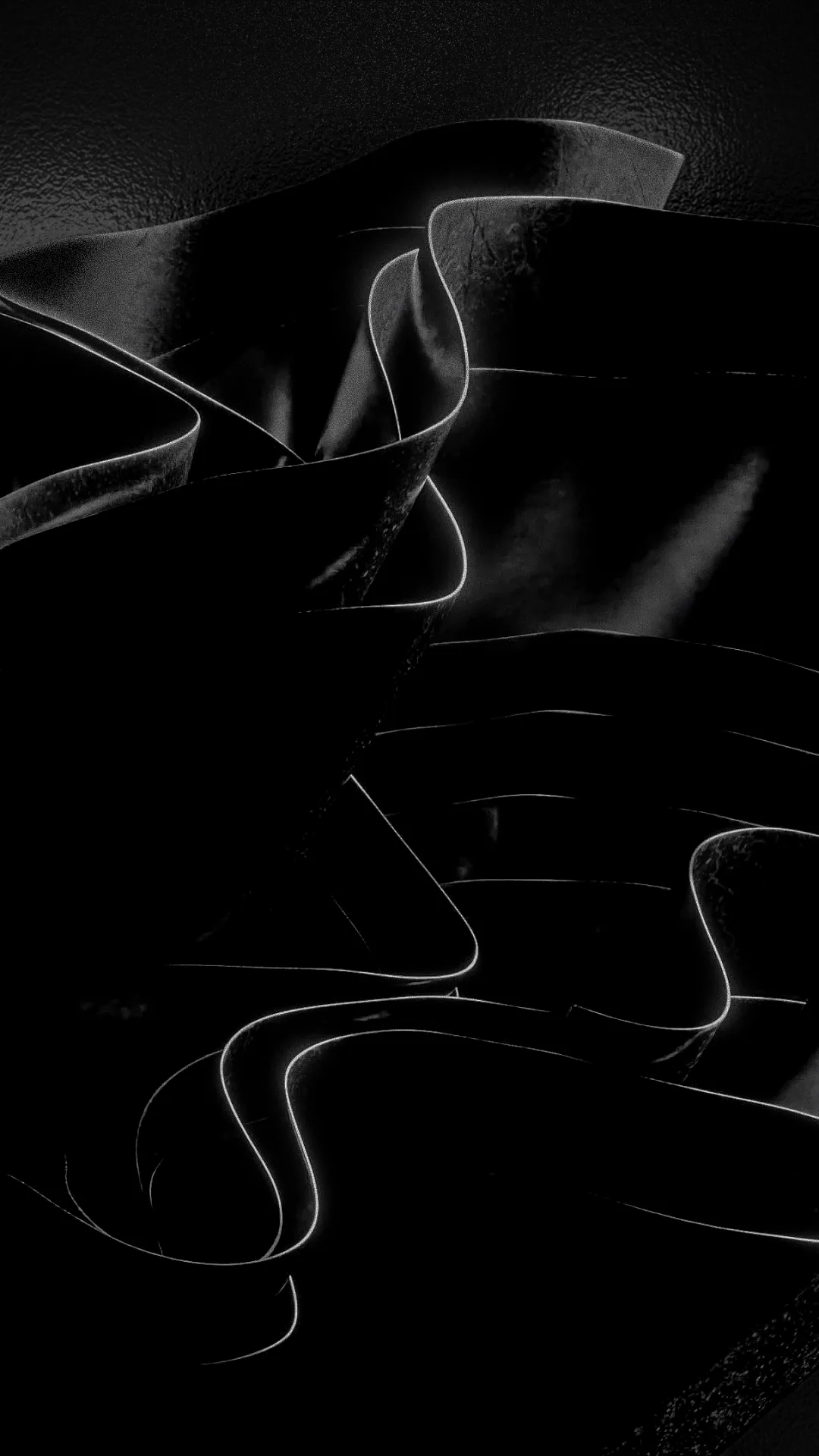

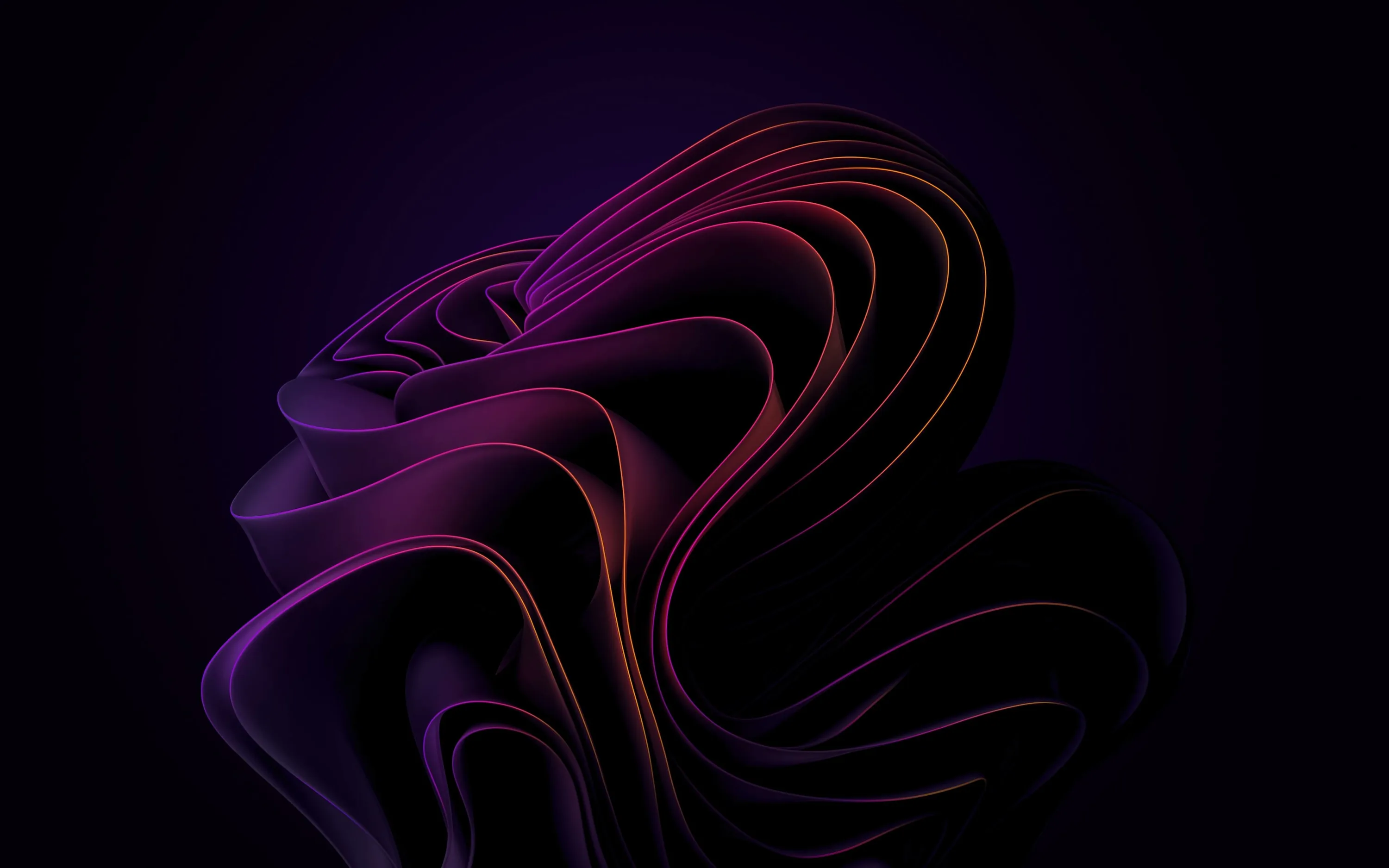







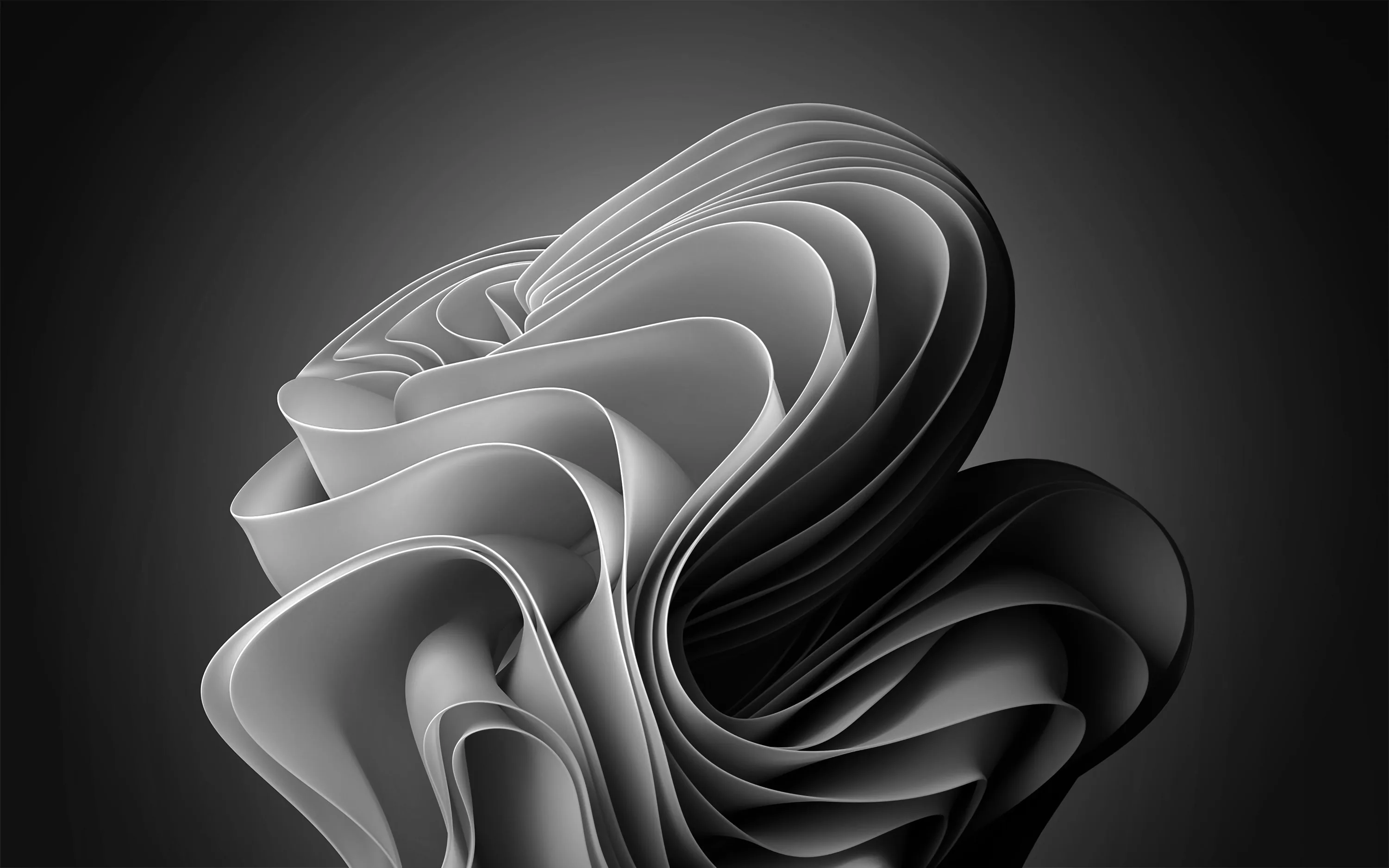

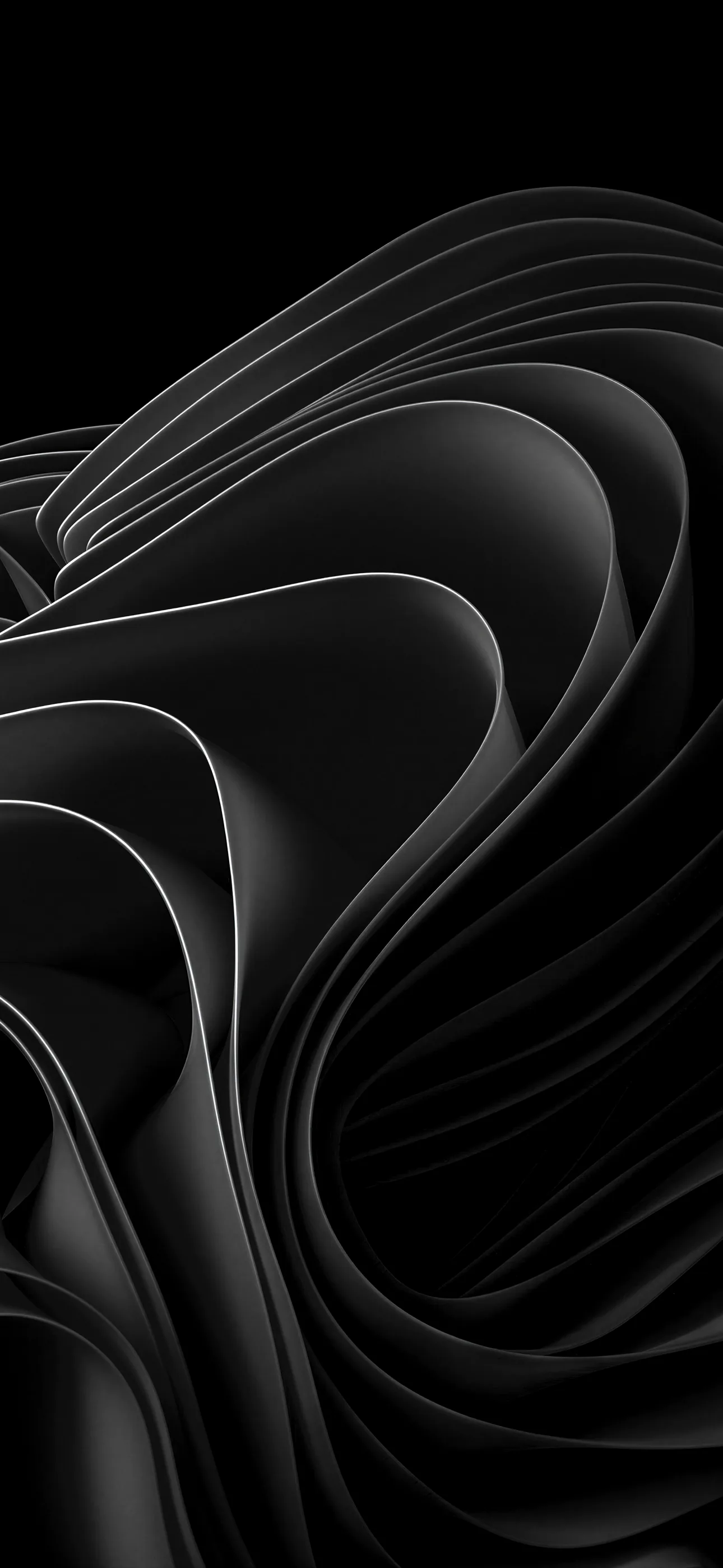

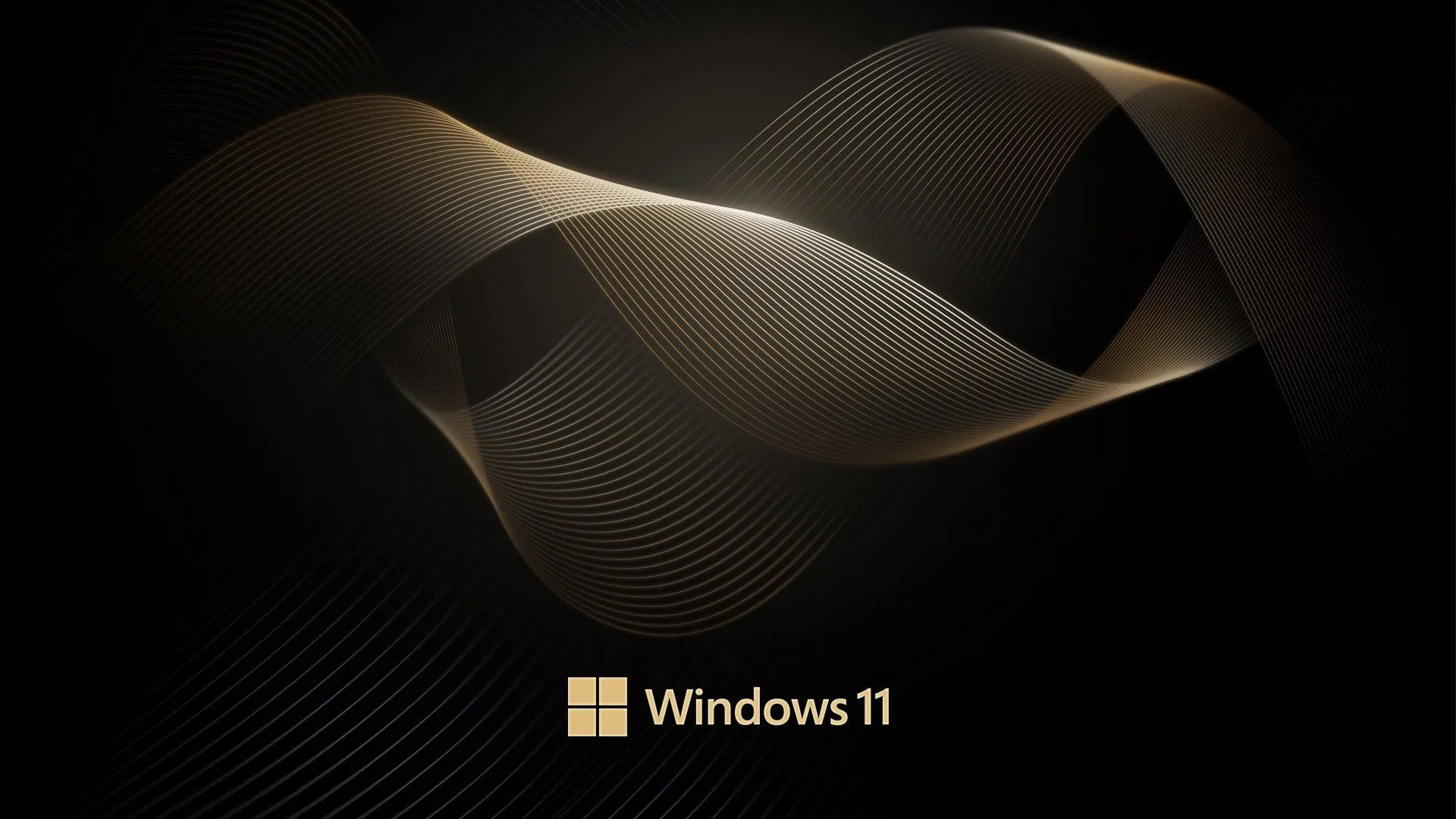

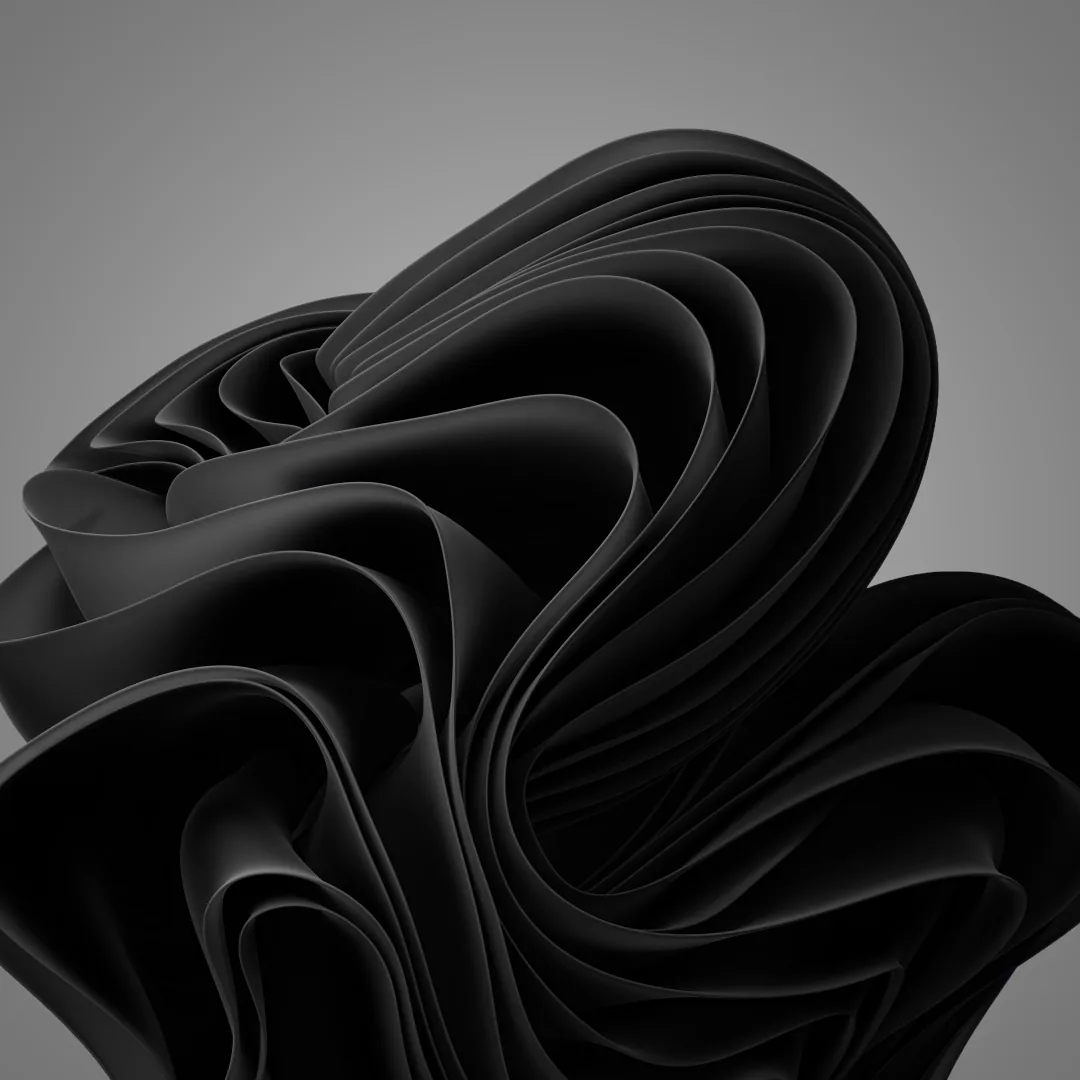

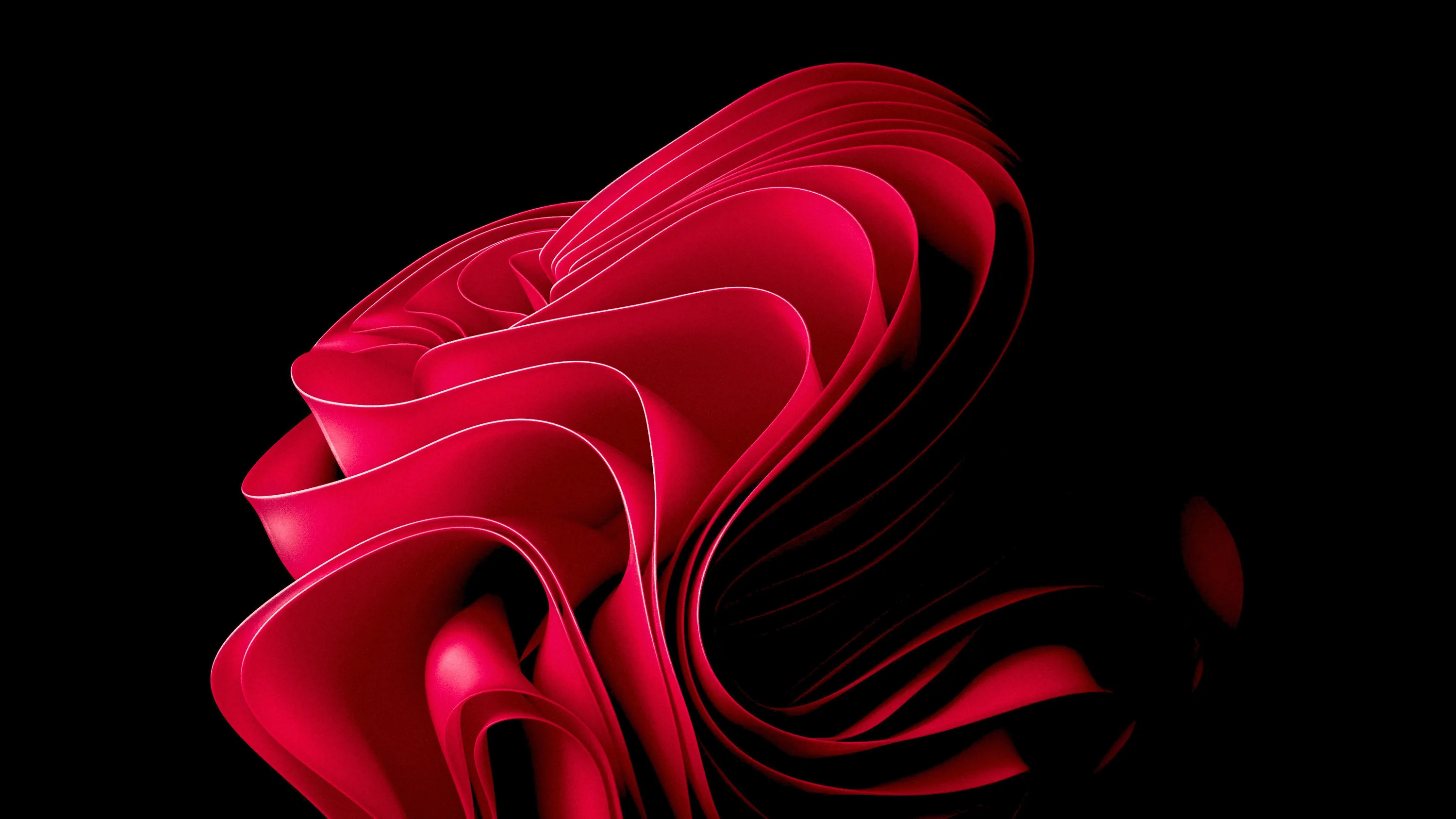



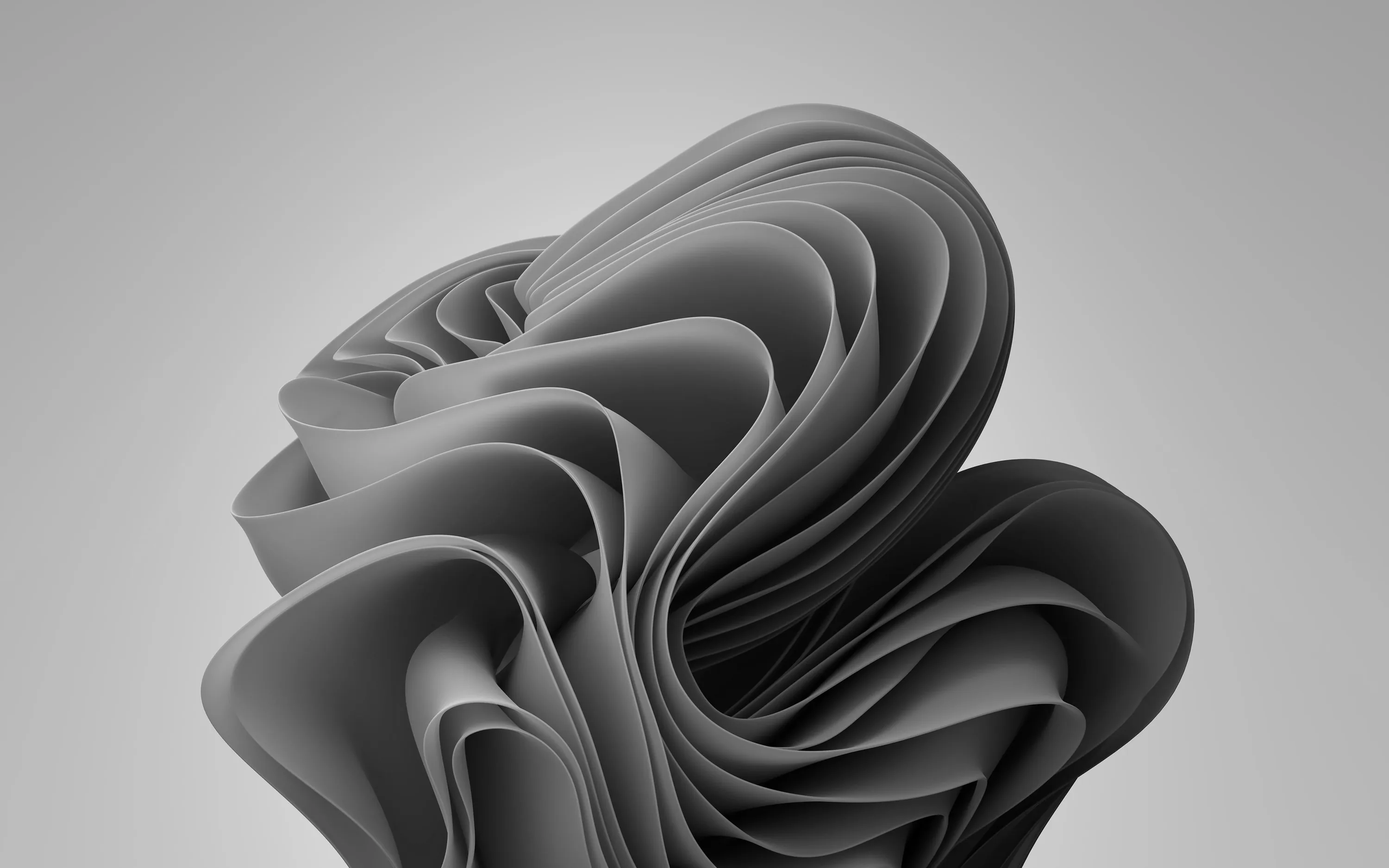

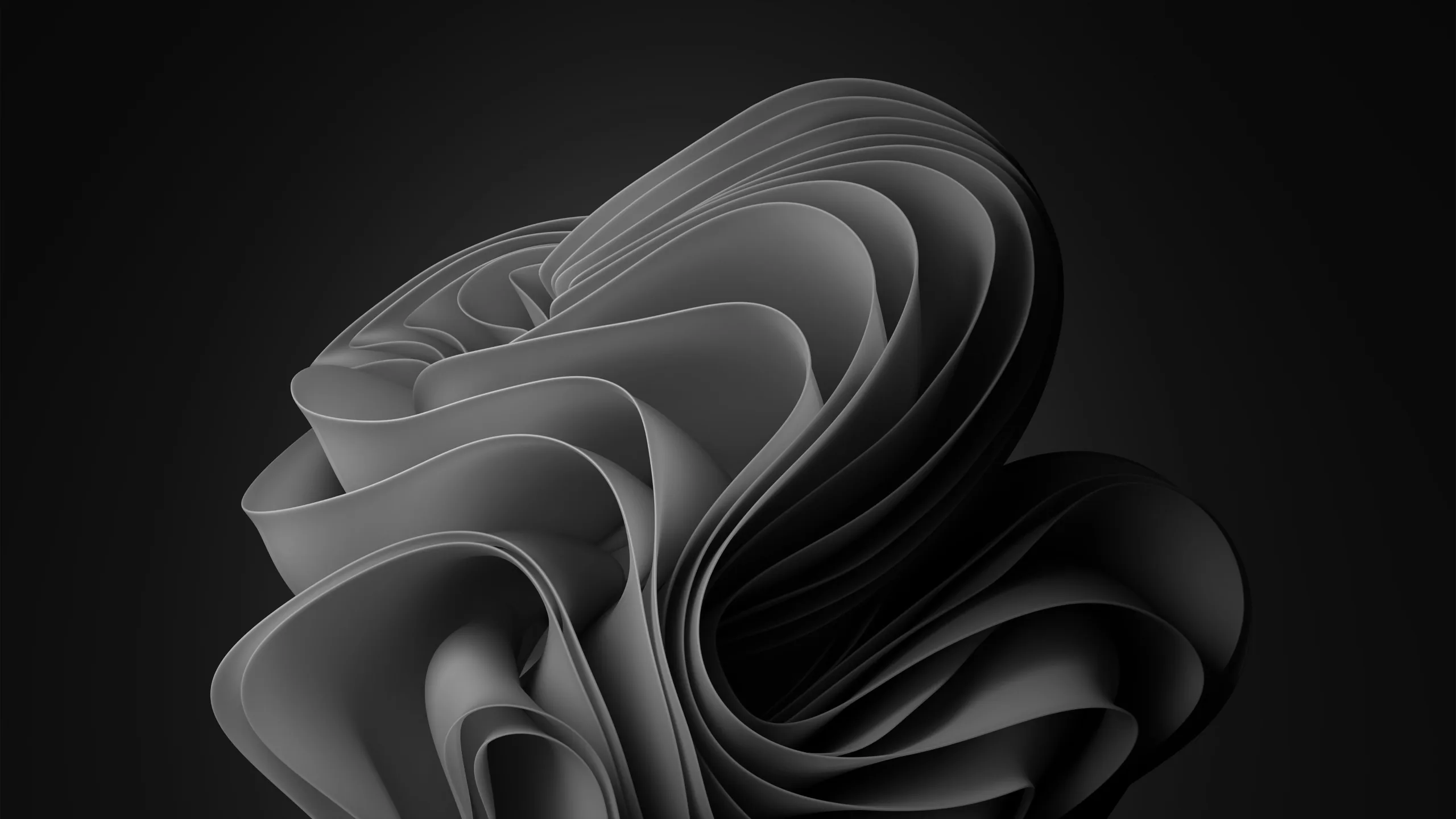

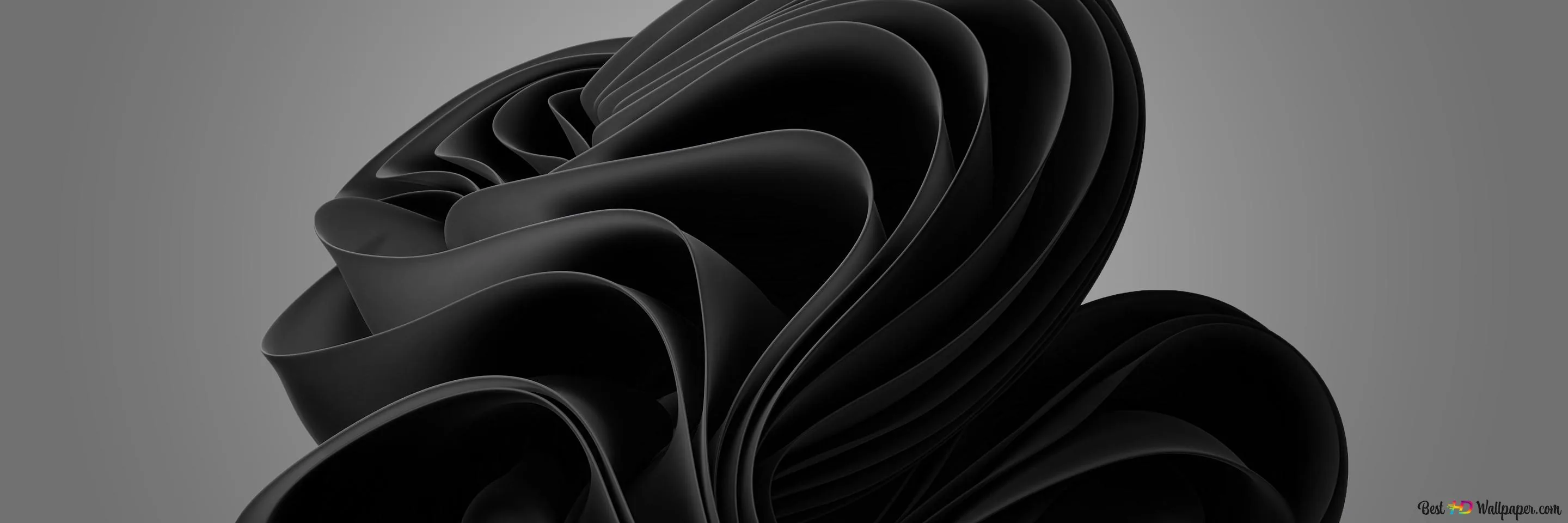



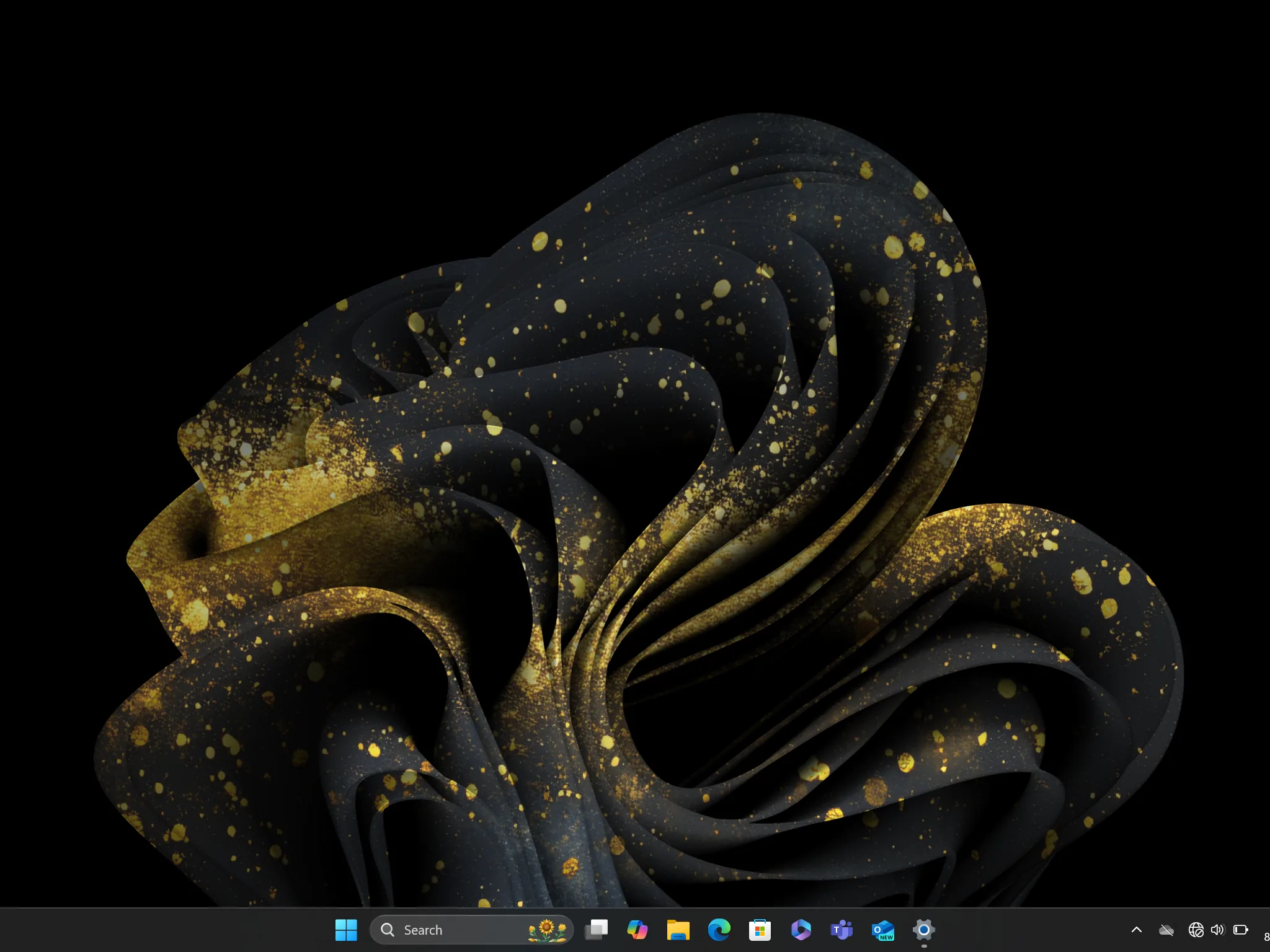

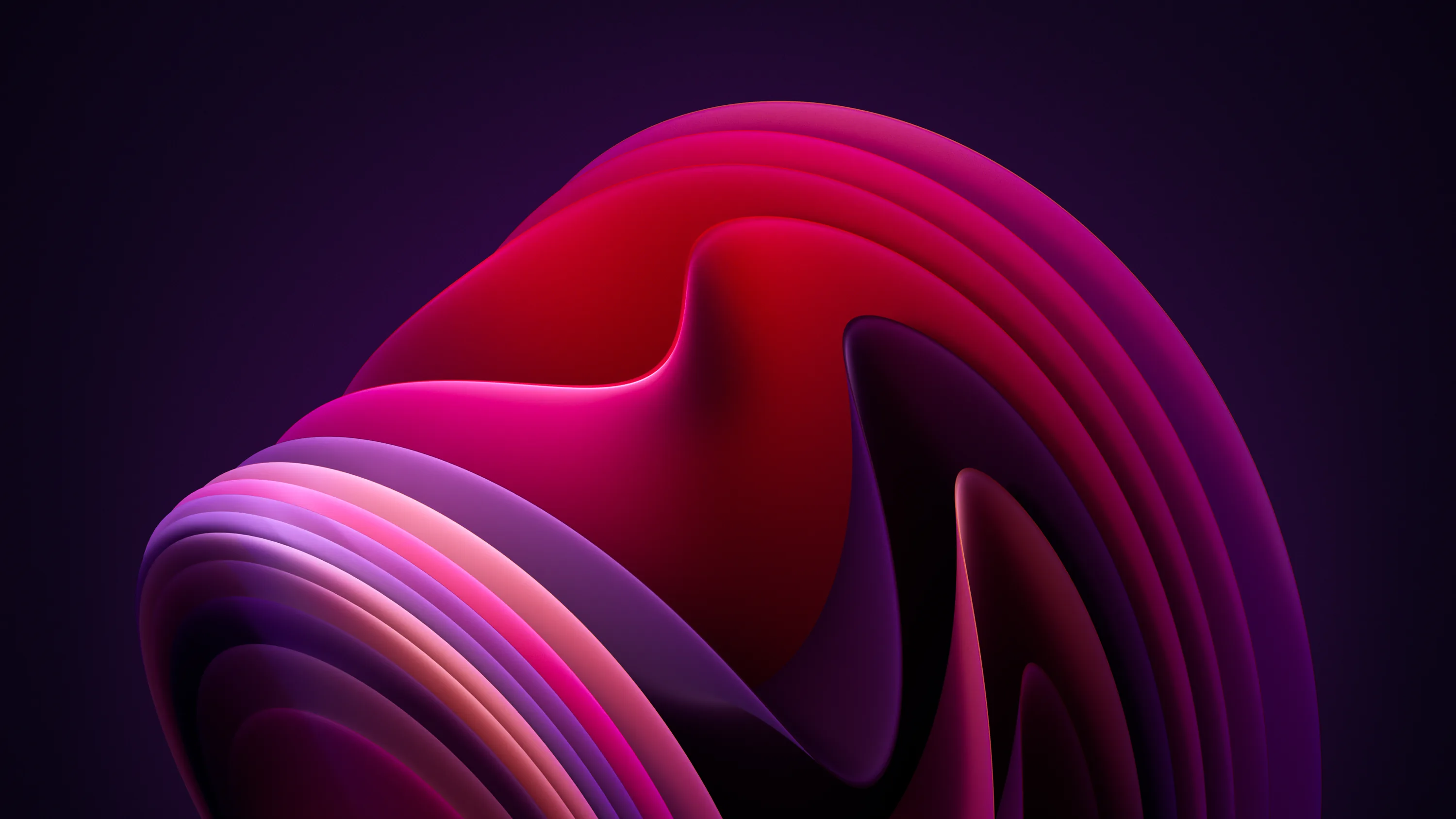
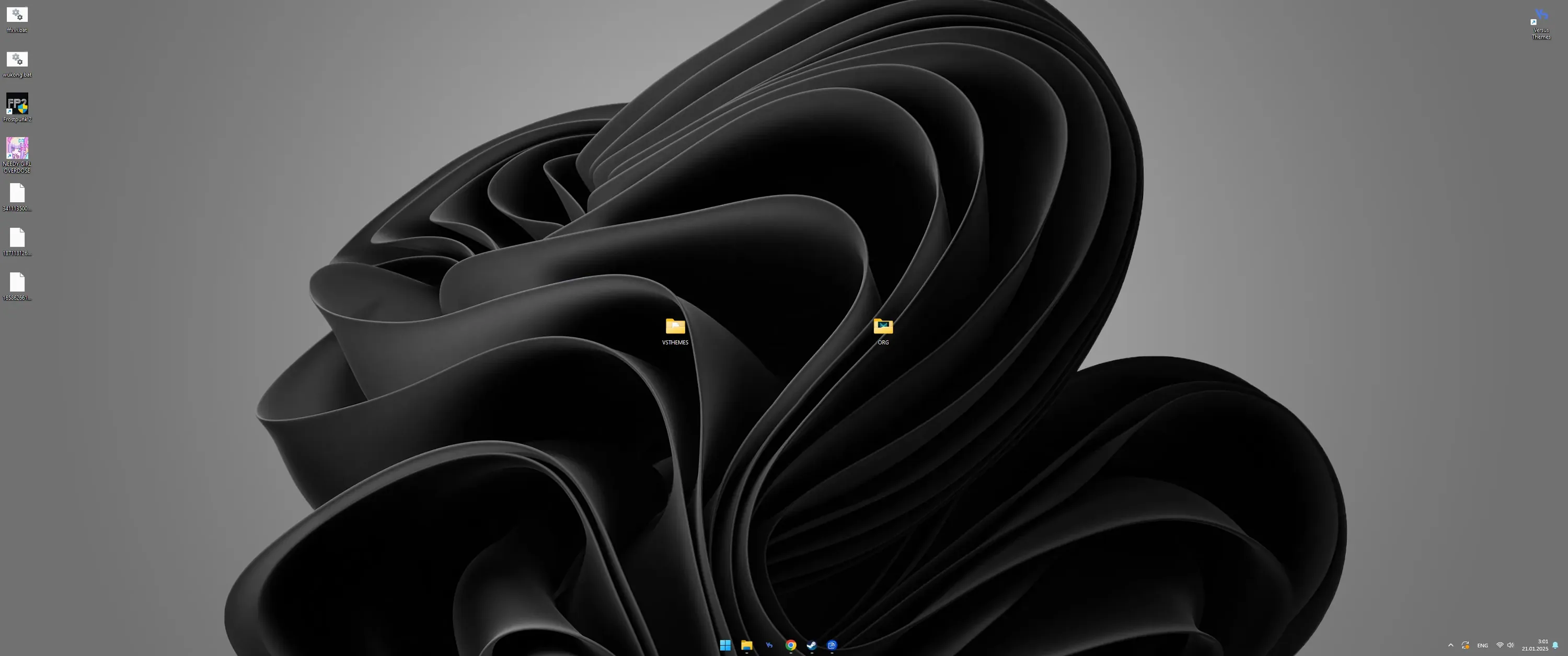

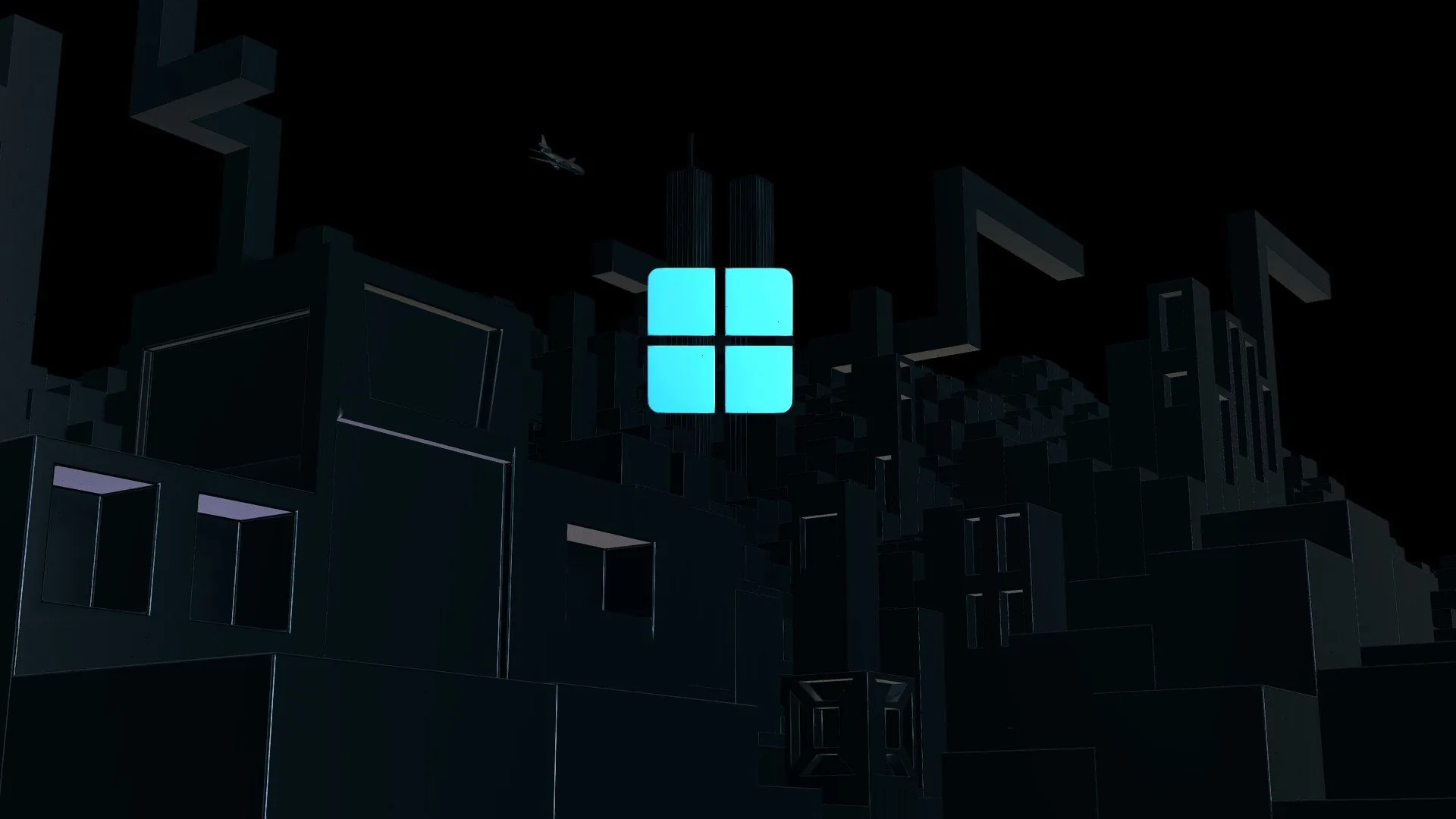

Windows 11's design language finally gave dark-mode users real material, and this shelf collects it: the Bloom motif in its deepest blue-black, official dark stock pieces, a midnight ribbon abstract, plus ultrawide blacks for stretched monitors. They keep the OS's rounded softness while committing to the dark. Nearly everything is wide. Right-click the full-size file, Save image as, then Set as desktop background. Free for personal use, no signup asked.
Common questions
Do black wallpapers actually save battery?
On OLED and AMOLED screens, yes. A true-black (#000000) pixel is switched off rather than dimmed, so it draws no power — and with an always-on display that runs all day the difference is measurable. On an LCD screen it saves nothing, because the backlight stays on either way. Not sure which you have? Our OLED test tool fills the screen with pure black: on an OLED it goes completely dark, on an LCD you can still see the backlight glowing grey.
Last updated: