1080×1920
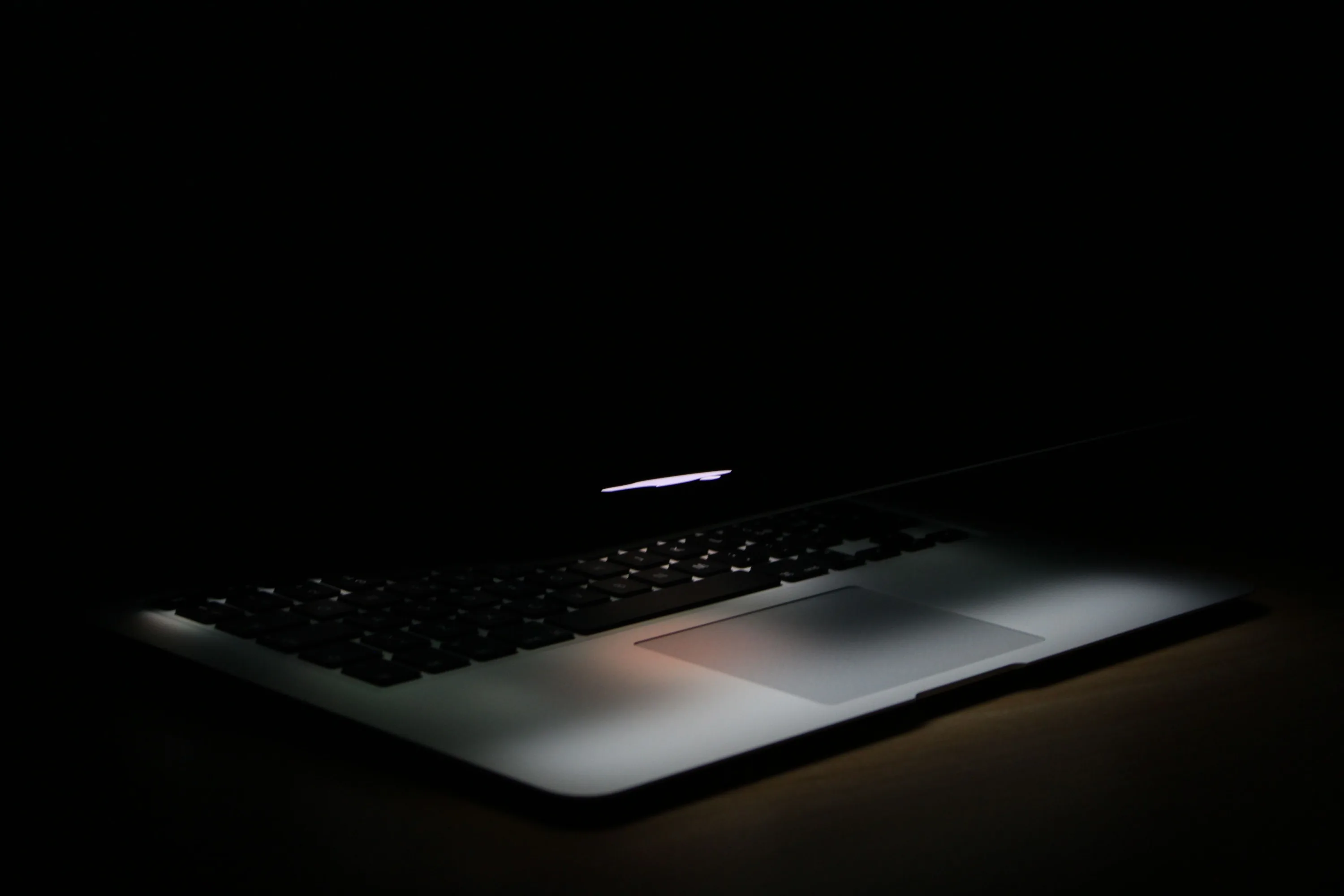
The cleanest desktop possible — pure black and near-black backgrounds that make a monitor look off while everything on it stays sharp. Wide formats for every PC screen, ultrawide included. Free to download; members can post their own.
A black computer background is quietly practical: icons and text pop, OLED monitors sip less power, and dual-screen setups finally match. Files run 1920×1080 through 3840×2160 plus ultrawide cuts, with subtle-texture variants for people who want a hint of depth. Right-click any preview to save and set — free for personal use, no watermark, no signup.
On OLED and AMOLED screens, yes. A true-black (#000000) pixel is switched off rather than dimmed, so it draws no power — and with an always-on display that runs all day the difference is measurable. On an LCD screen it saves nothing, because the backlight stays on either way. Not sure which you have? Our OLED test tool fills the screen with pure black: on an OLED it goes completely dark, on an LCD you can still see the backlight glowing grey.
Long-press on mobile or right-click on desktop to save the image, then set it from your gallery or system wallpaper settings.
Last updated: