Black HDR Wallpaper
High dynamic range look — the darkest darks and the brightest highlights in one frame, with everything in between preserved. Community-uploaded; sign in to add yours.
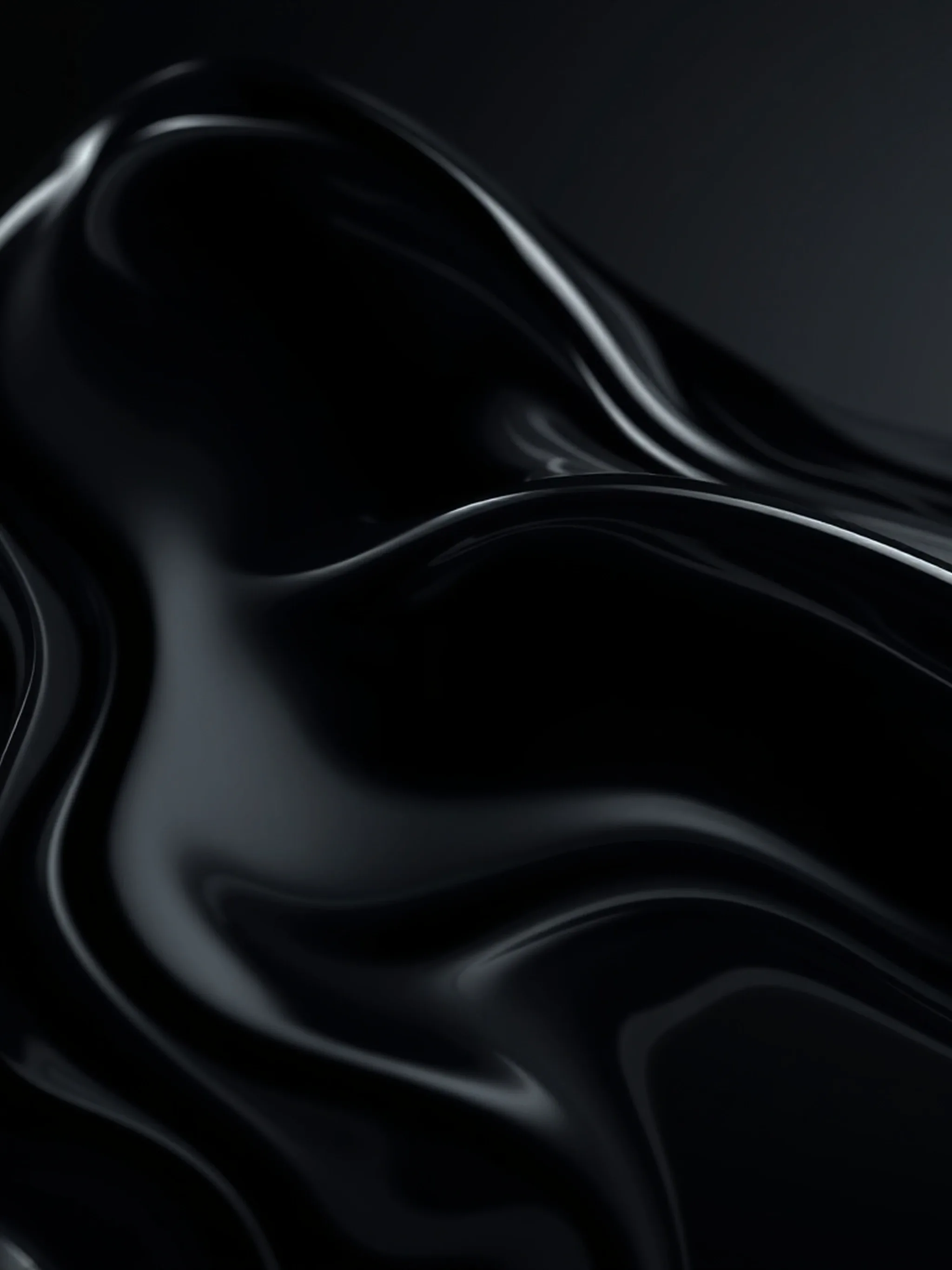

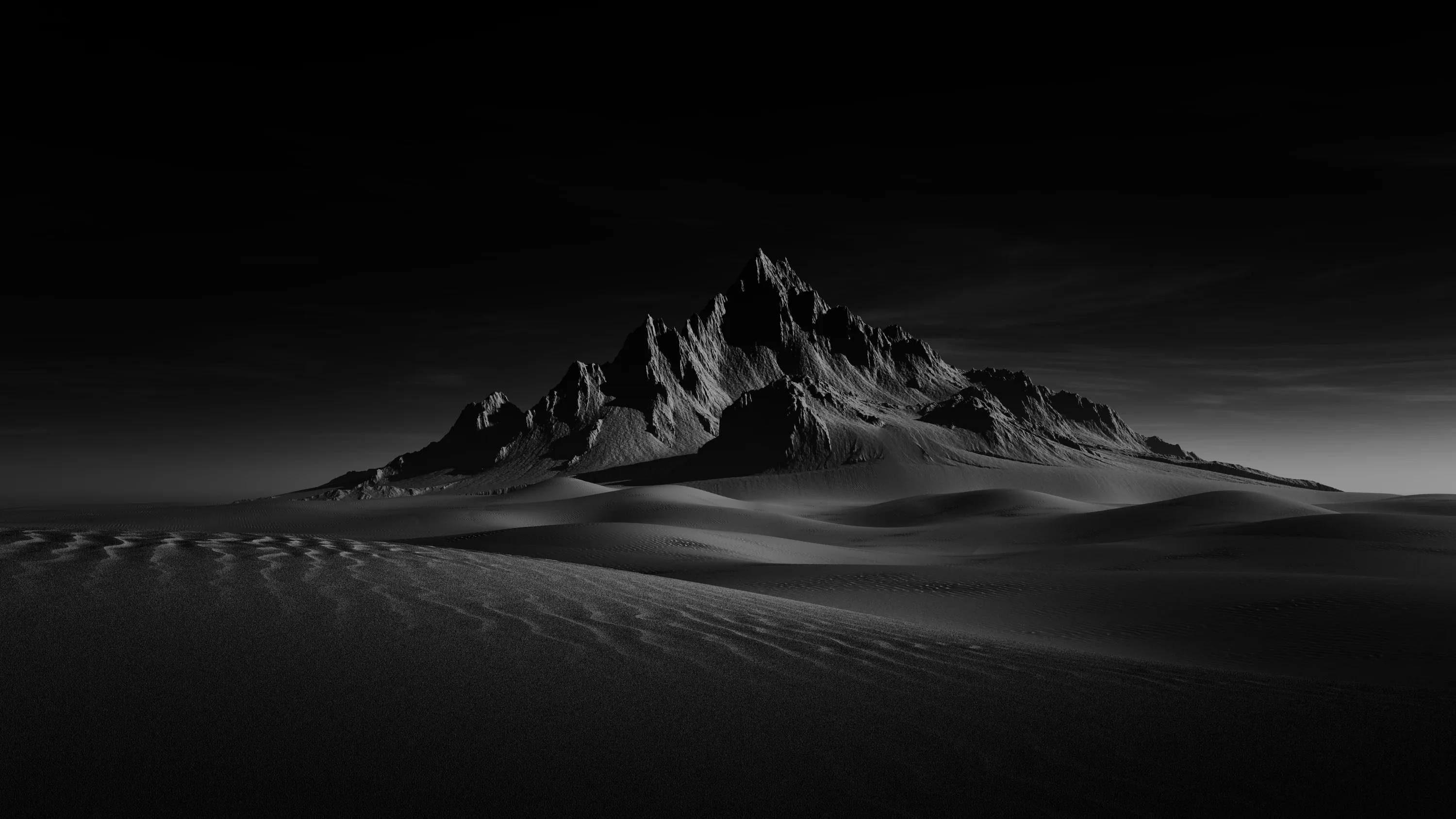

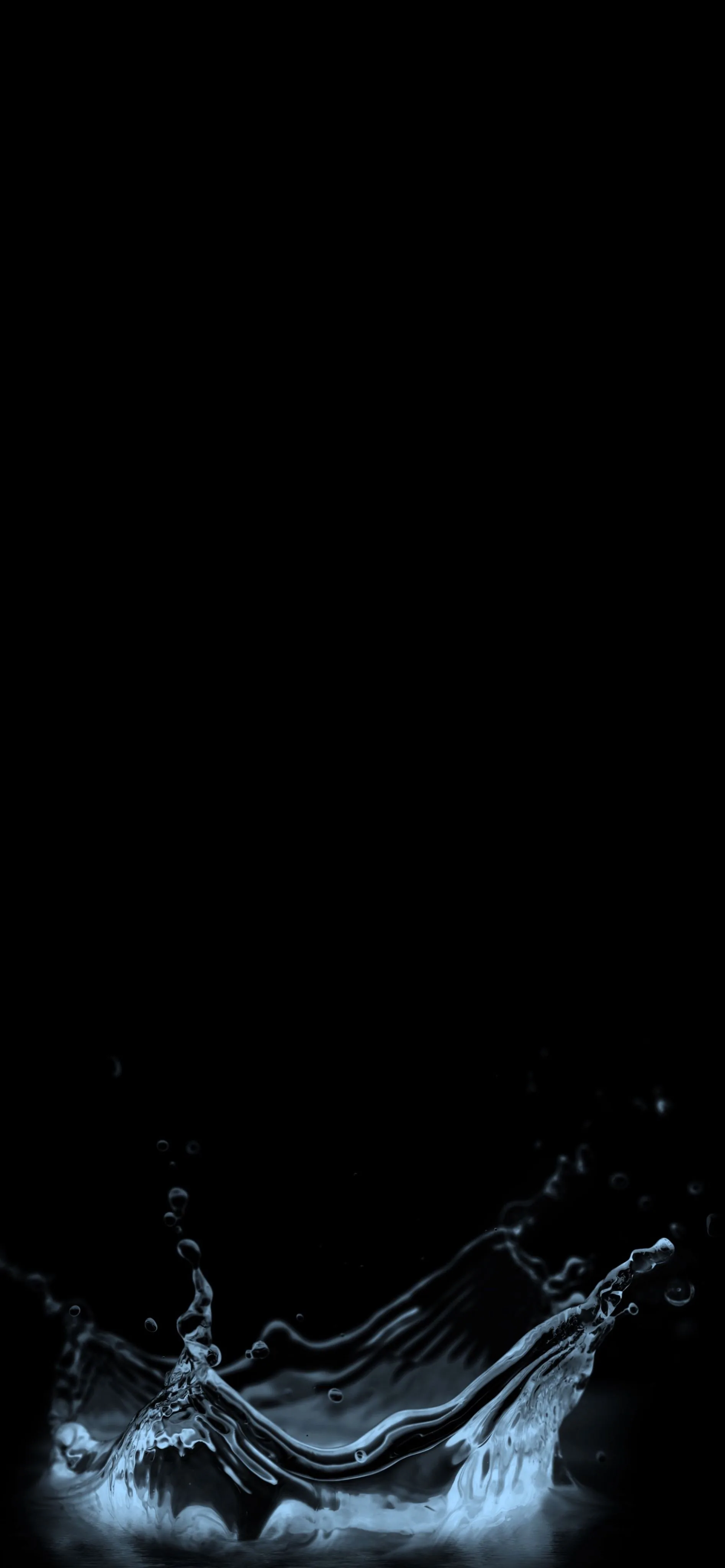


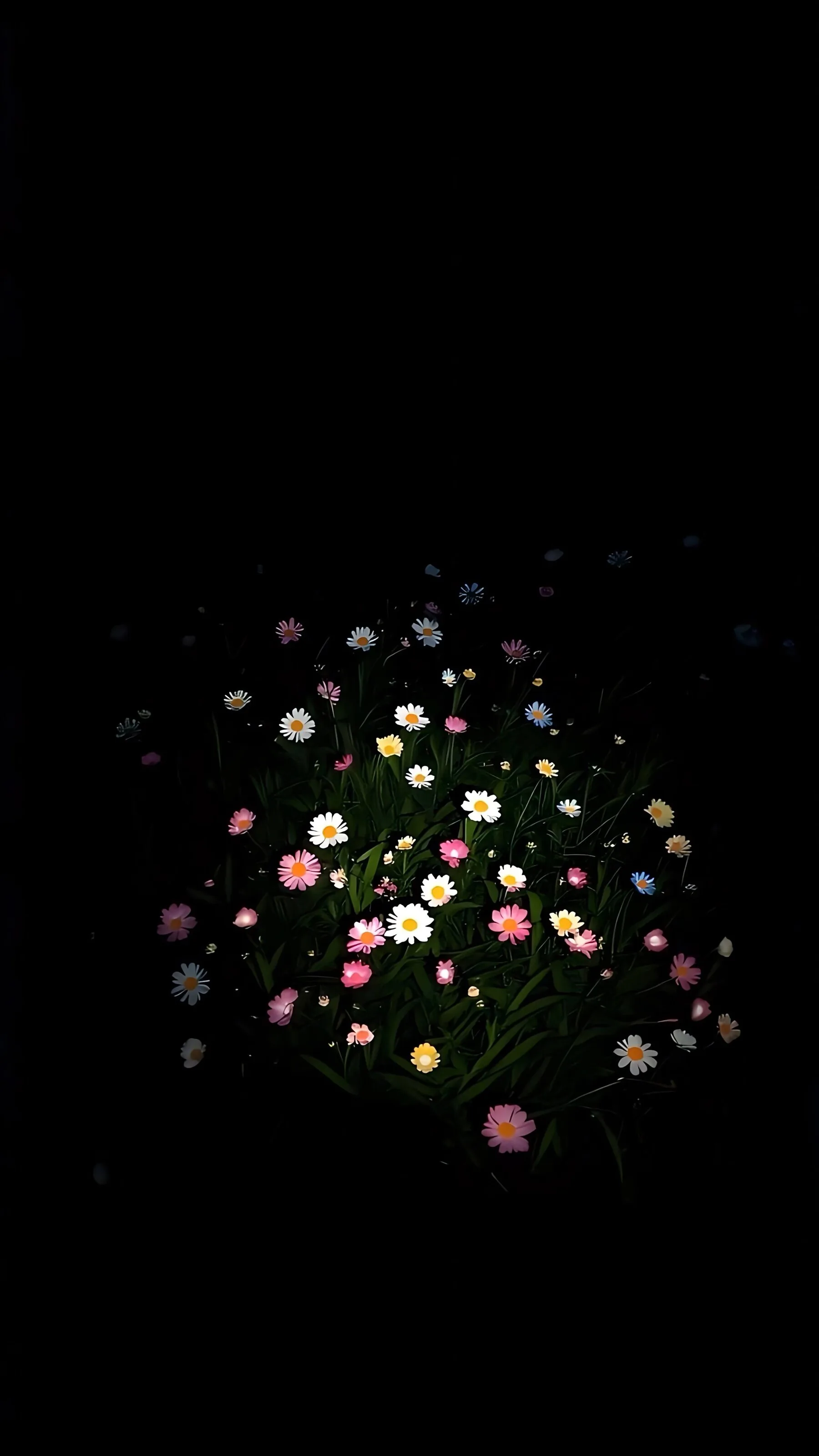

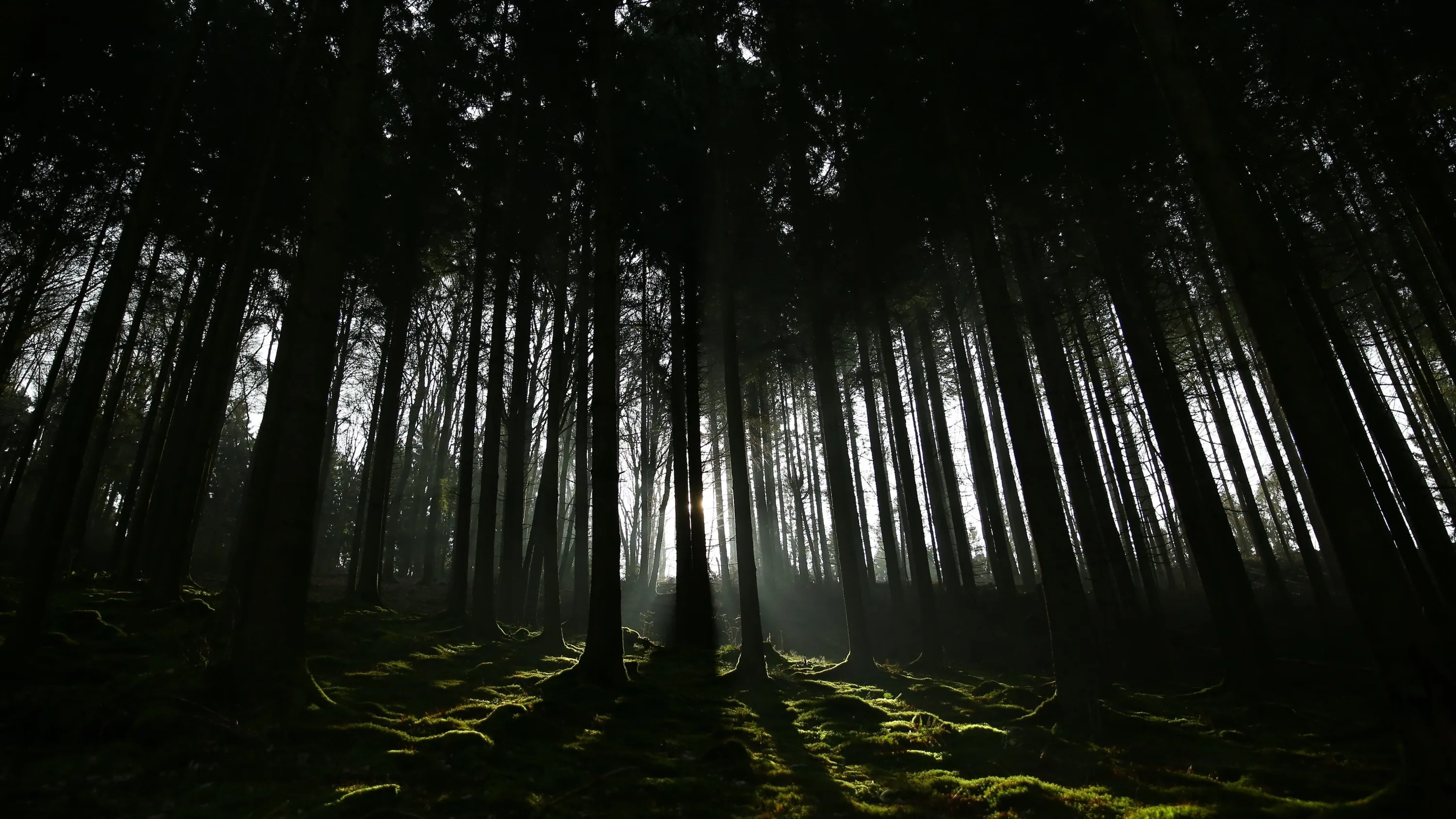

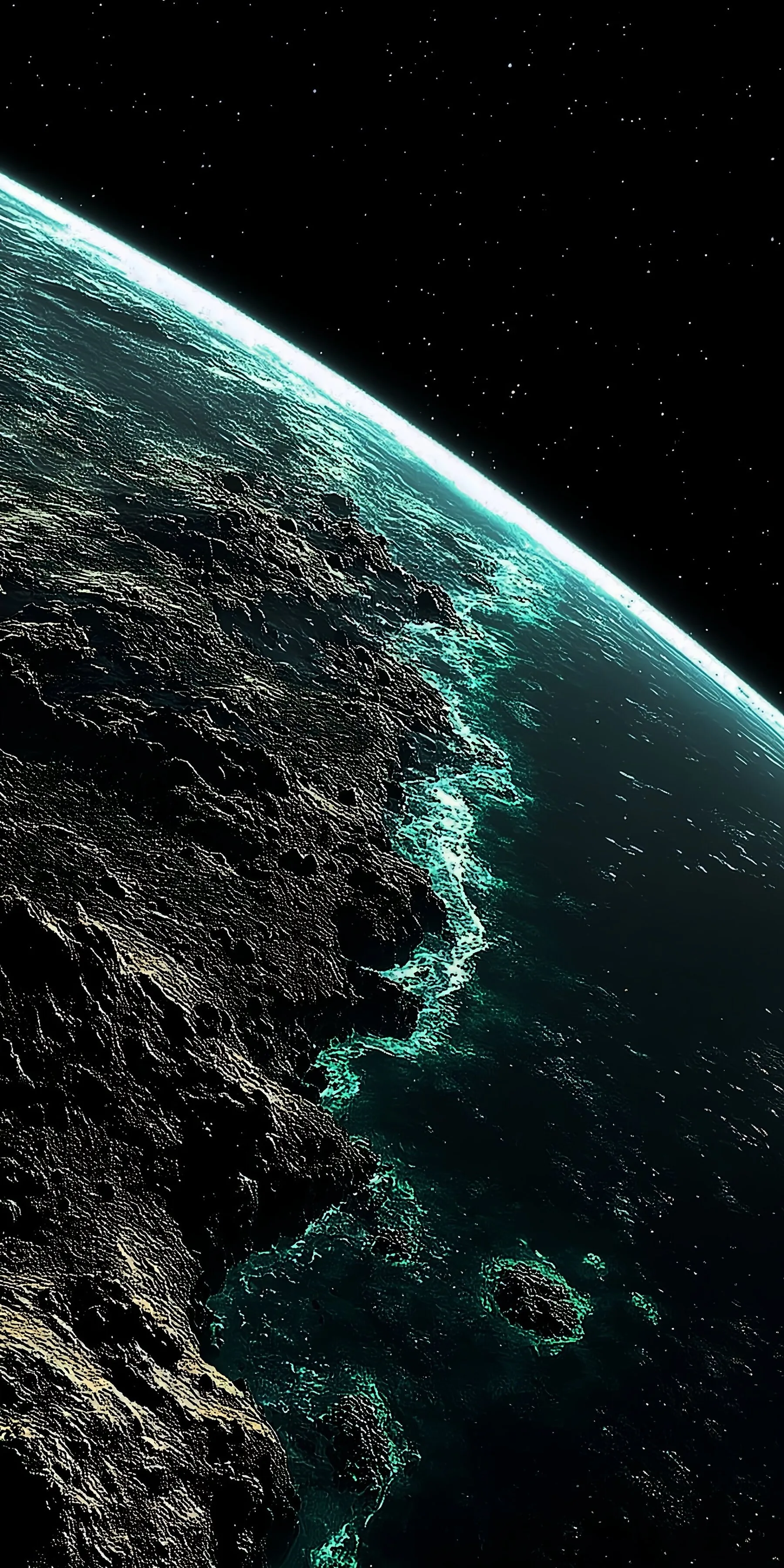
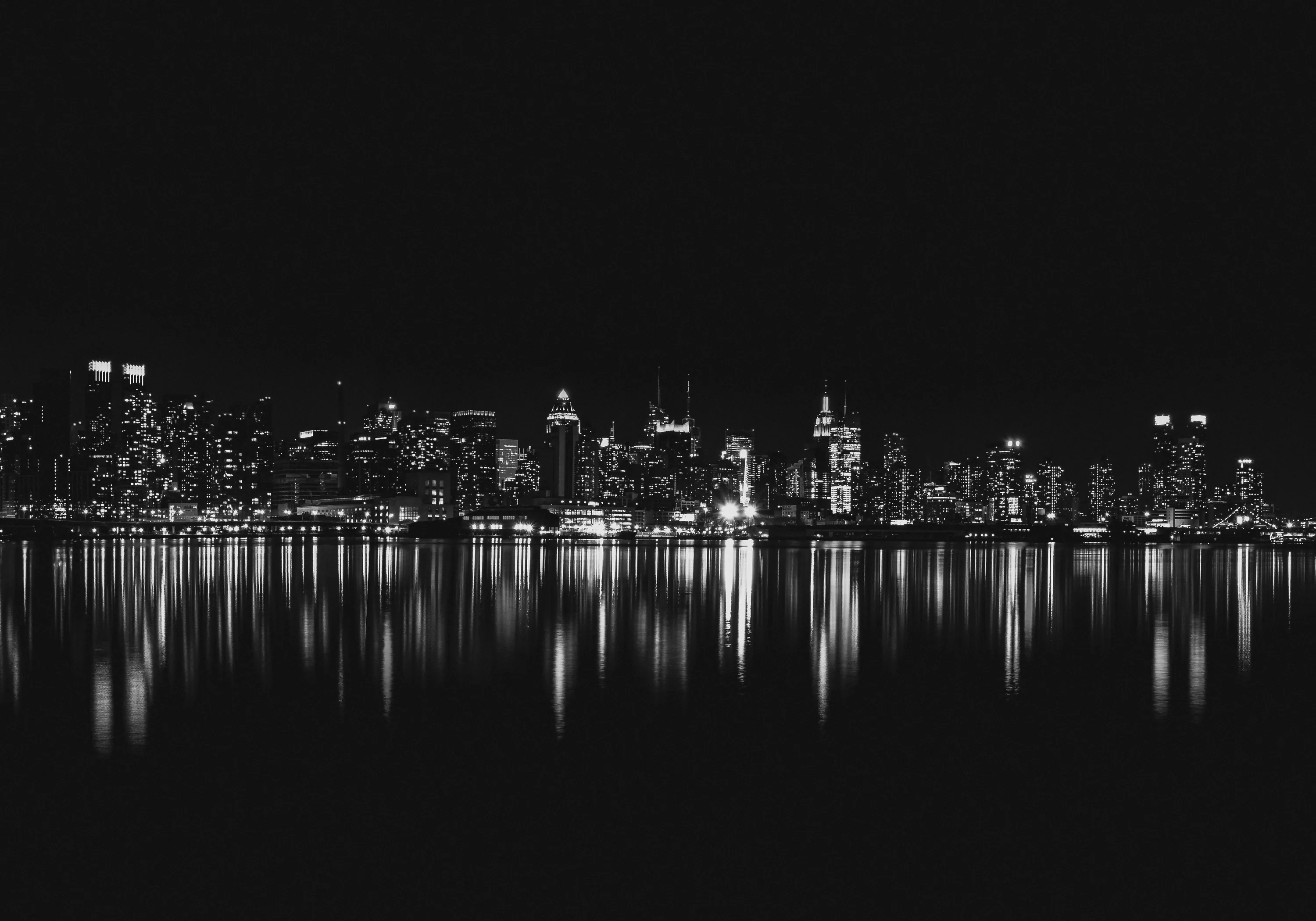

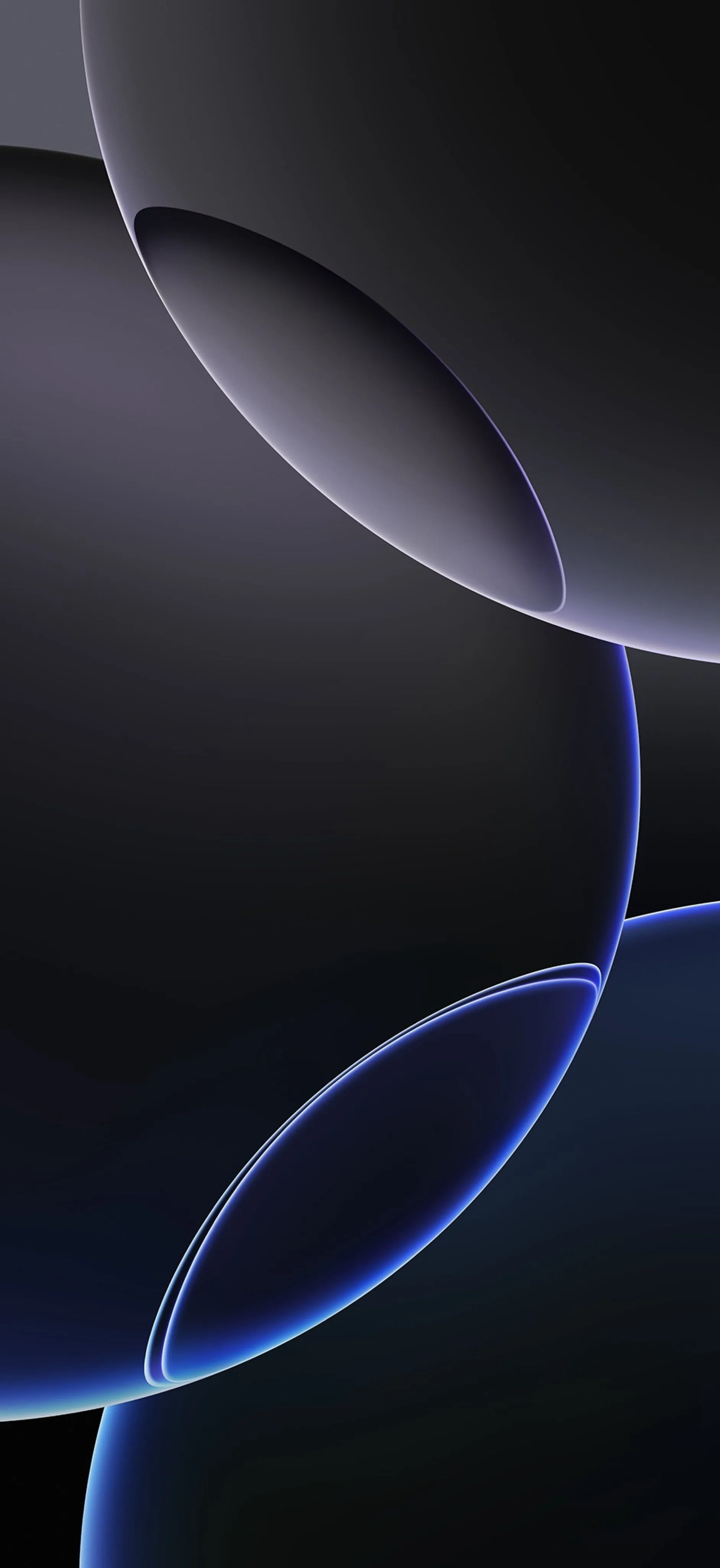

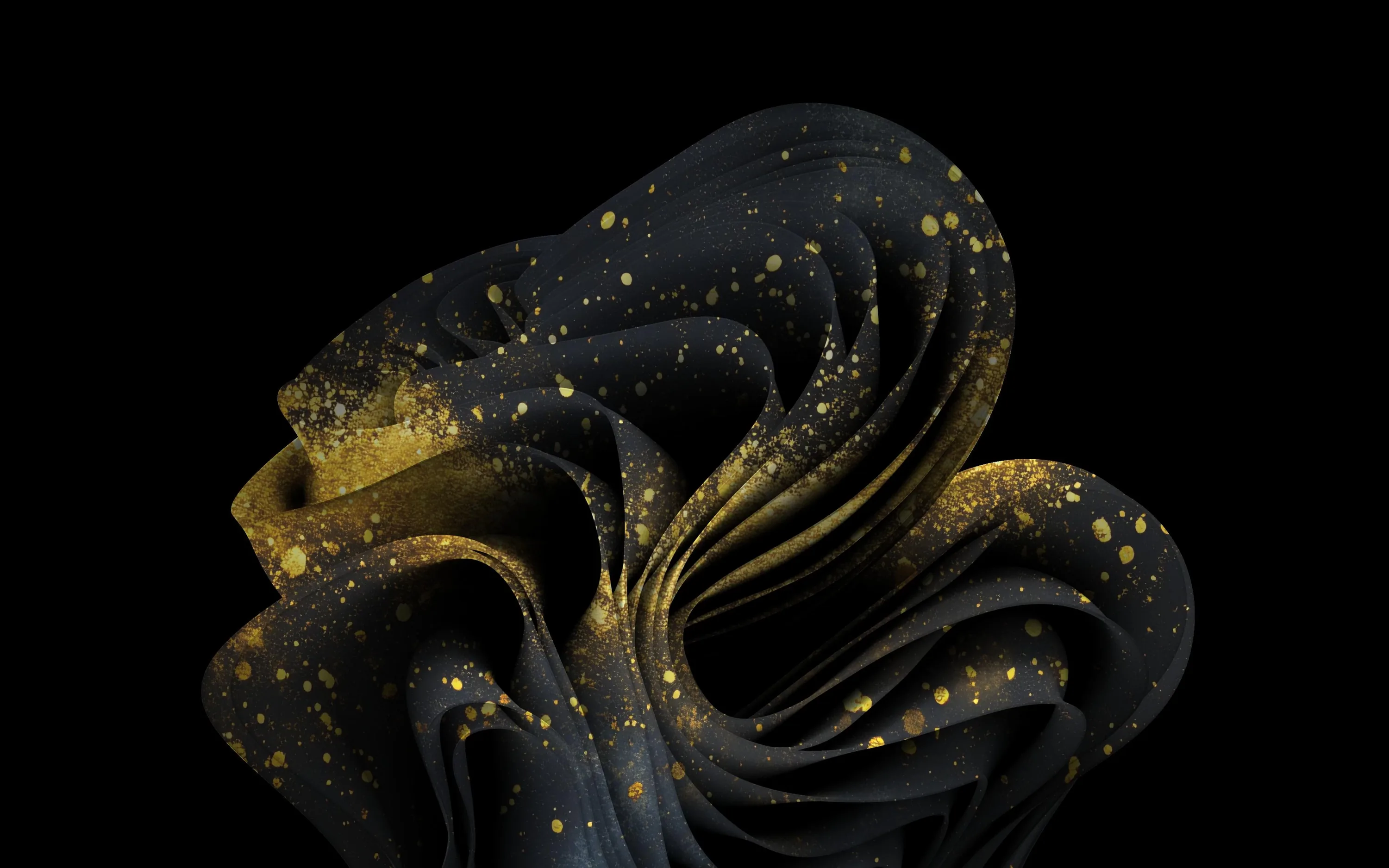

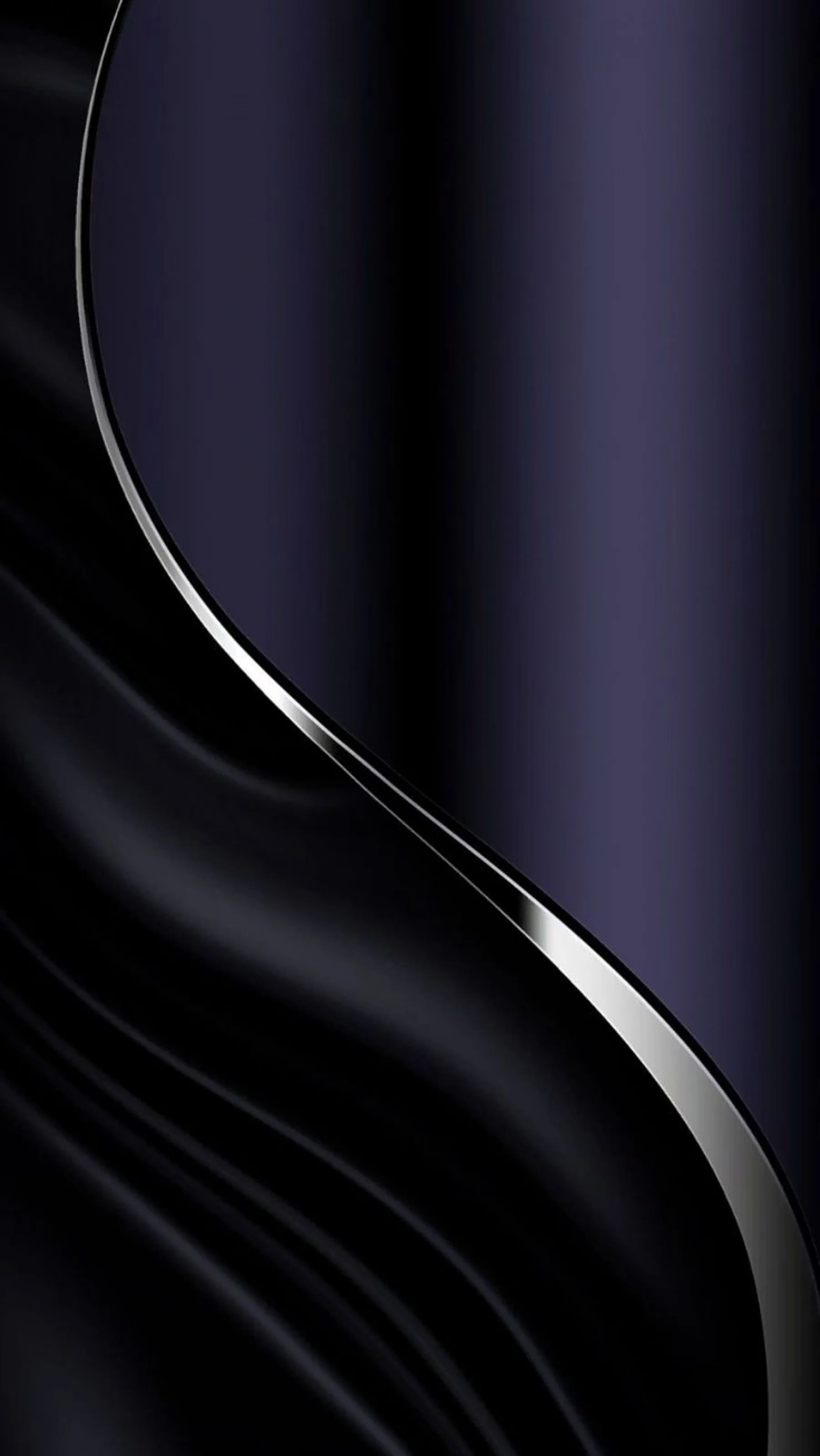

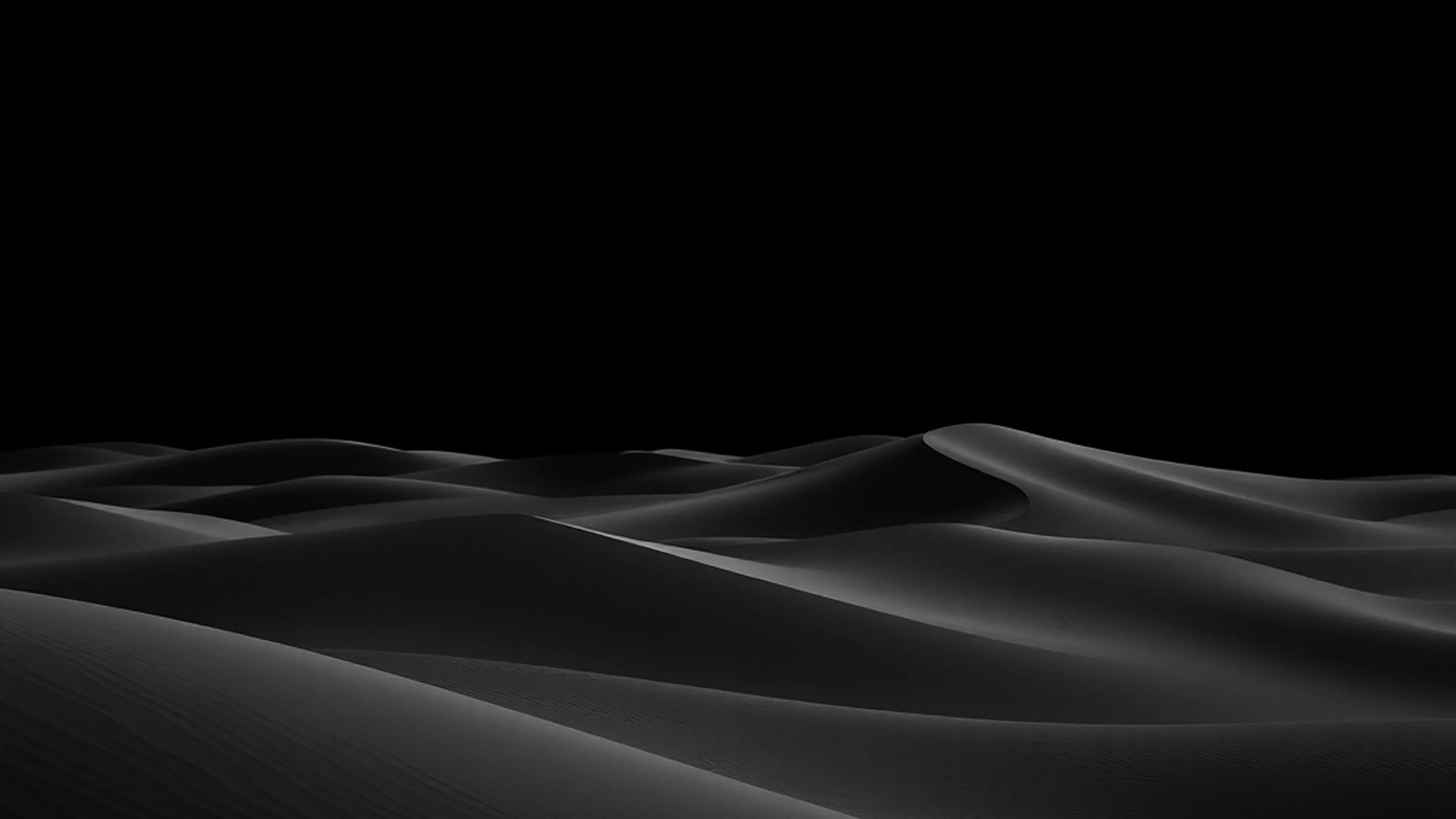











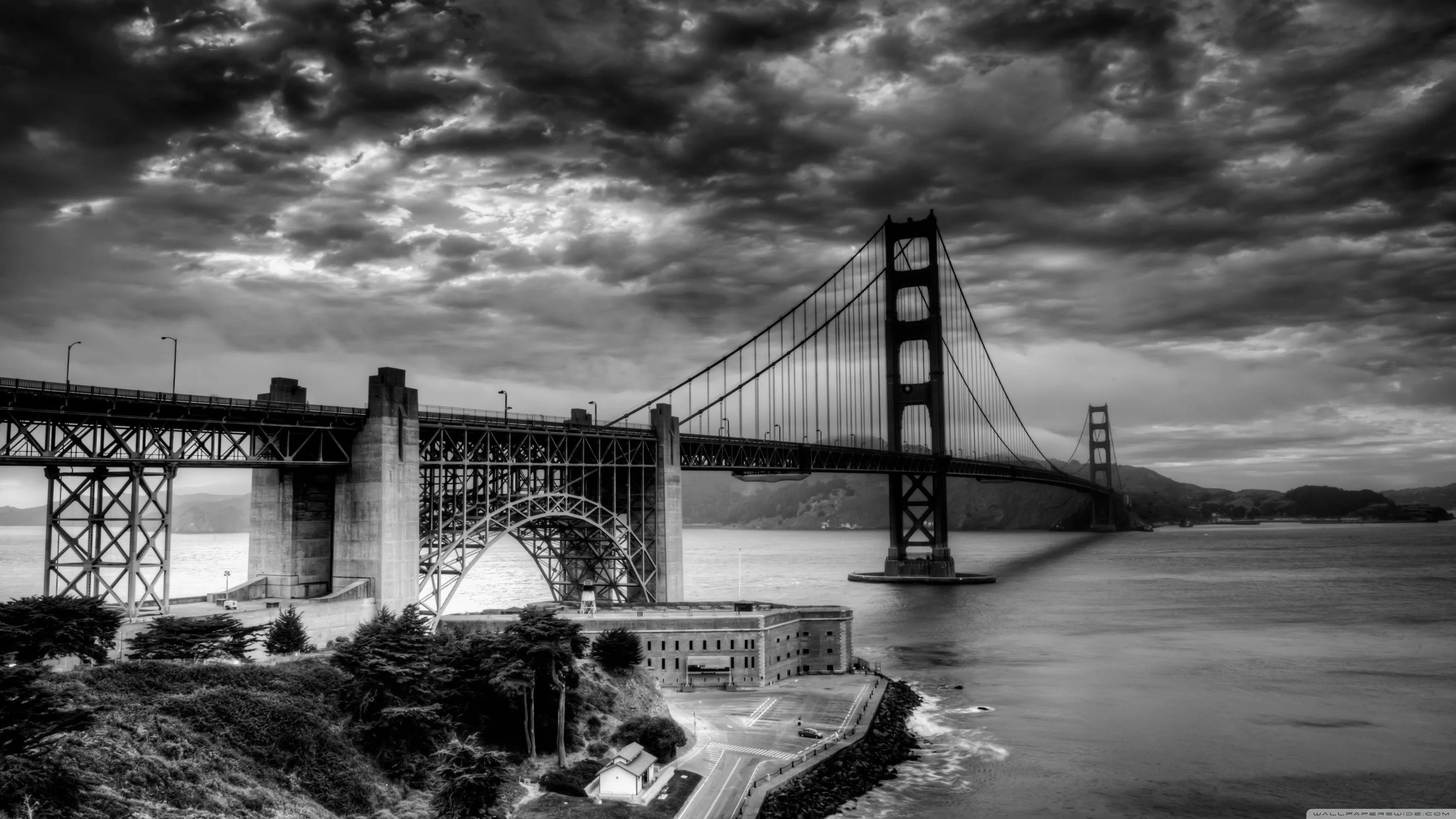
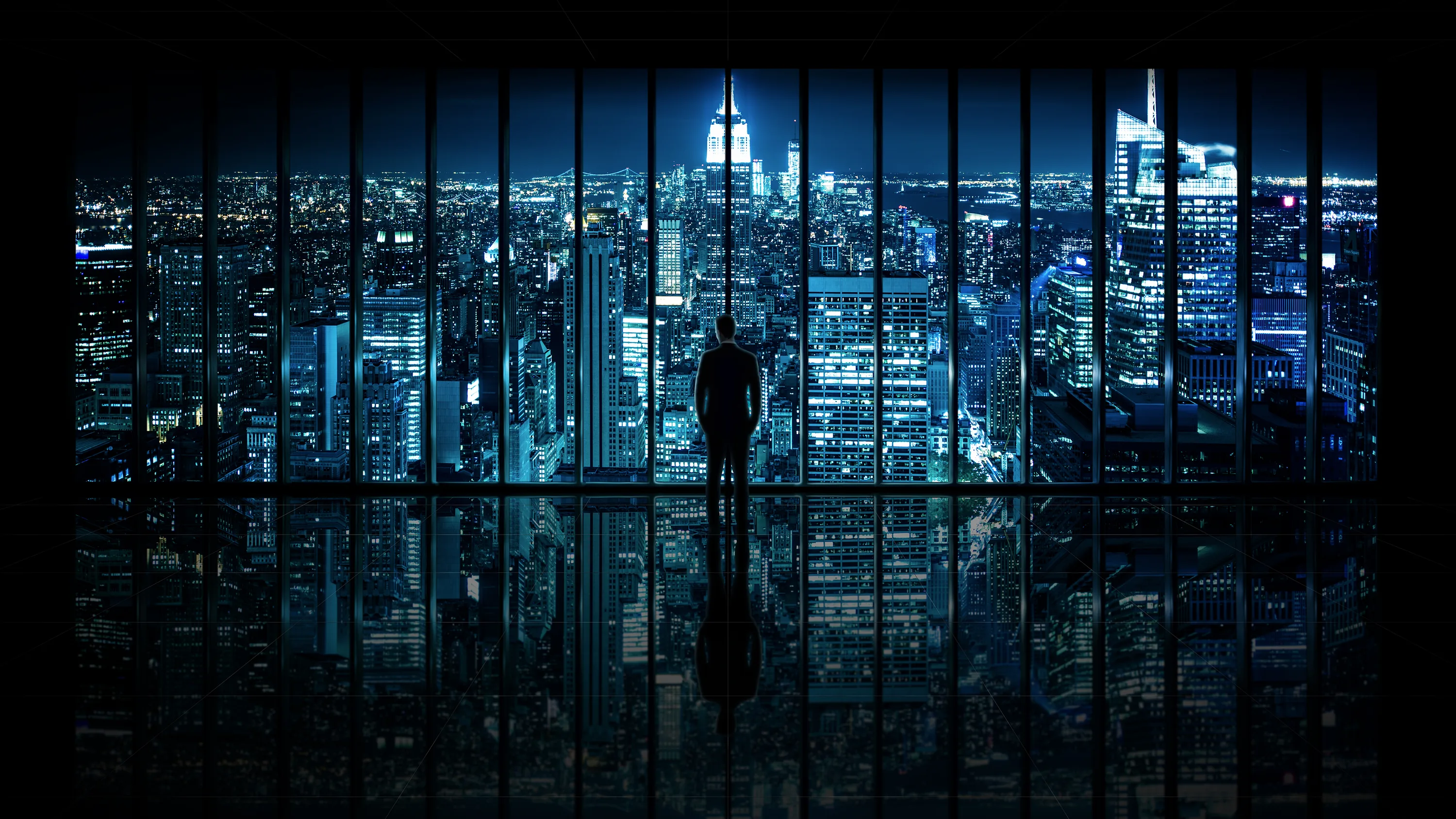

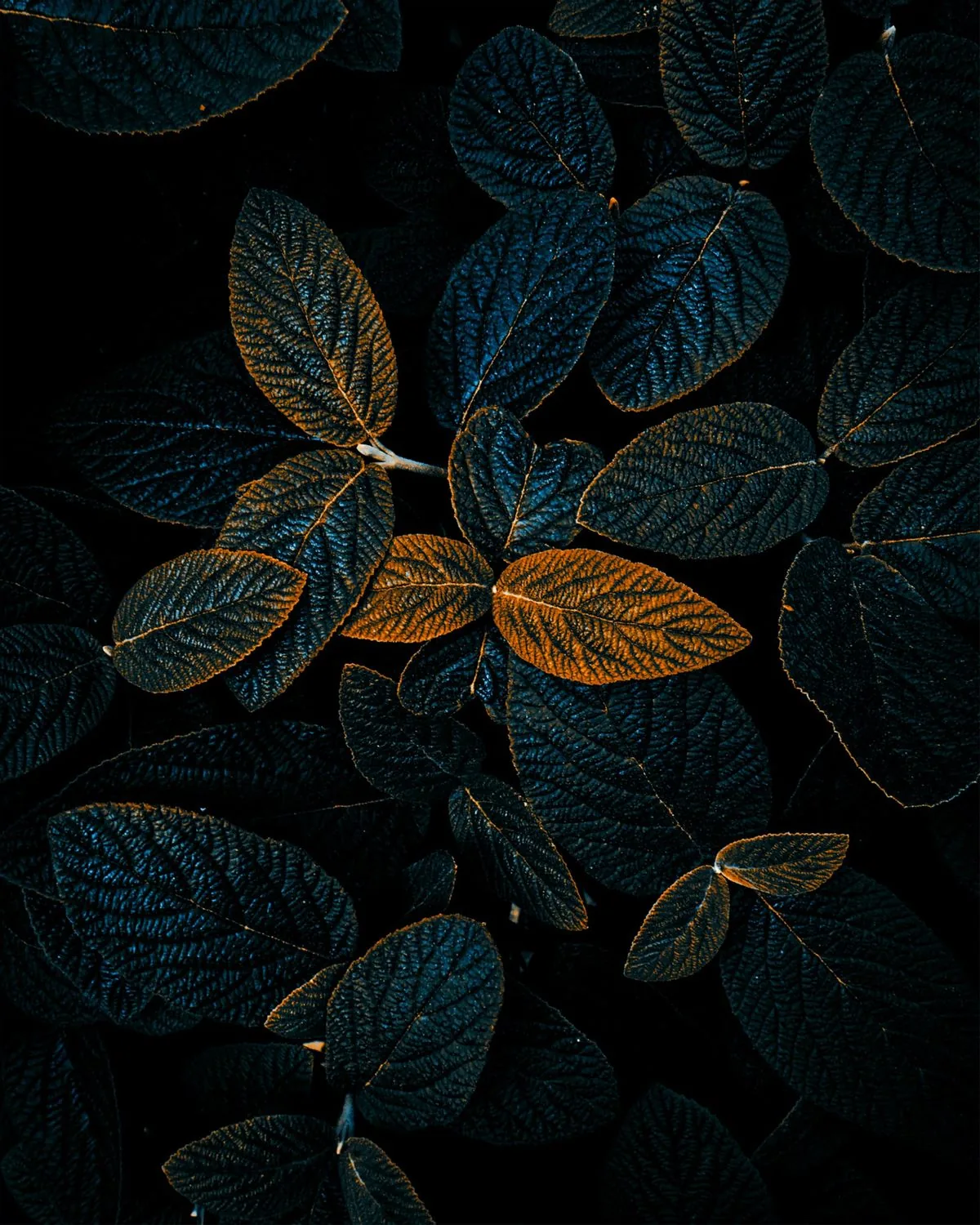

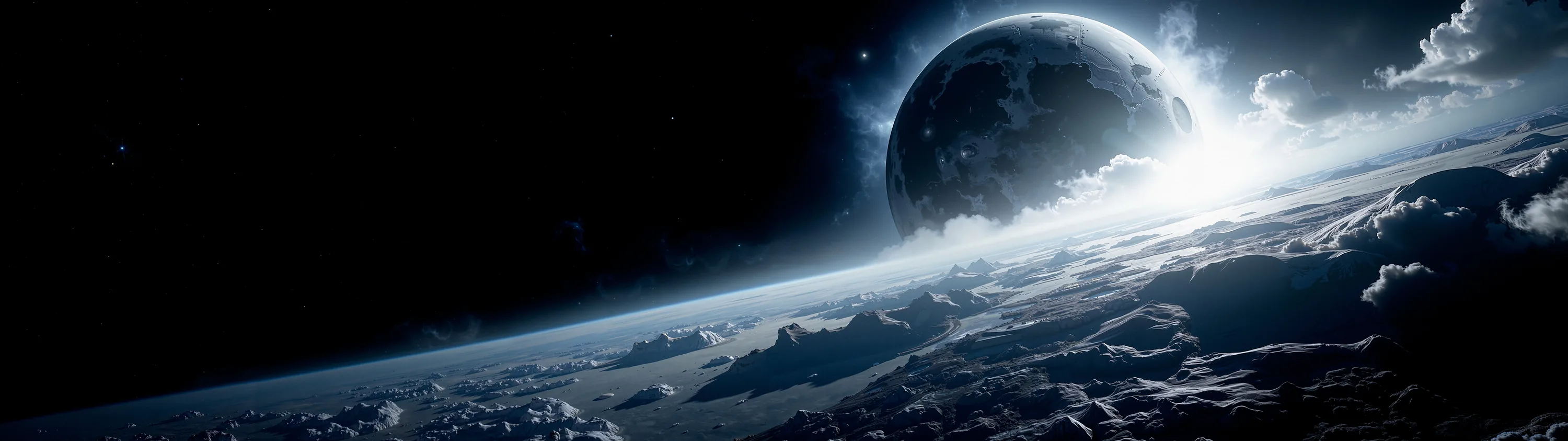


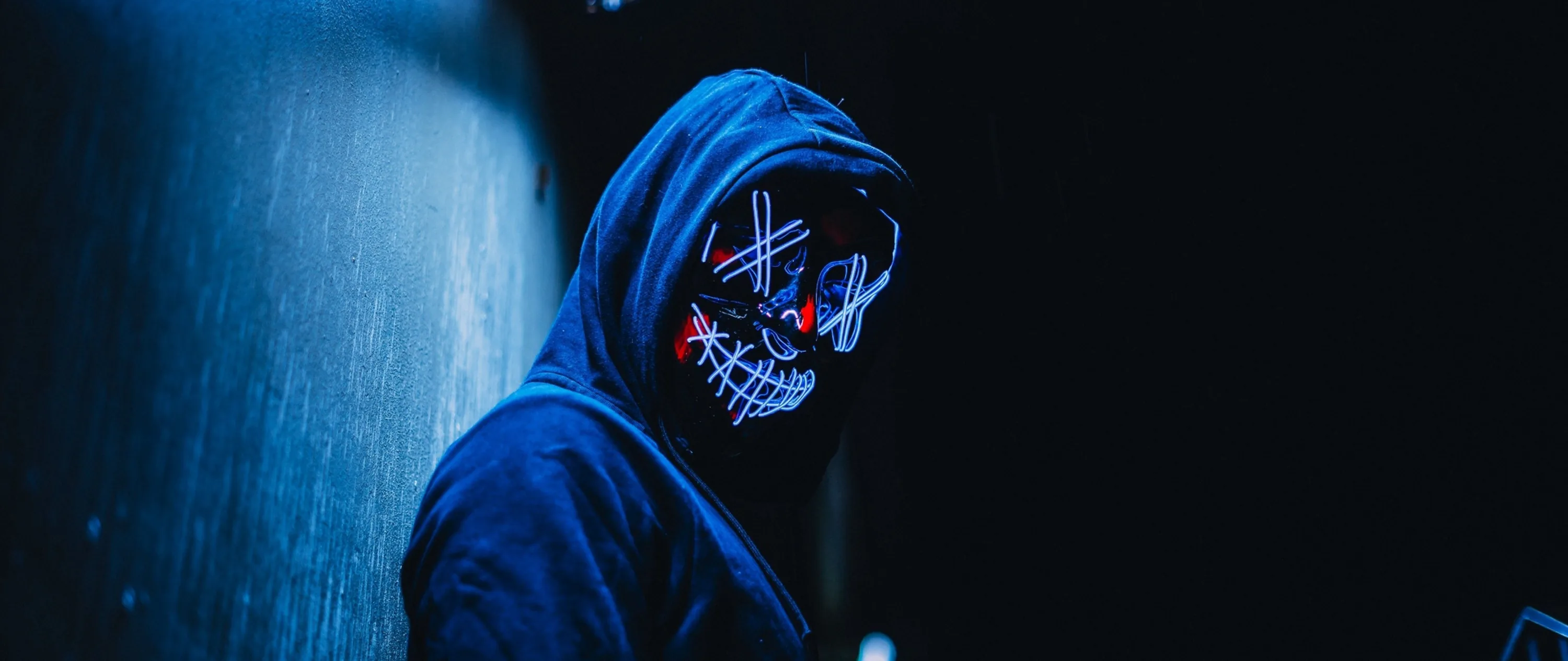


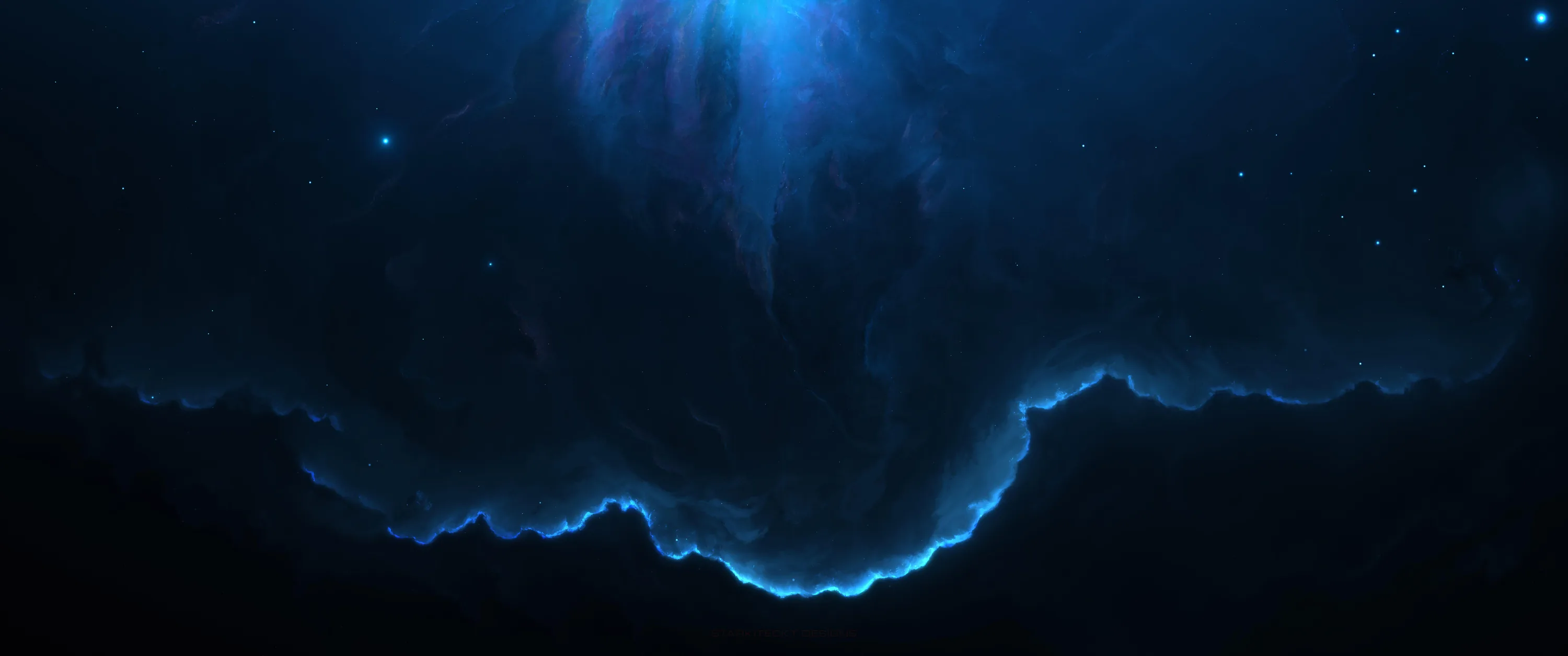

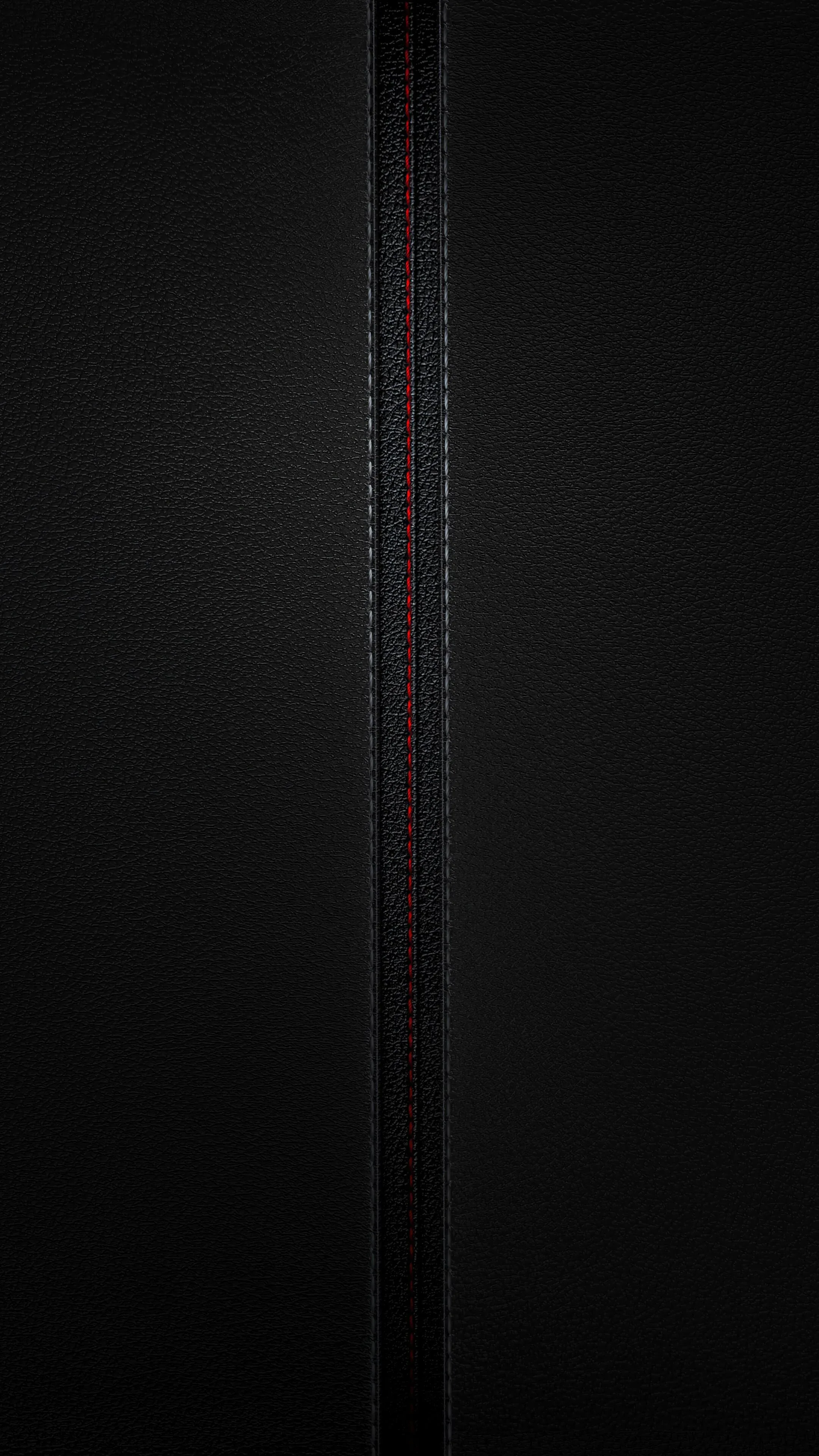

Worth being precise: these are standard image files processed for an HDR look, not true HDR files with HDR10 metadata — your phone will not switch into HDR mode for them. What they do have is very wide tonal range, and that is where resolution and quality matter, because the mid-tones between shadow and highlight are the first thing a compressed file collapses. On an OLED the effect is closest to real HDR, since the dark end is genuinely black. Long-press or right-click to save; free for personal use.
Common questions
Do black wallpapers actually save battery?
On OLED and AMOLED screens, yes. A true-black (#000000) pixel is switched off rather than dimmed, so it draws no power — and with an always-on display that runs all day the difference is measurable. On an LCD screen it saves nothing, because the backlight stays on either way. Not sure which you have? Our OLED test tool fills the screen with pure black: on an OLED it goes completely dark, on an LCD you can still see the backlight glowing grey.
How do I set one as my wallpaper?
Long-press on mobile or right-click on desktop to save the image, then set it from your gallery or system wallpaper settings.
Last updated: