Black Hacker Wallpaper 4K
Terminal aesthetics at 4K — green on black, falling code, command-line style. Community-uploaded; sign in to share yours.


















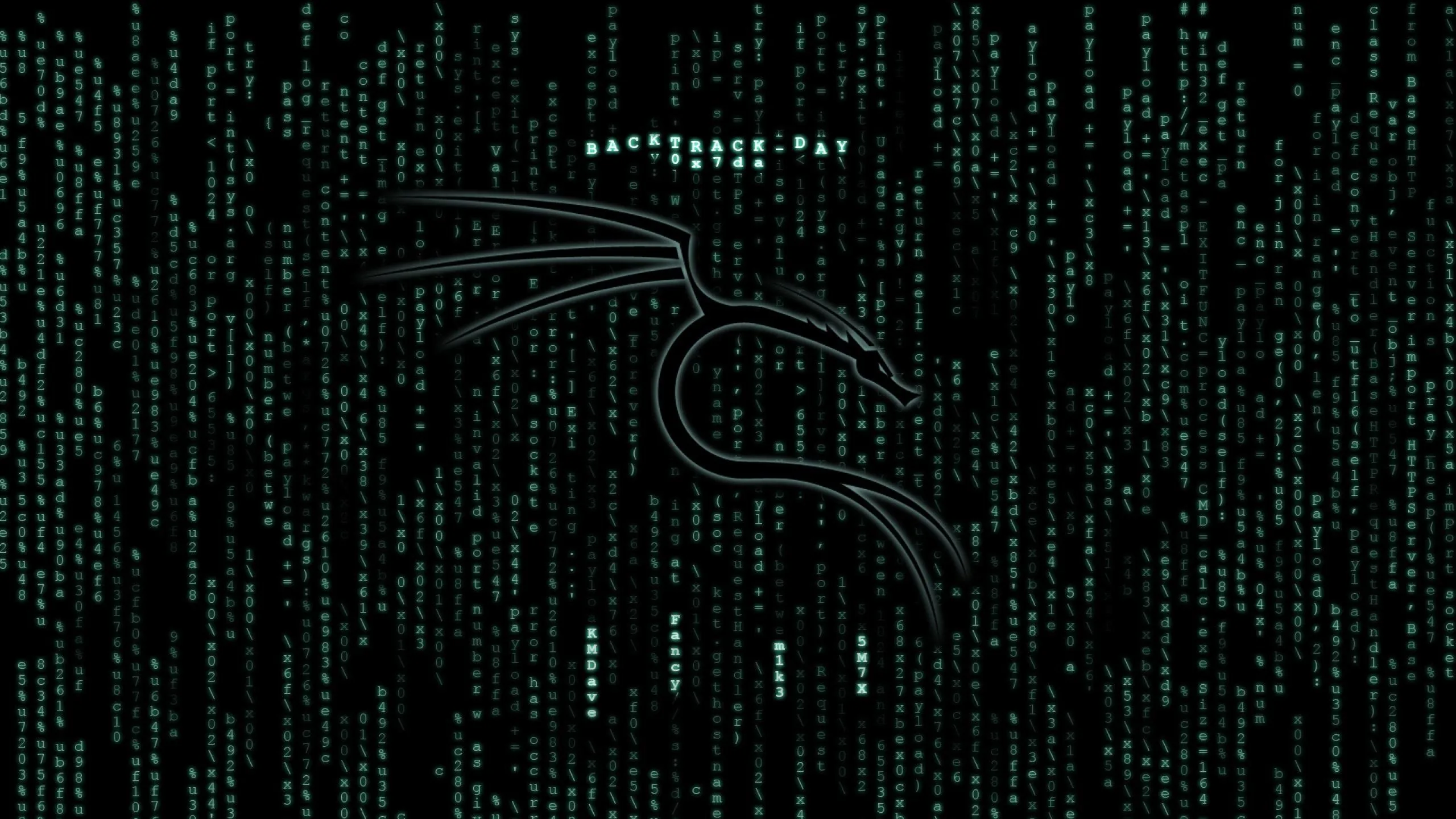

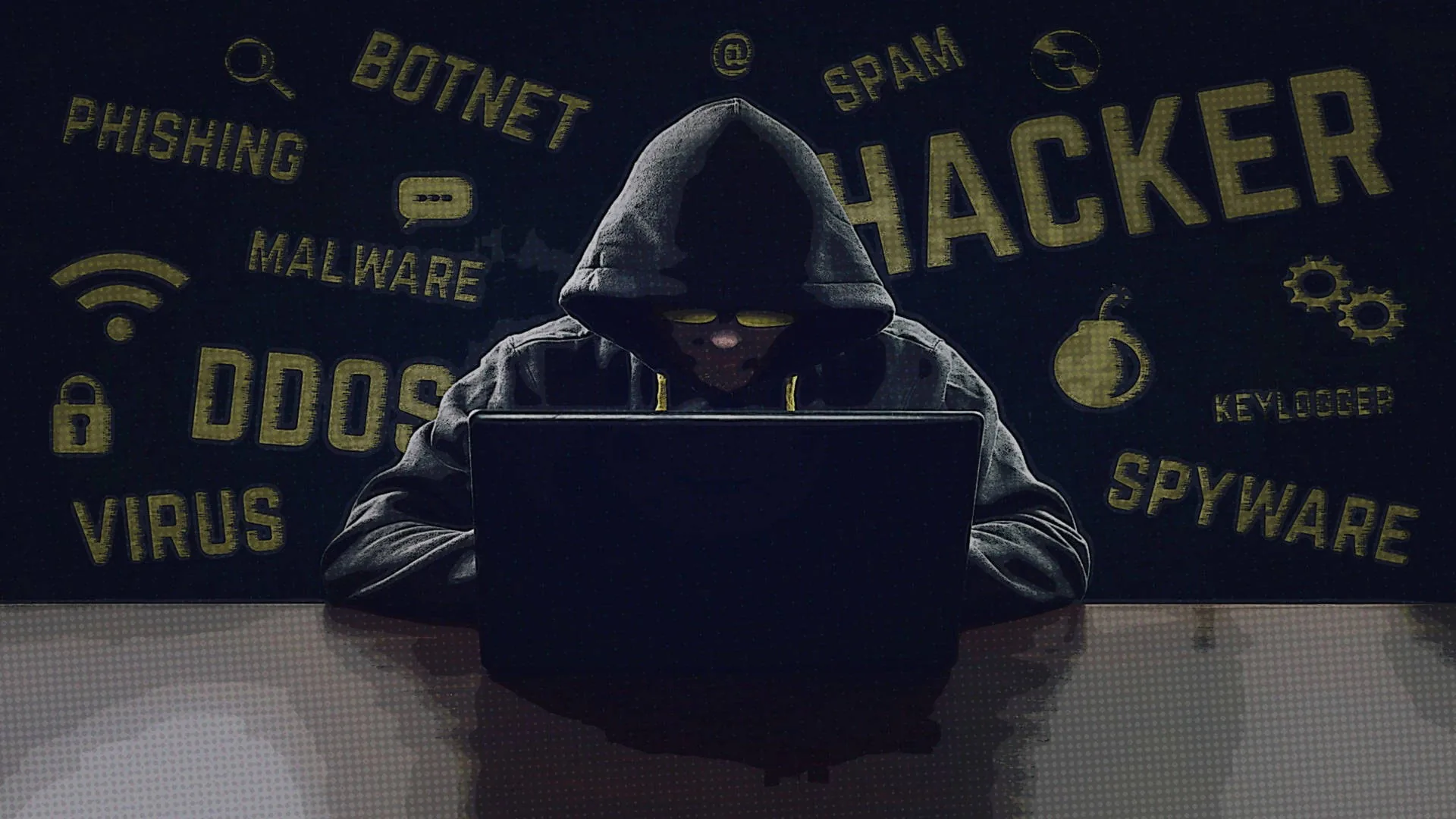
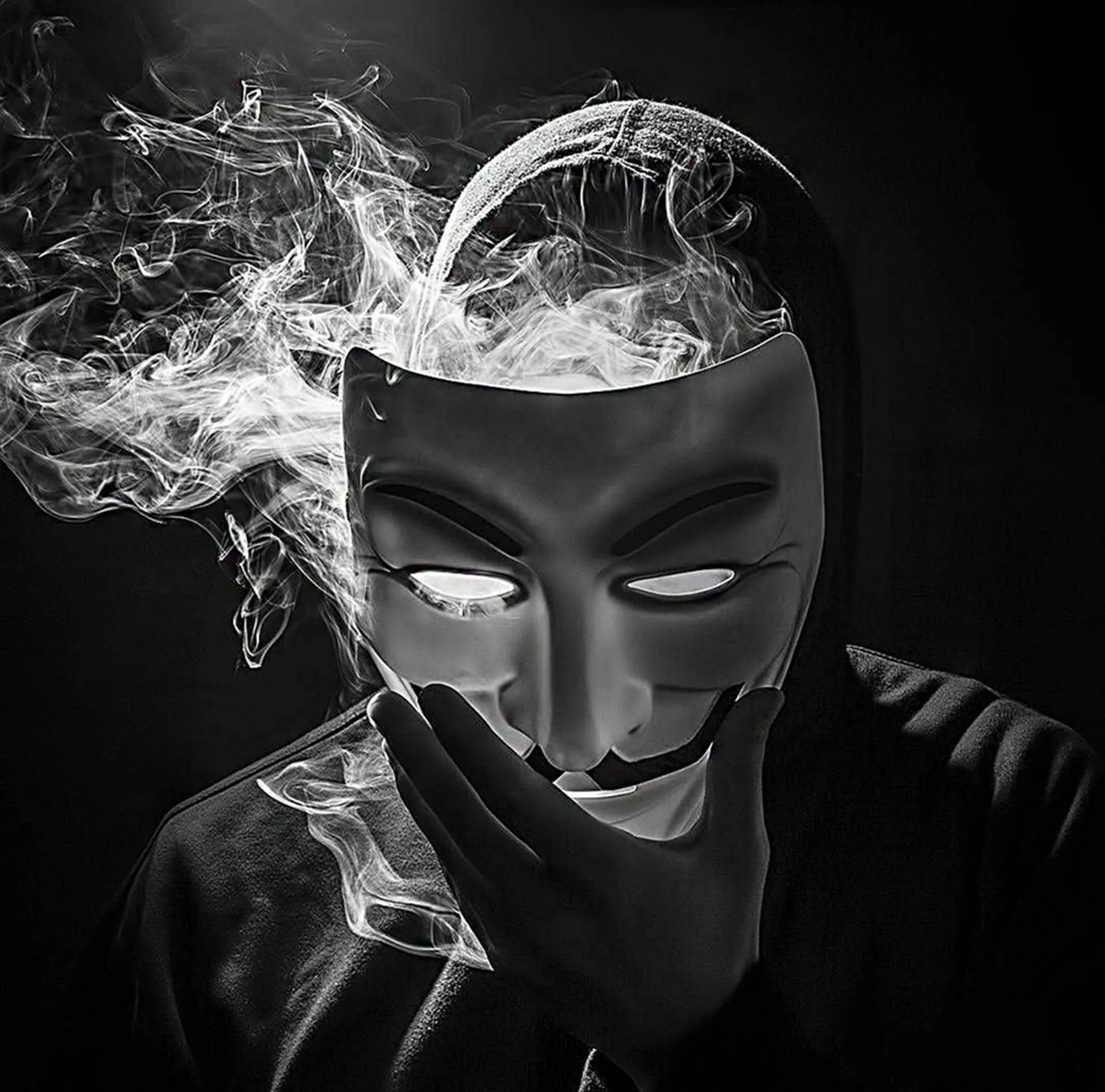

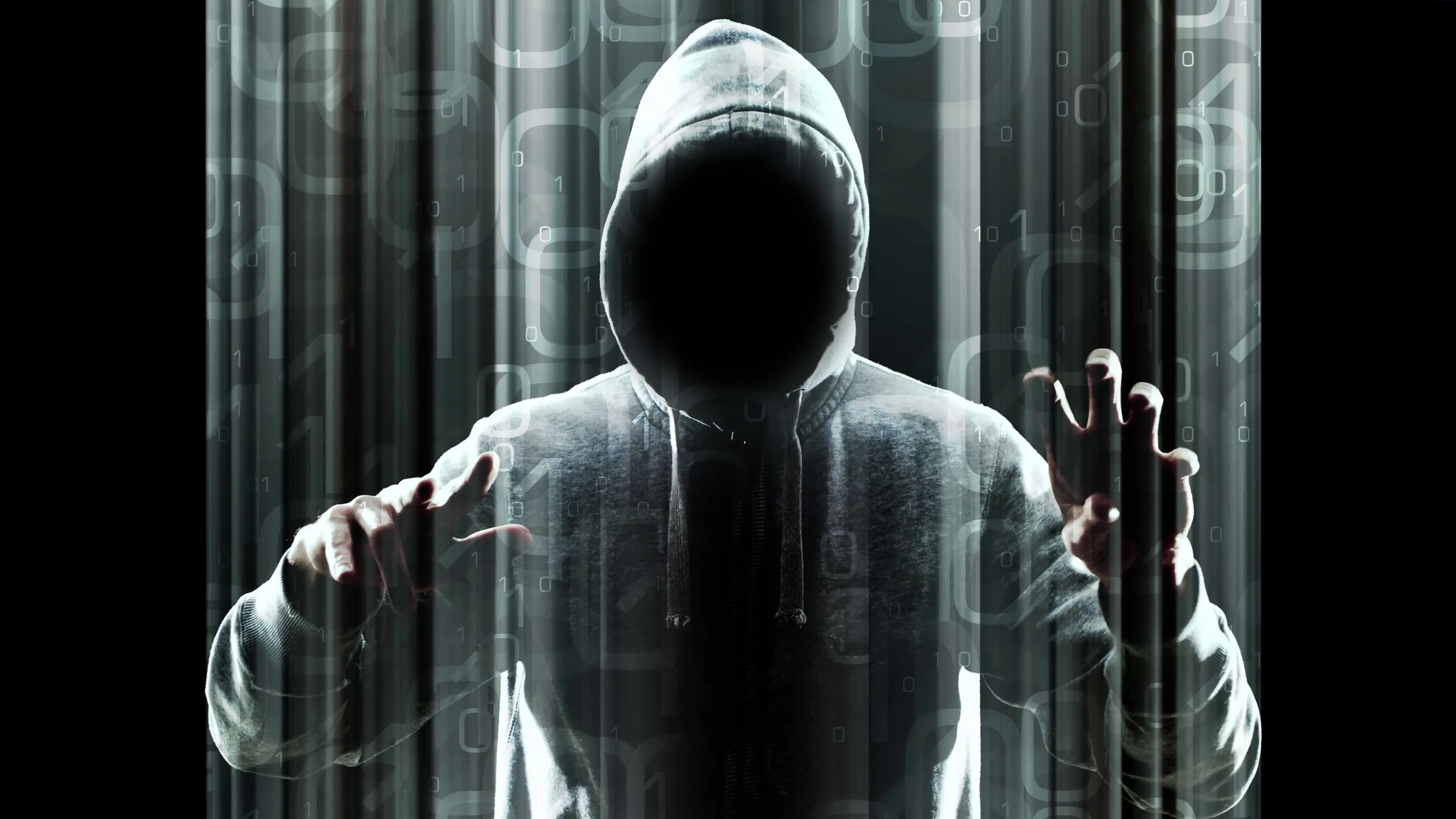






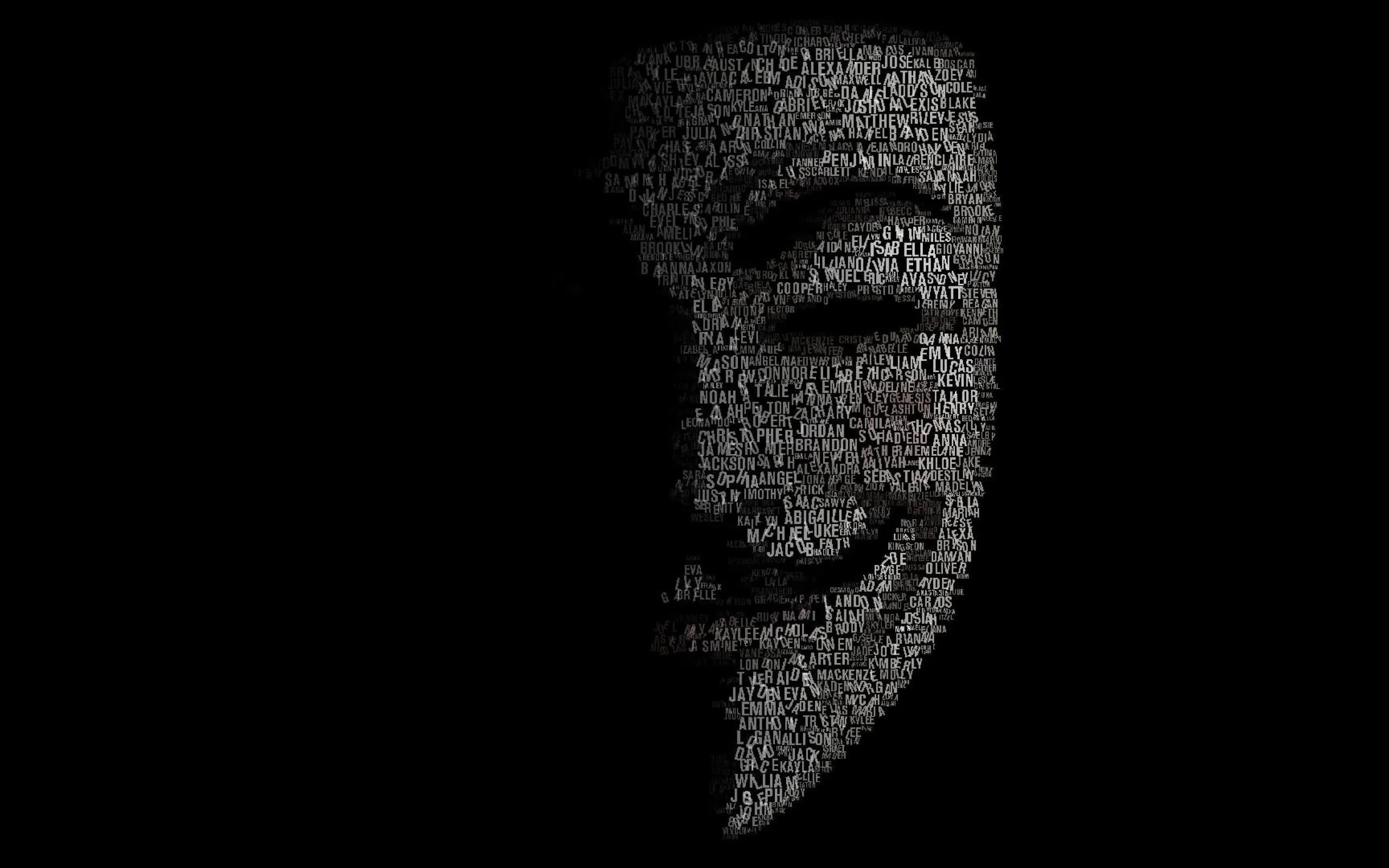


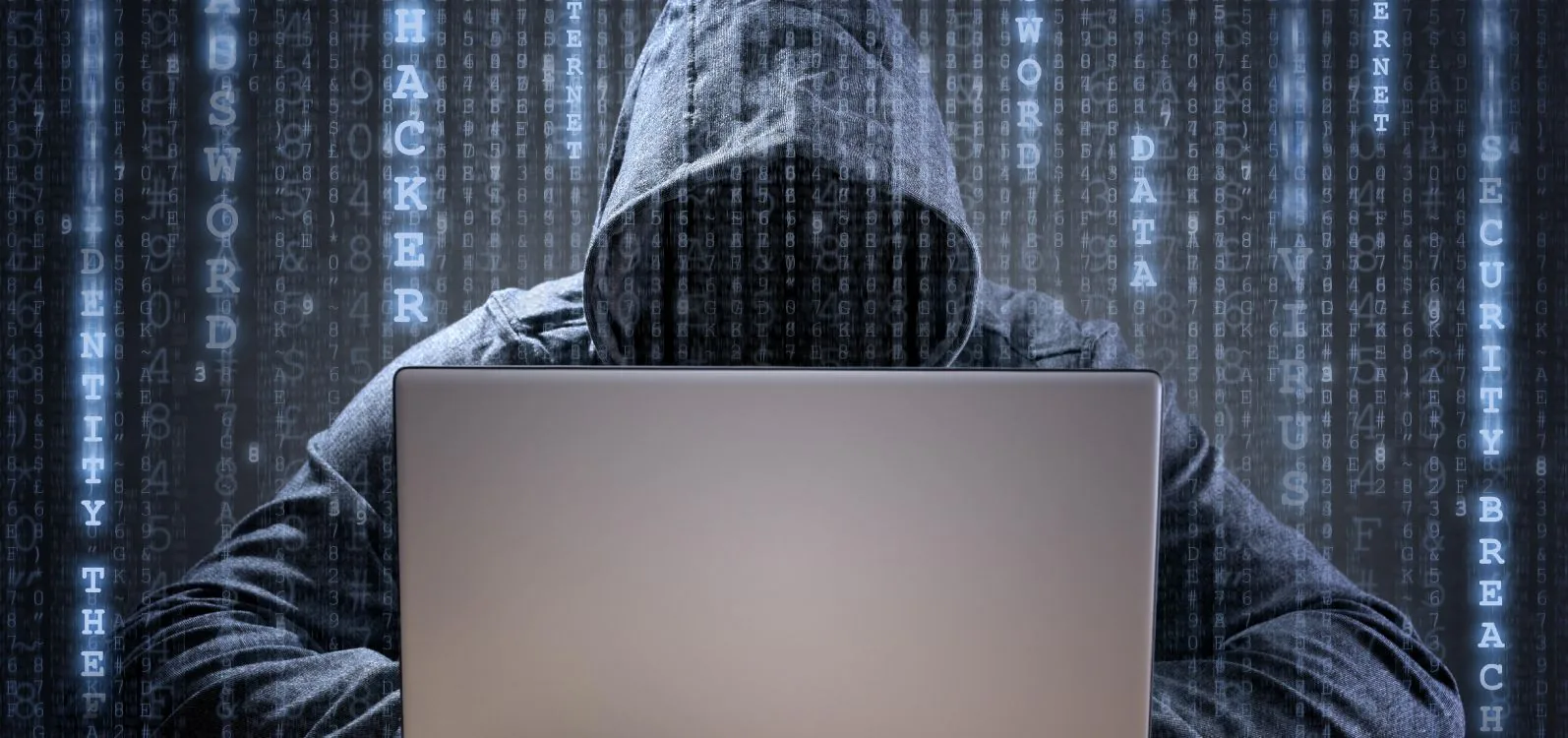

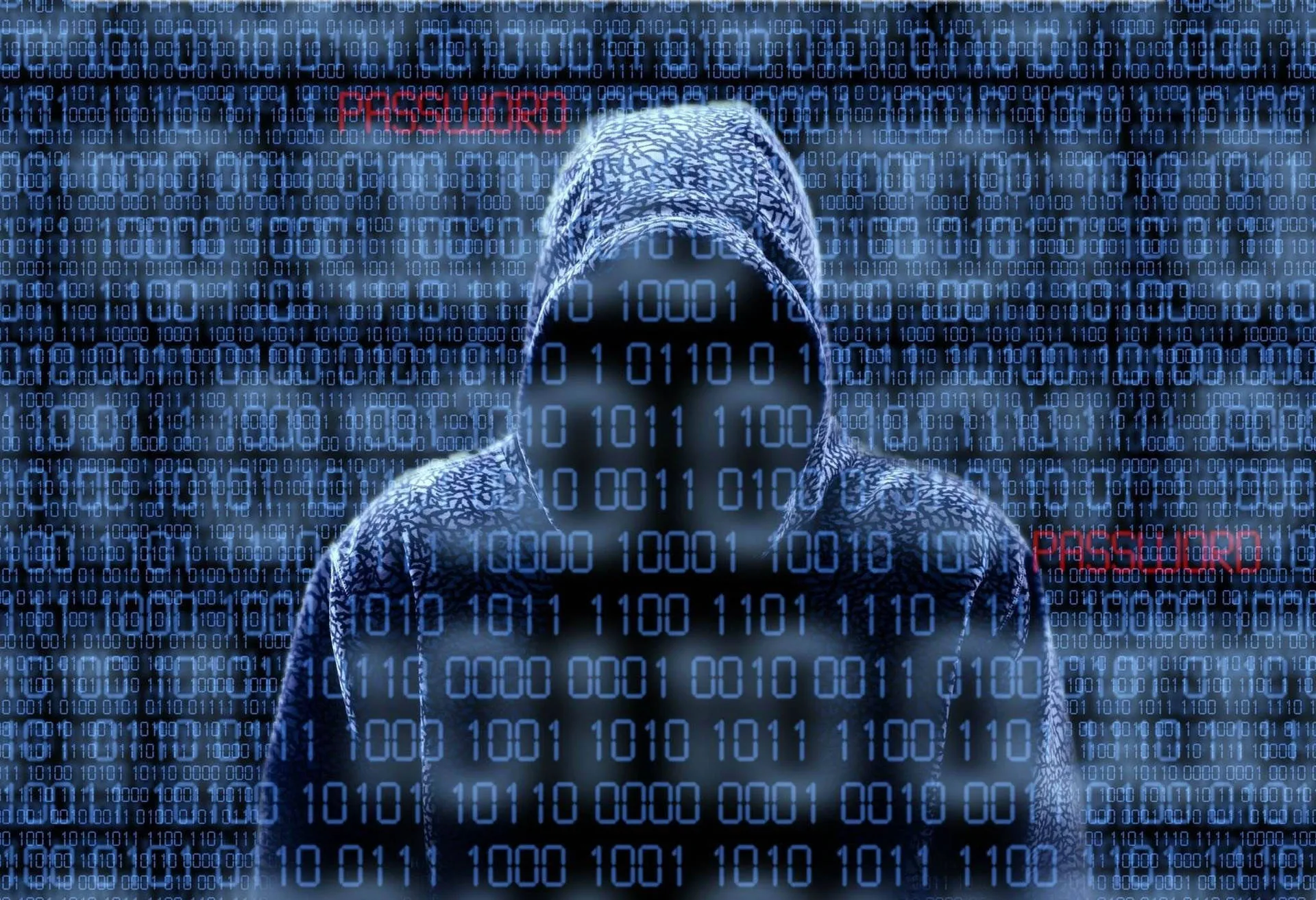



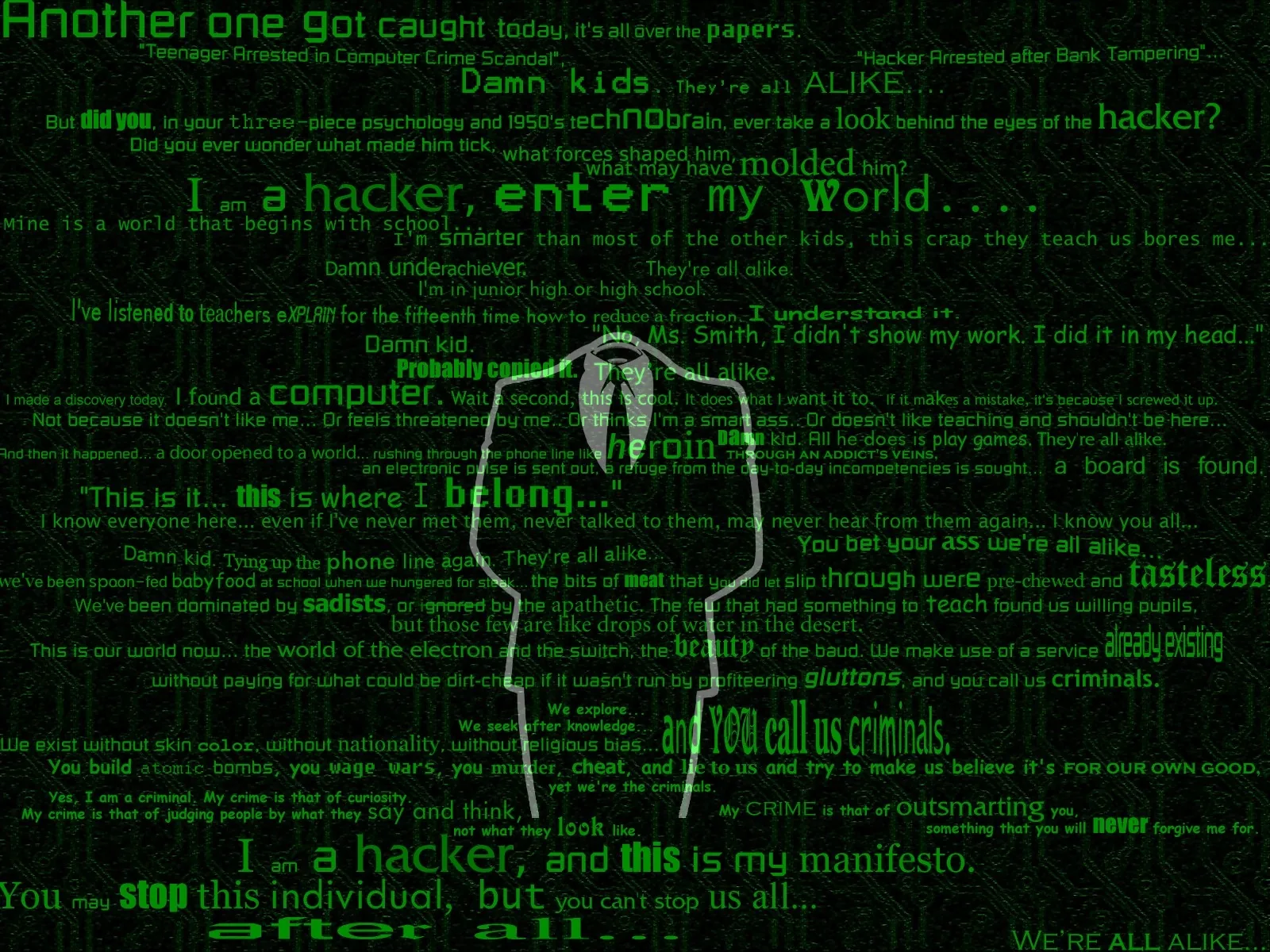


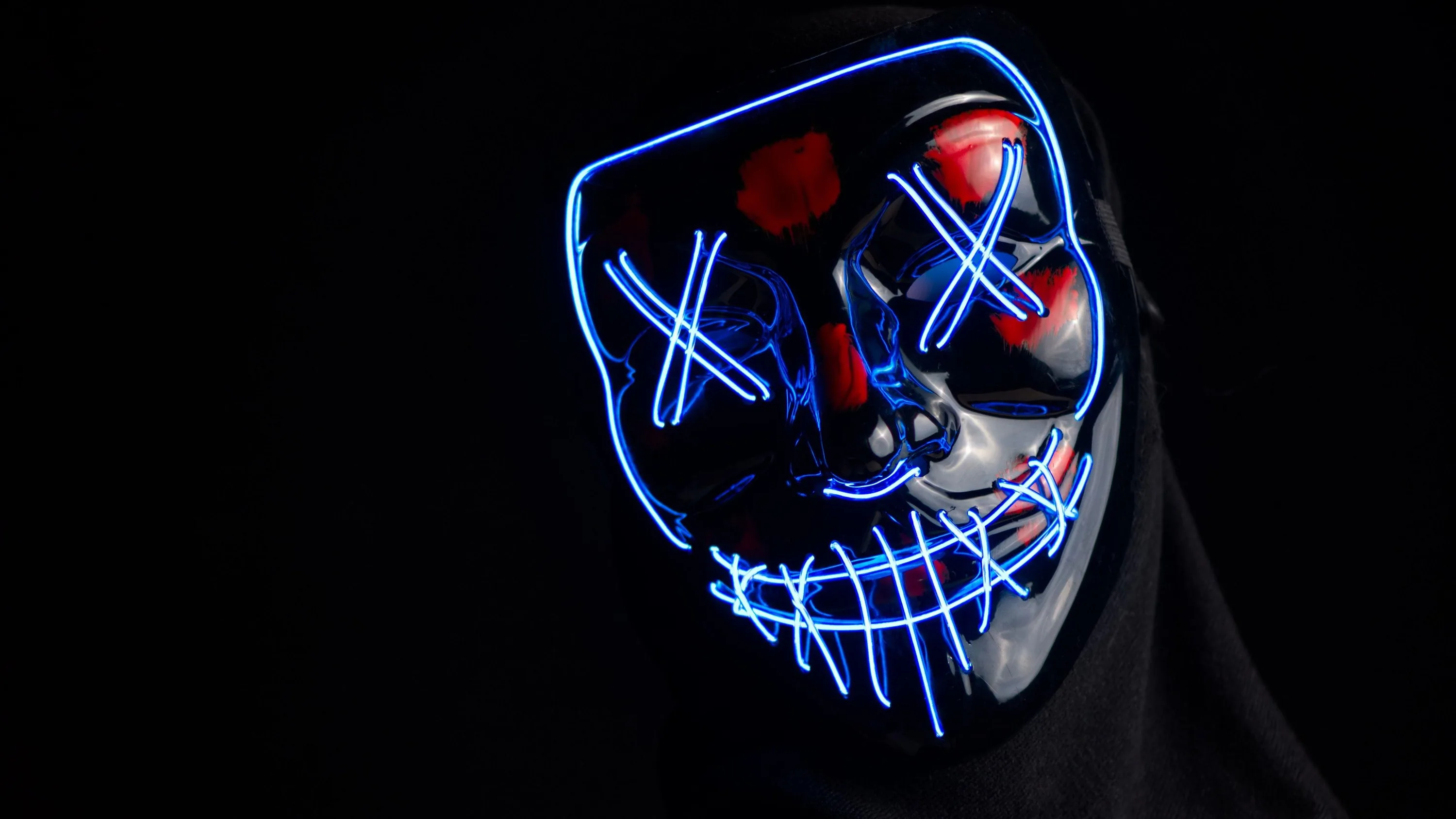

This style is almost entirely thin bright glyphs on pure black, which makes resolution non-negotiable: at anything below native size the characters turn into green smears and the whole effect collapses. Everything here is 3840x2160 or above. There is a real reason terminals settled on green-on-black decades ago — green sits where the human eye is most sensitive, so it stays legible at low brightness. On OLED the black is genuinely off, which is as close to a real terminal as a screen gets. Right-click to save; free for personal use.
Common questions
Do black wallpapers actually save battery?
On OLED and AMOLED screens, yes. A true-black (#000000) pixel is switched off rather than dimmed, so it draws no power — and with an always-on display that runs all day the difference is measurable. On an LCD screen it saves nothing, because the backlight stays on either way. Not sure which you have? Our OLED test tool fills the screen with pure black: on an OLED it goes completely dark, on an LCD you can still see the backlight glowing grey.
How do I set one as my wallpaper?
Long-press on mobile or right-click on desktop to save the image, then set it from your gallery or system wallpaper settings.
Last updated: