Black Default iPhone Wallpaper
The stock ones — Apple's own dark wallpapers and files made in the same restrained style. Community-shared; register to upload yours.
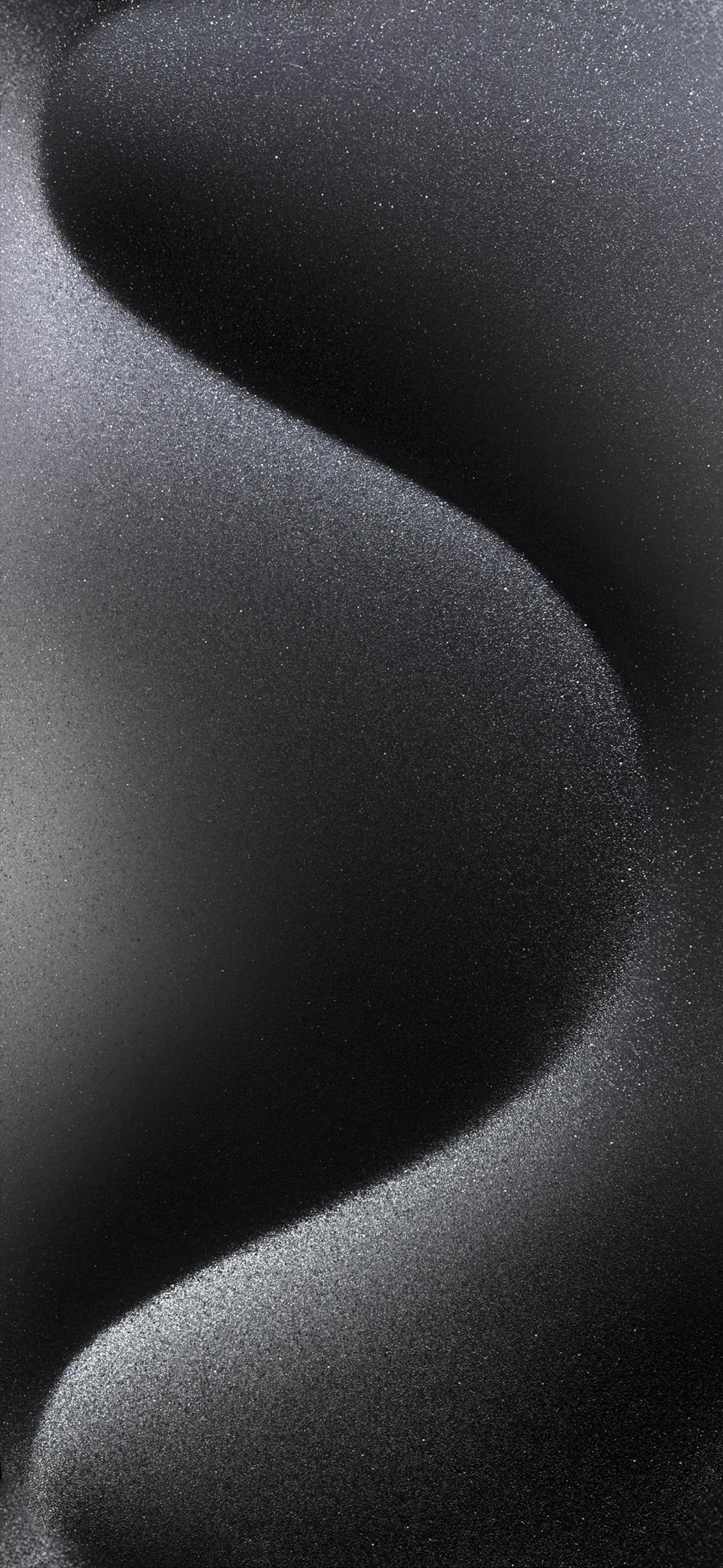


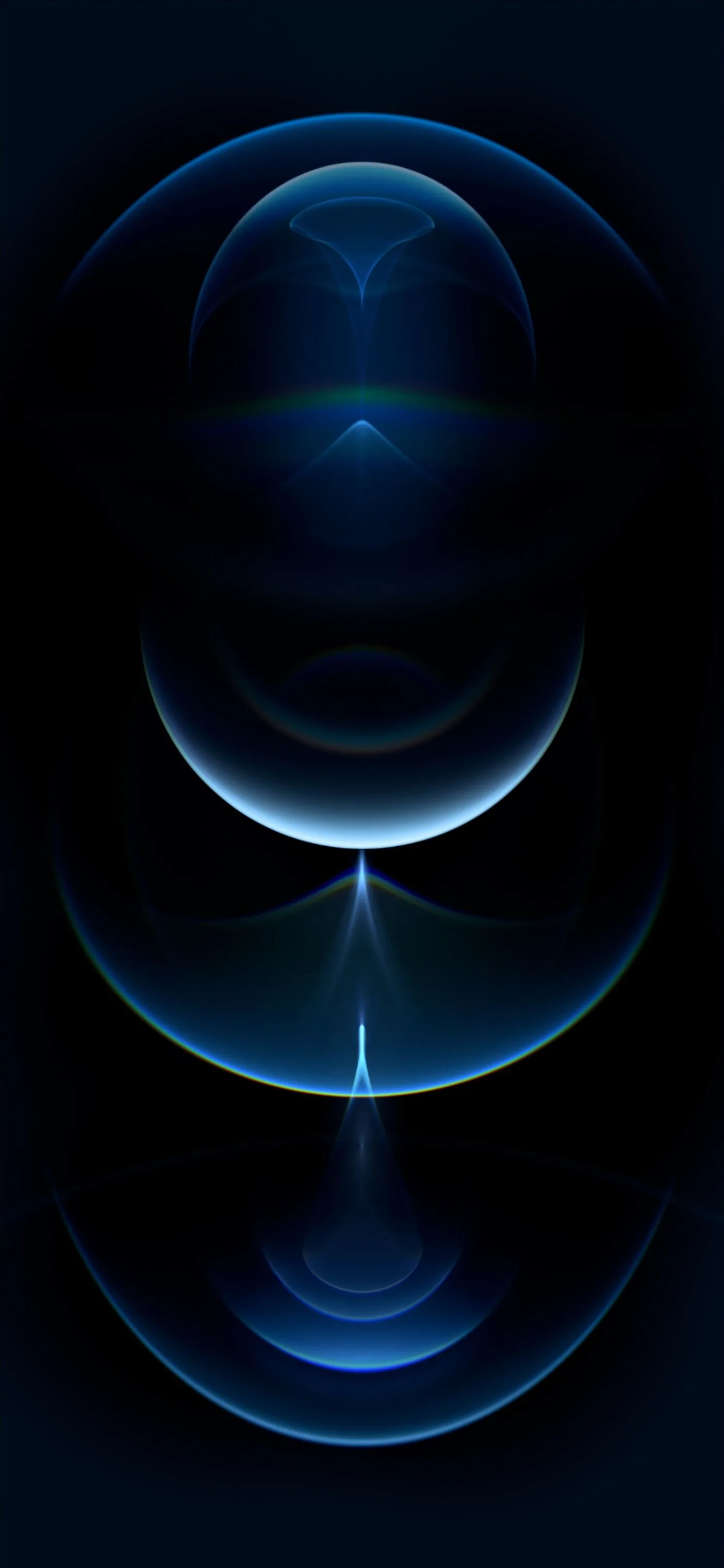

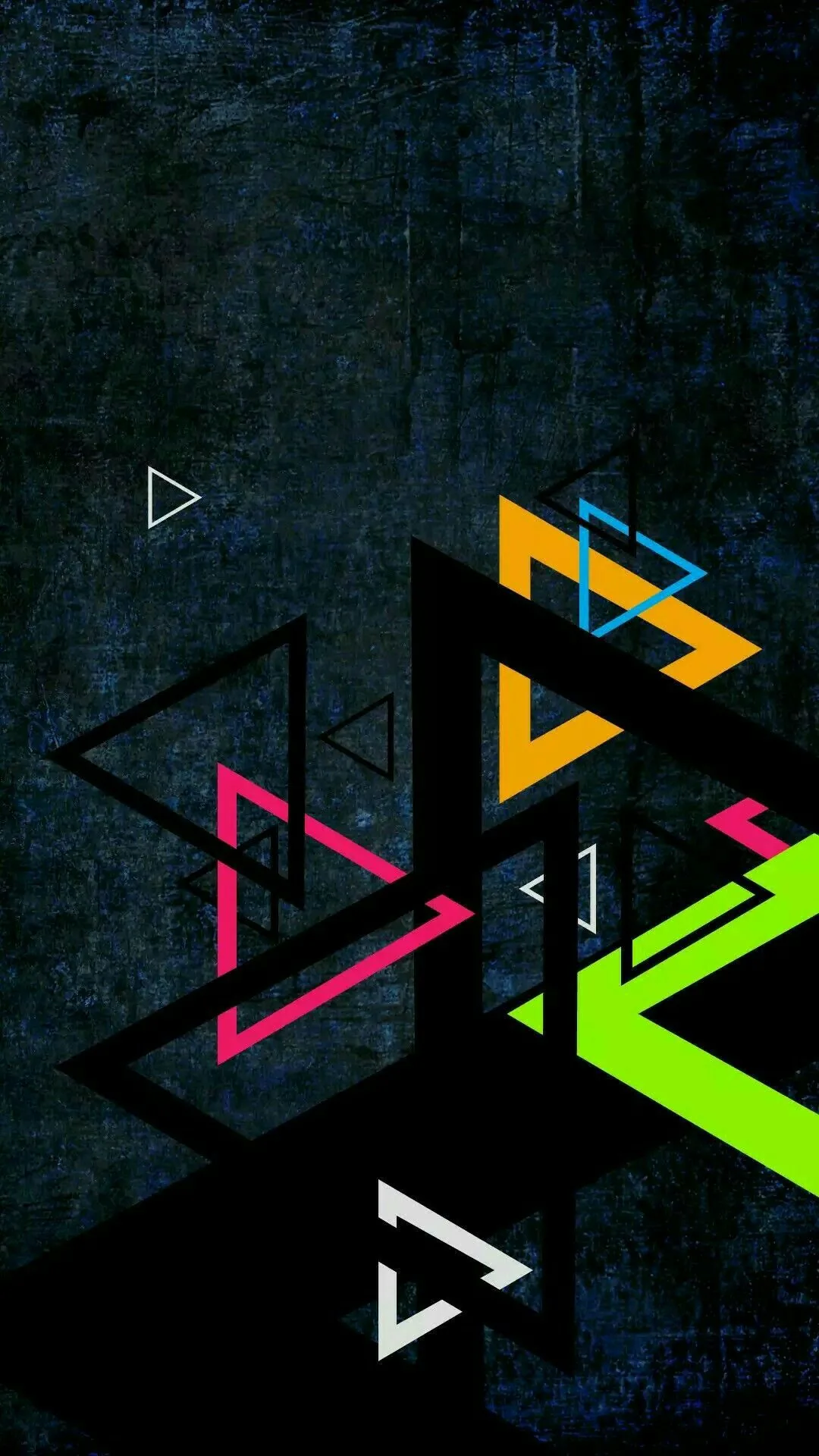













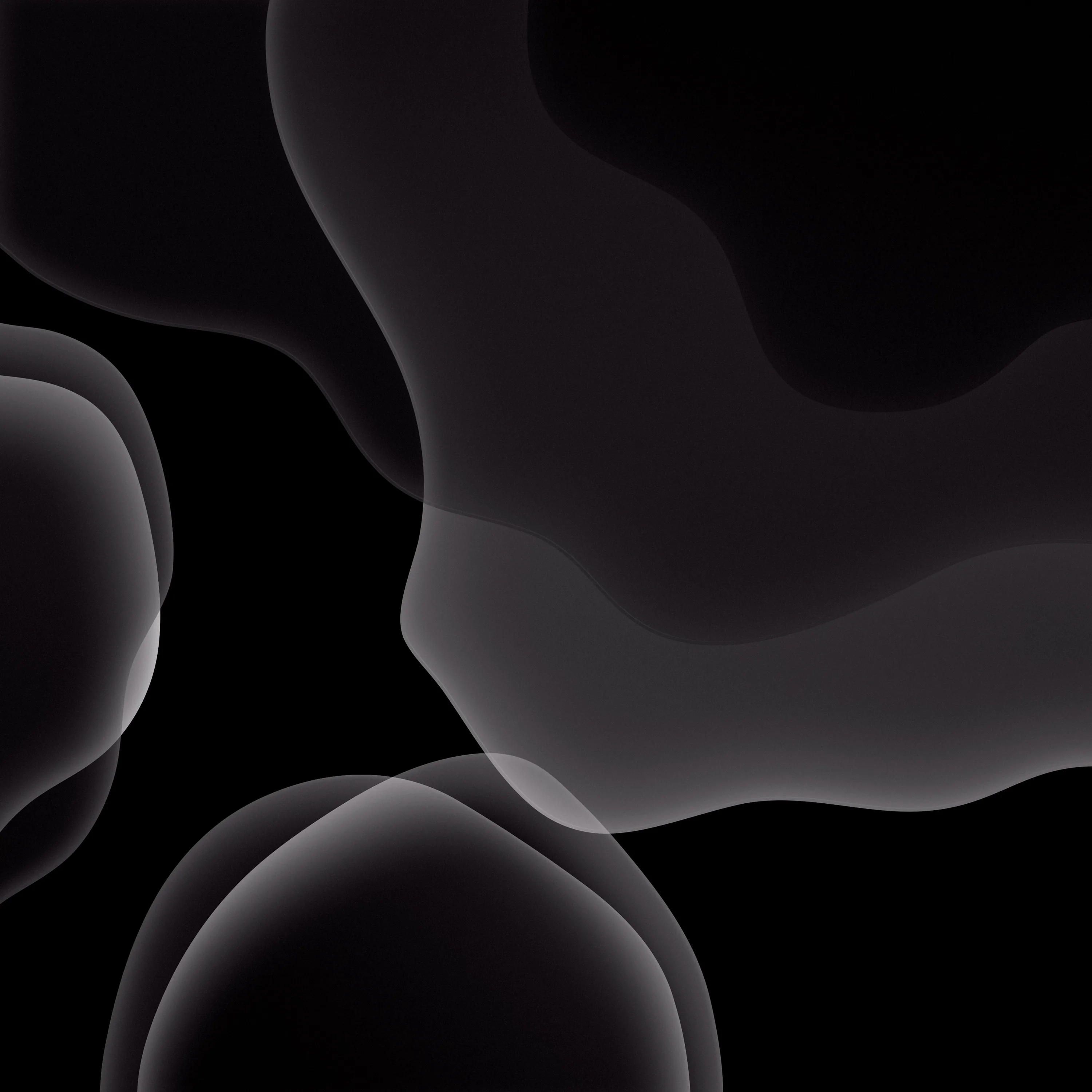
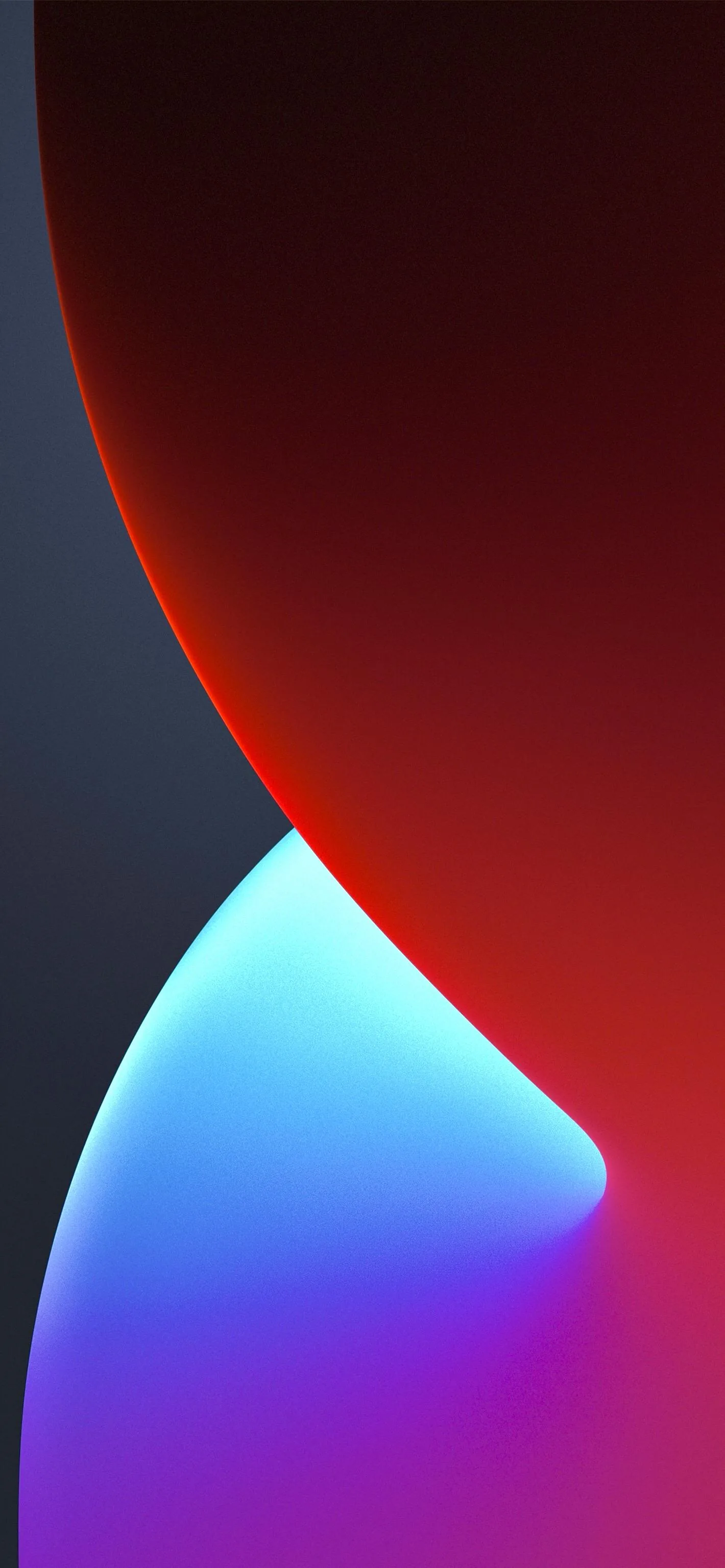
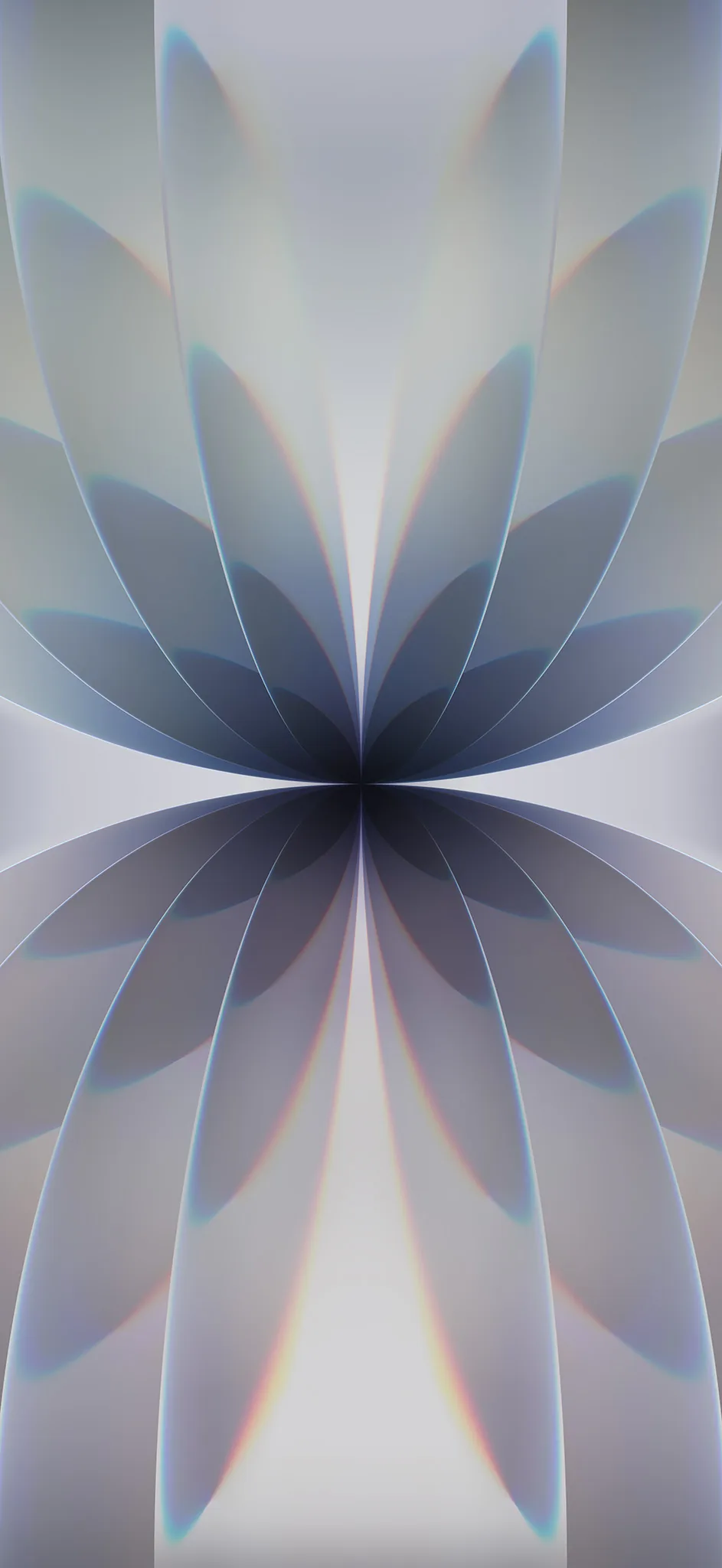


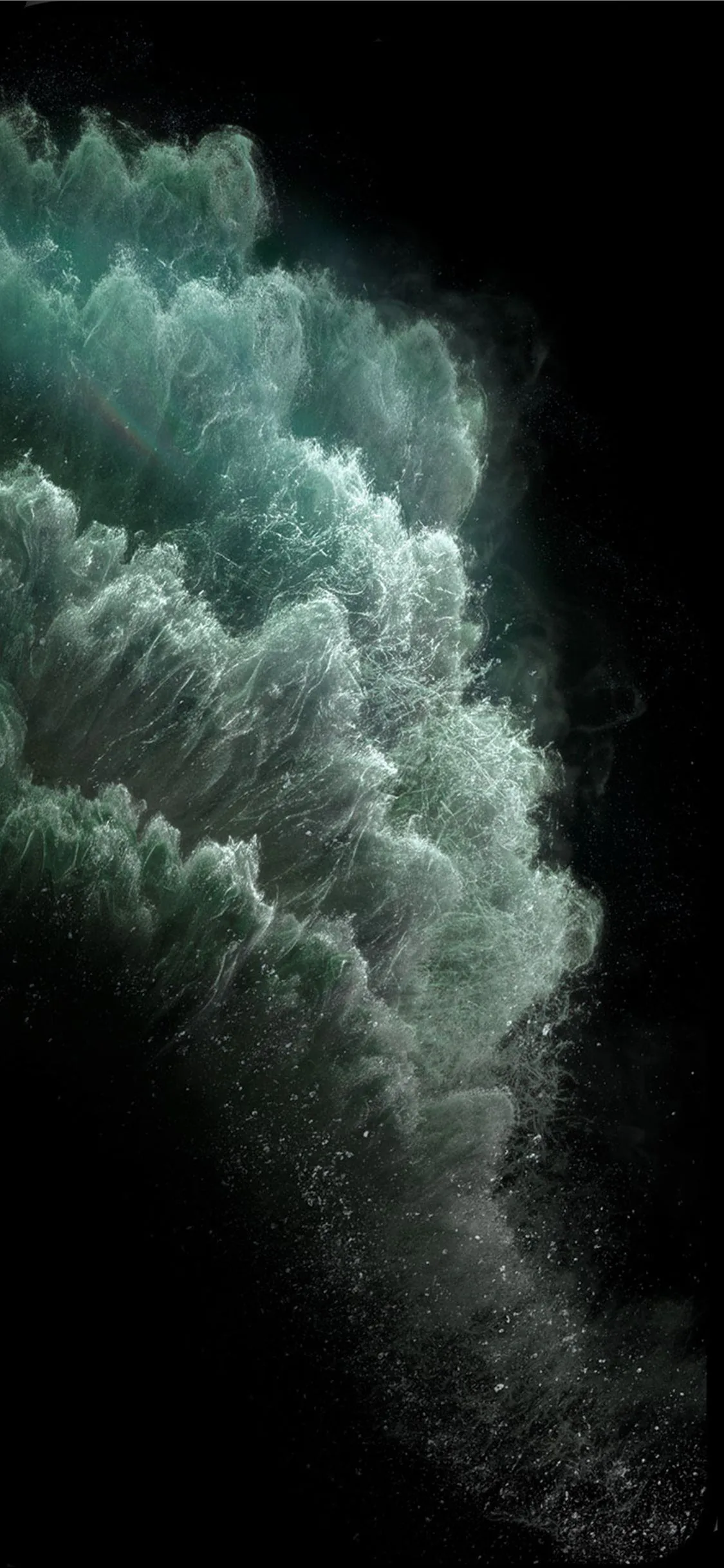









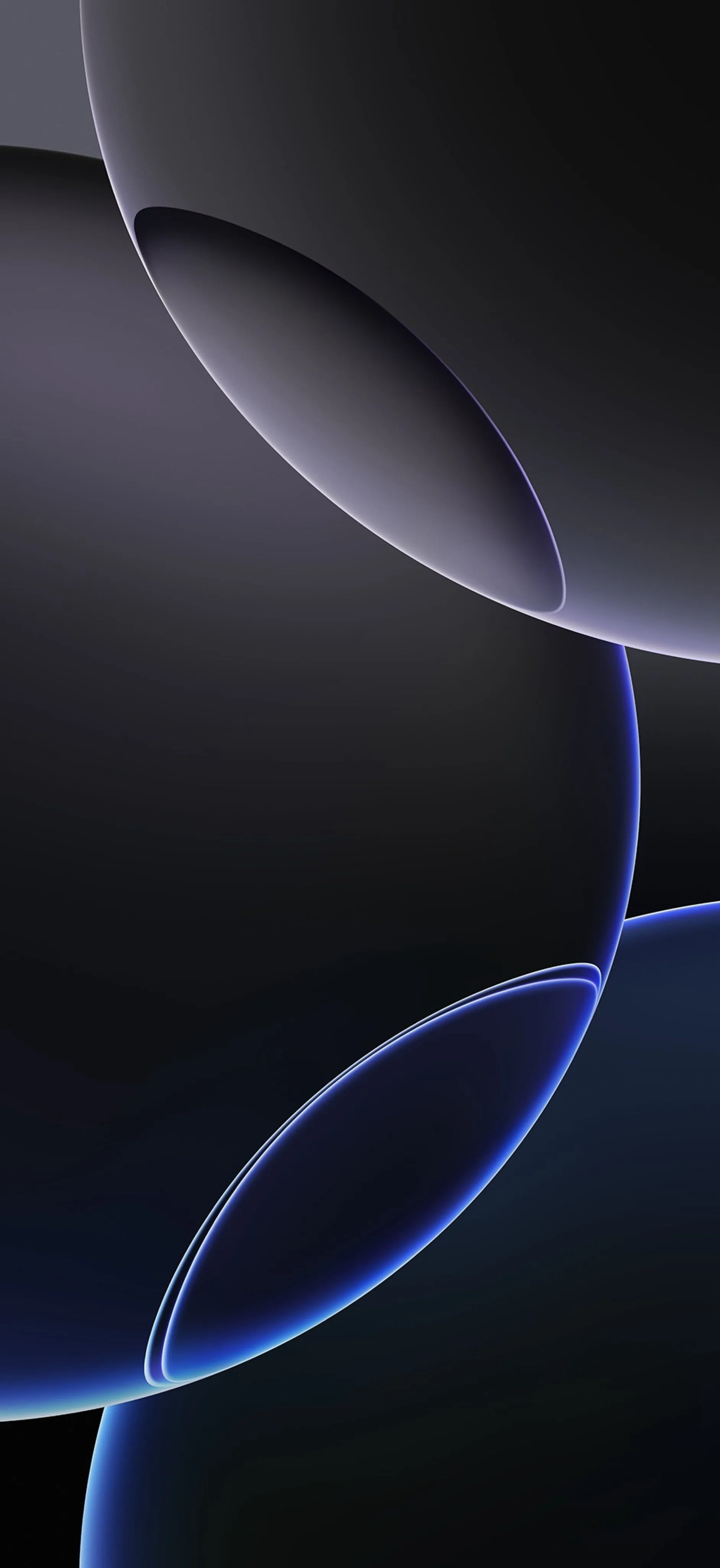
Apple's default dark wallpapers are built around near-black with a single soft gradient, and that restraint is deliberate: the lock-screen clock and widgets have to stay readable over it. Files here follow the same rule, at 1170x2532 and above. Worth noting that most Apple defaults are very dark grey rather than pure #000000, so they look right but do not switch OLED pixels fully off — check with our OLED test tool if battery is the goal. Long-press to save; free for personal use.
Common questions
How do I set one as my wallpaper?
Long-press the image and choose Save to Photos, then open Settings → Wallpaper → Add New Wallpaper and pick it from your library.
Last updated: