Black AMOLED iPhone Wallpaper
Built for the panel, not just the look — pure black backgrounds that switch iPhone OLED pixels off entirely. Community uploads; register to share your own.







































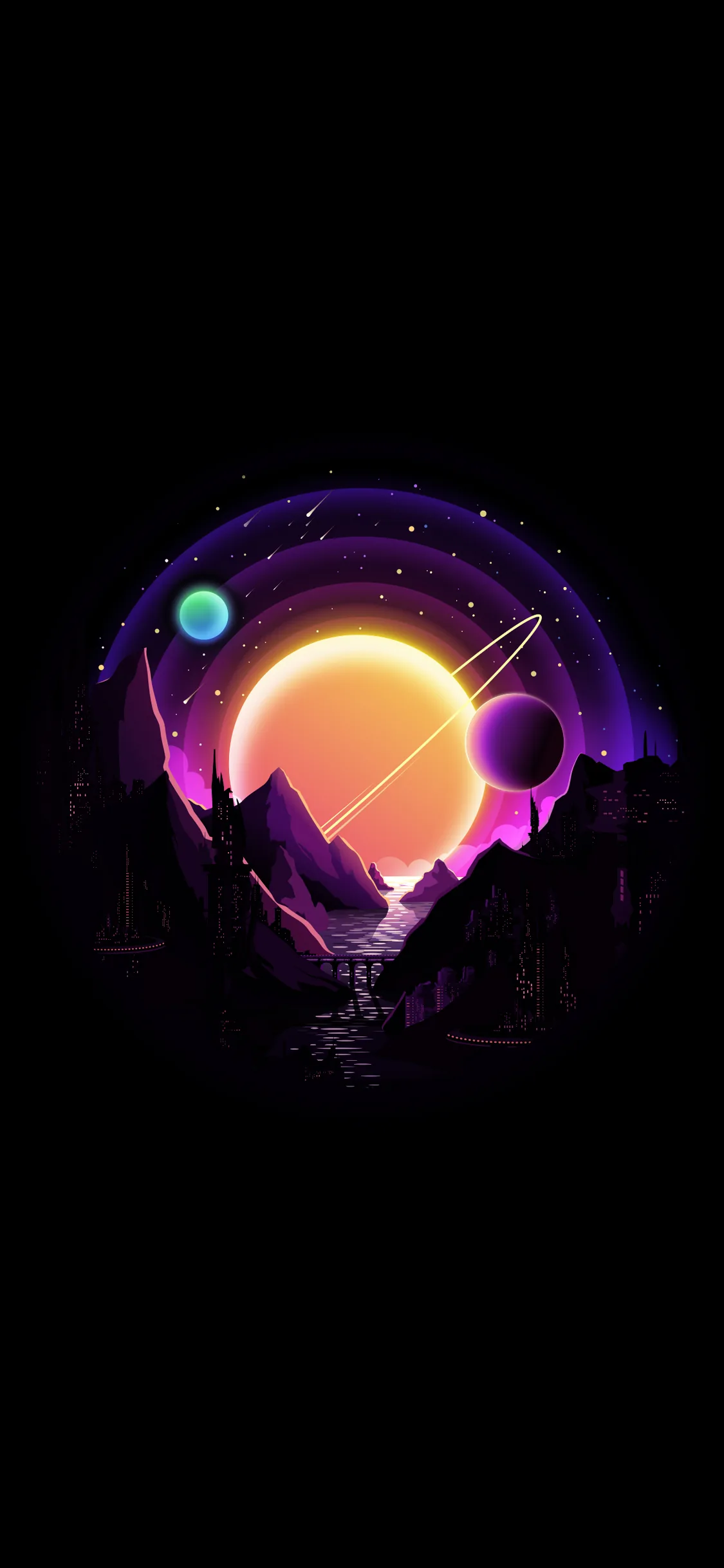





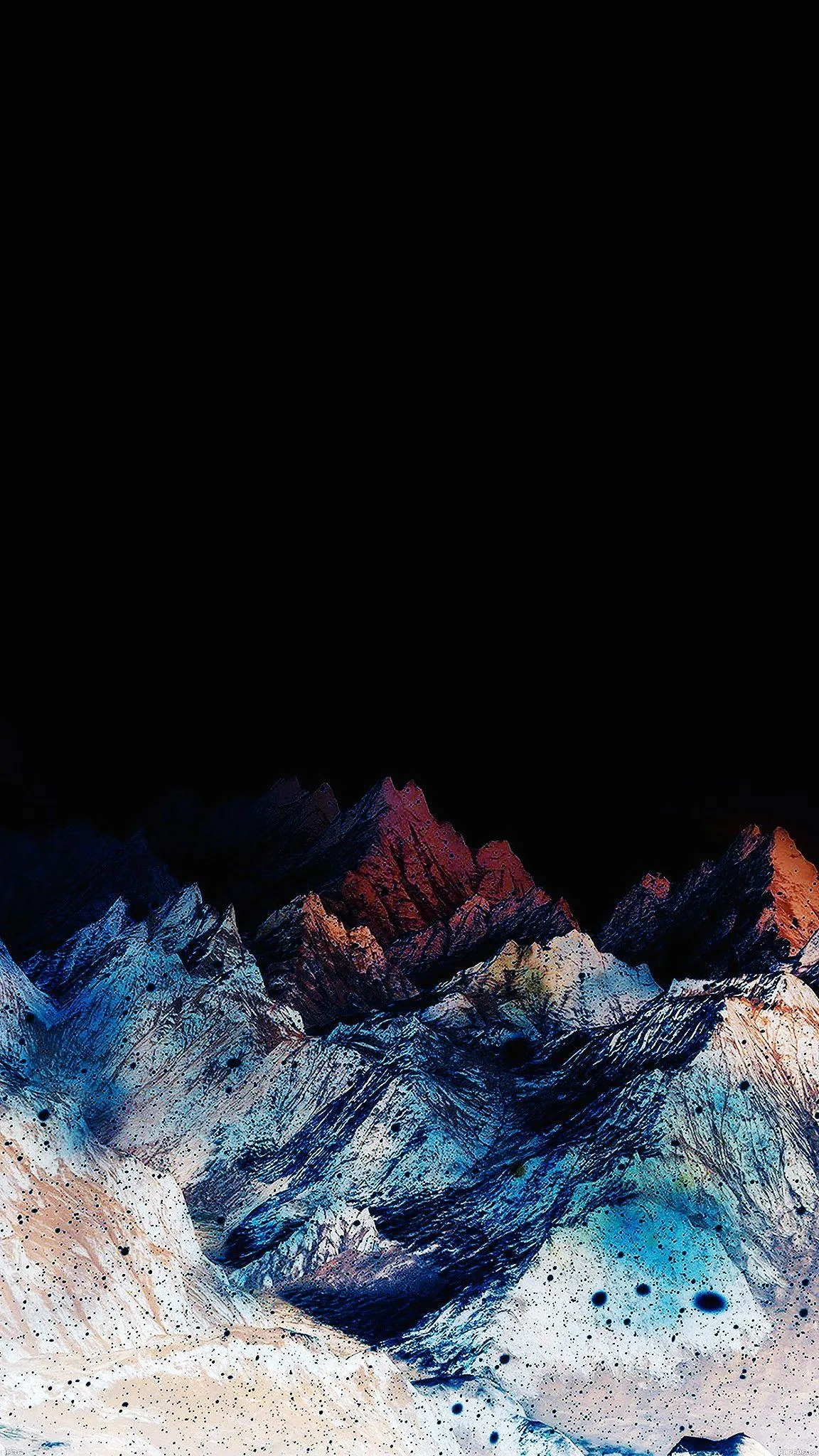


Every iPhone from the X onward (except the XR and 11) uses an OLED panel, where a #000000 pixel is not dark grey — it is off, drawing no power. That is a measurable battery difference over a day, not a marketing claim, and it is why these files are checked for true black rather than very dark grey. Files are 1170x2532 and above. Our OLED test tool will confirm whether the one you picked is genuinely #000000. Long-press to save, free for personal use.
Common questions
How do I set one as my wallpaper?
Long-press the image and choose Save to Photos, then open Settings → Wallpaper → Add New Wallpaper and pick it from your library.
Last updated: