Big All Black Wallpaper
Big blacks for big screens — macOS Big Sur's dark edit, panther drama, wood-grain darks, deep fills that scale without falling apart. Free to download.
















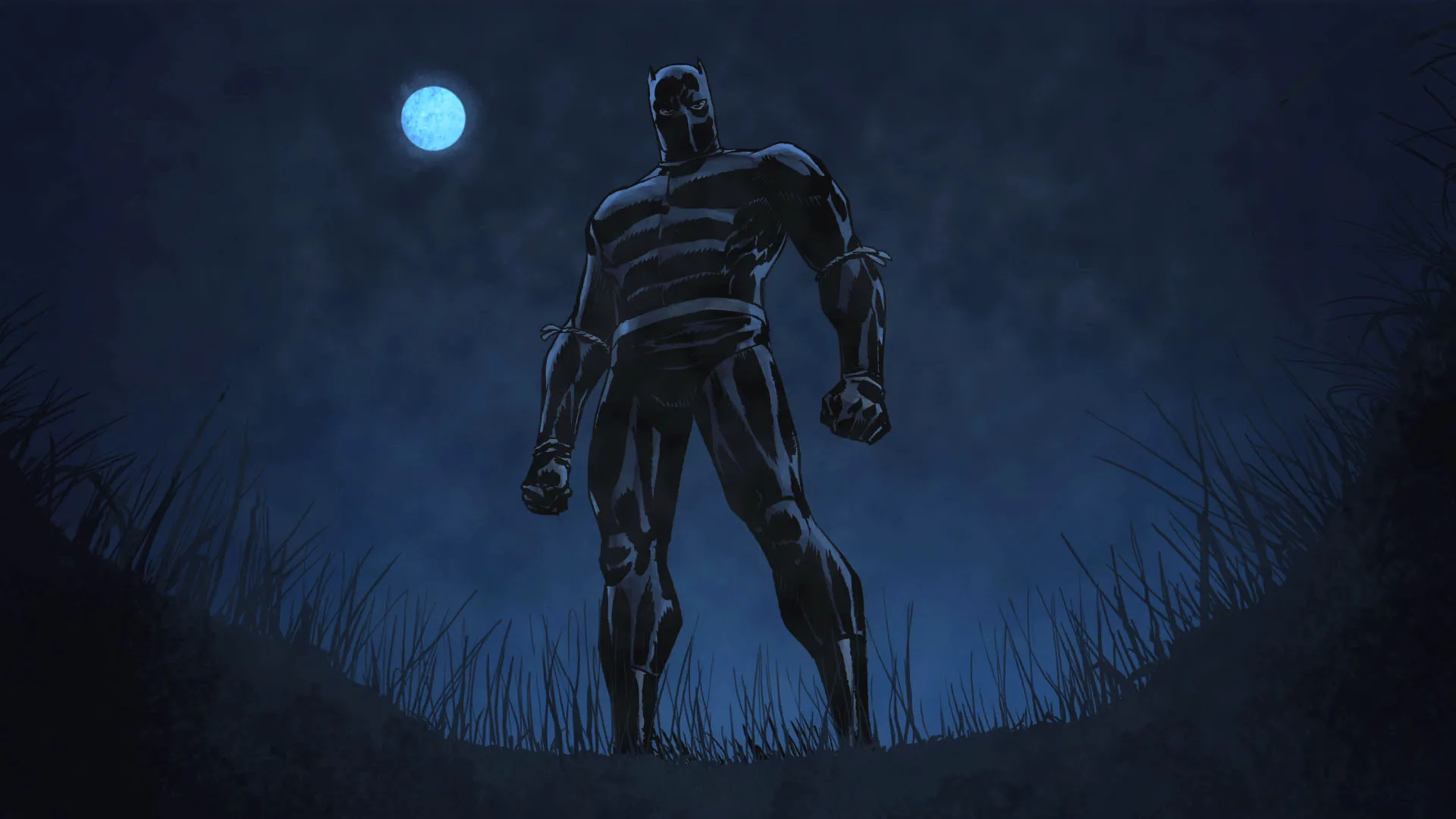













Big means two things here and both are served: files sized generously enough for large monitors without going soft, and compositions with scale built in — the Big Sur dark-mode edit, a panther piece with presence, wood-grain blacks that keep their texture at 27 inches. Wide frames lead comfortably. Right-click the full image, Save image as, then set it as your background on the biggest screen you own. Free for personal use, no watermark anywhere.
Common questions
Do black wallpapers actually save battery?
On OLED and AMOLED screens, yes. A true-black (#000000) pixel is switched off rather than dimmed, so it draws no power — and with an always-on display that runs all day the difference is measurable. On an LCD screen it saves nothing, because the backlight stays on either way. Not sure which you have? Our OLED test tool fills the screen with pure black: on an OLED it goes completely dark, on an LCD you can still see the backlight glowing grey.
How do I set one as my wallpaper?
Long-press on mobile or right-click on desktop to save the image, then set it from your gallery or system wallpaper settings.
Last updated: