1080P Black Phone Wallpaper
Phone blacks at 1080p — shiny piano-black pieces, water droplets on dark, pastel-accented blacks. Tall cuts almost exclusively, sized for everyday screens. Free to download.









































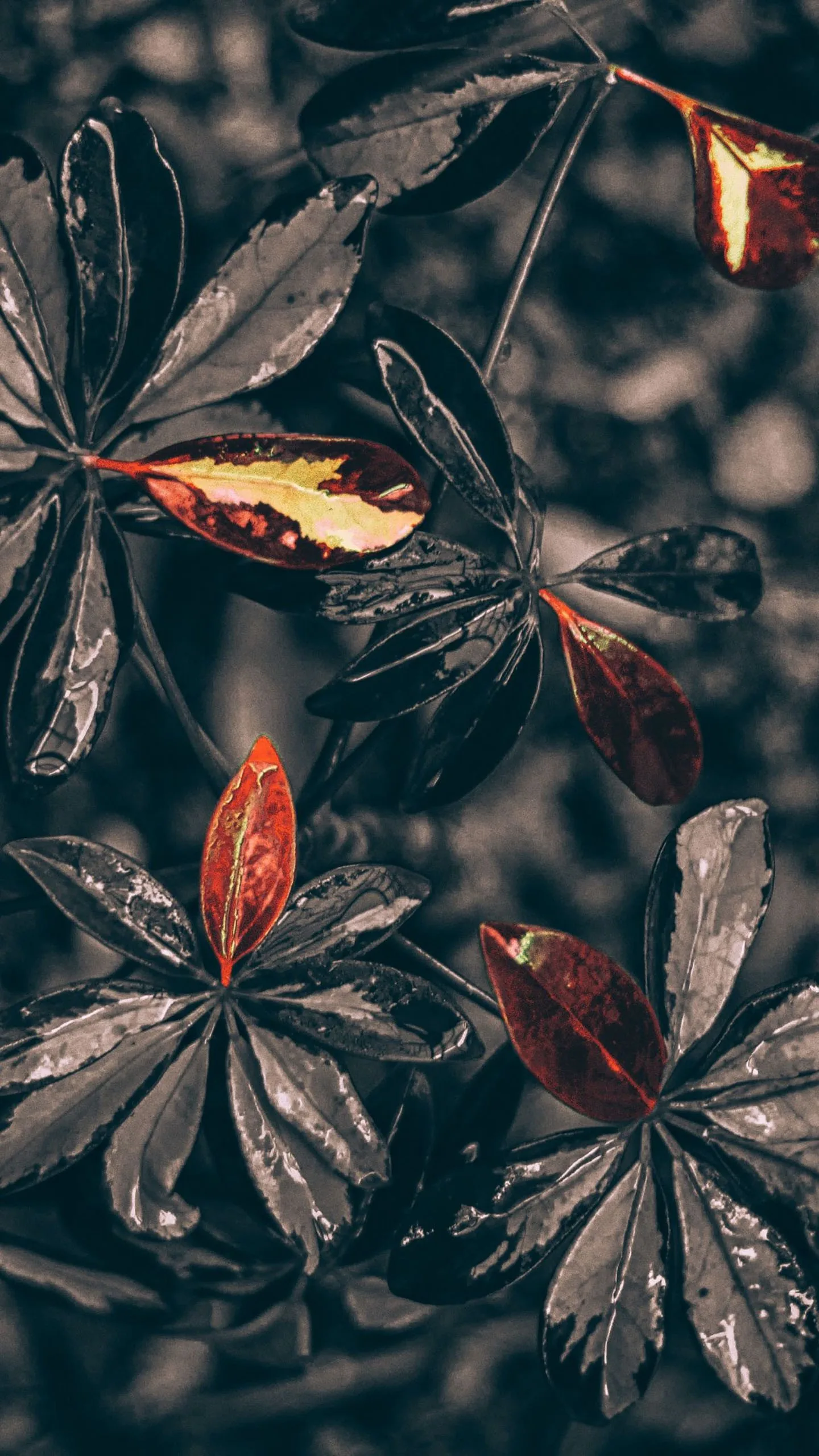

Most phones in the world still run screens around this resolution, and a file that matches them needs no scaling and loses no sharpness. The picks stay phone-shaped and phone-minded: a shiny black that mimics piano lacquer, droplets that give the glass a just-rained-on look, blacks with a soft pastel accent for home screens that want one hint of colour. Nearly everything is portrait — desktop users should head to the 1080p desktop gallery instead. Long-press the image, save it, then set it as your wallpaper from the gallery app. Free for personal use, no signup.
Common questions
Do black wallpapers actually save battery?
On OLED and AMOLED screens, yes. A true-black (#000000) pixel is switched off rather than dimmed, so it draws no power — and with an always-on display that runs all day the difference is measurable. On an LCD screen it saves nothing, because the backlight stays on either way. Not sure which you have? Our OLED test tool fills the screen with pure black: on an OLED it goes completely dark, on an LCD you can still see the backlight glowing grey.
How do I set one as my wallpaper?
Long-press on mobile or right-click on desktop to save the image, then set it from your gallery or system wallpaper settings.
Last updated: